What Actually Shipped
On July 20, iOS 27 beta 4 added a Health data sharing reminder system. Per 9to5Mac, it works similarly to the location permission alerts you already know, meaning periodic prompts reminding you which apps can access your Health data. That one line is basically everything we know so far. The exact wording, the frequency, whether you can tune it, all still unconfirmed in beta, so I'm not going to invent details.
The instinct with a feature like this is to say Apple is admitting the system is broken. I've seen that take already, and I want to push back on it, because it gets the actual problem wrong.
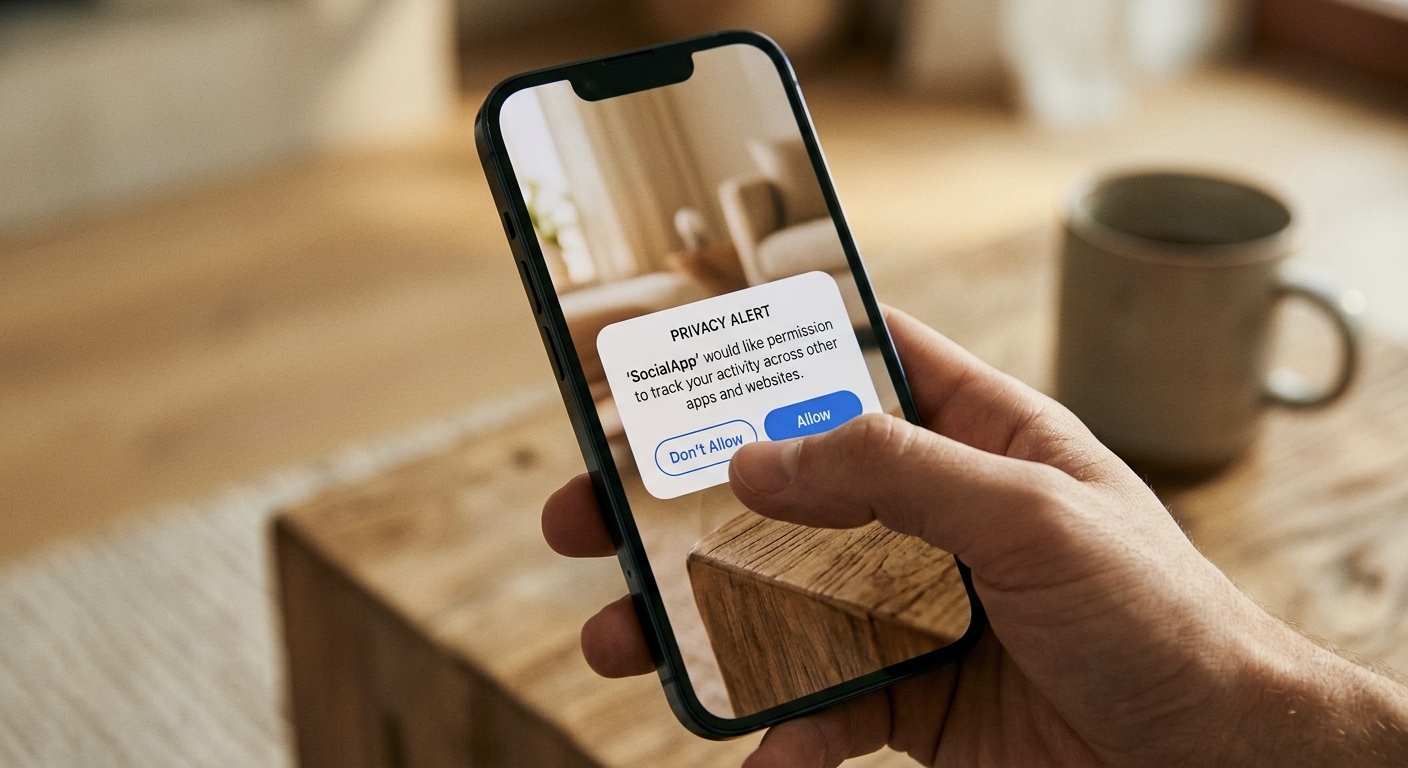
The Permission Model Was Never the Problem
Let's be precise, because precision is the whole point of writing about privacy. Health data on iOS is not blanket access. It's fully opt-in, per app and per data type. A running app can ask for workouts without ever seeing your medications. Read and write are separate grants, so an app can be allowed to save data without being allowed to read your history. You can revoke any of it, any time, in Settings, Health, Data Access & Devices.
It goes further than most people realize. Apps can't see what other apps have been granted. An app can't even conclusively tell that you denied it read access, because a denied read just looks like empty data. That's a deliberate design choice, so declining doesn't leak information either. As a developer who works inside these APIs, I'll say it plainly, this is one of the best permission models Apple has ever shipped. Better than photos was for years. Better than contacts still is.
The Gunshot Wound Is Your Memory
So why does the band-aid exist? Because the model has one real gap, and it's human, not technical. You grant access once, and then you forget.
You gave a fitness app heart rate access in 2023. You stopped using it in 2024. You deleted your account, maybe even deleted the app, reinstalled it once to check something, and the grant is still sitting there. Nothing ever surfaced it again. There was no proactive reminder anywhere in the system. Grant once, forget forever. I think of it as grant rot, and everyone's Health settings have some.
We've seen this movie before with location. Remember the first time iOS told you "app X used your location in the background" with a little map? People were genuinely startled, and a lot of apps lost their always-on location access that week. The permission model hadn't changed at all. What changed was that the system started refreshing your memory, and behavior followed. These Health reminders are the same play aimed at more sensitive data.
And Health data is worth the extra attention. Heart rate, sleep, medications, cycle tracking, that's a different tier of sensitive than your step count. A stale location grant tells someone where you've been. A stale Health grant can keep feeding an app your medical picture long after you stopped caring about the app. If reminders are going to exist anywhere, this is the right place to start.
The HR Guy in Me Approves
My day job is HR, and a surprising amount of that job is consent and documentation. One thing you learn fast, consent is not a one-time event. A form someone signed three years ago, for a situation that no longer exists, isn't meaningful consent, it's paperwork rot. Good process re-surfaces old authorizations and asks, is this still what you want?
That's exactly what this feature does. Consent decays. The app changes owners, your usage changes, your life changes, and the grant just sits there, frozen at the moment you tapped Allow. Periodic re-surfacing is what real consent hygiene looks like, in a workplace or on a phone. Apple building it into the OS is the right call, and honestly, other permission types deserve the same treatment.
For what it's worth, my own answer to this problem is more blunt. Most of my lineup keeps your data on device, full stop. There's nothing to remind you about, because nothing leaves your phone in the first place. The best sharing reminder is the one you never need.
What to Check Today
You don't need to wait for iOS 27. Open Settings, tap Health, then Data Access & Devices. That's the list of every app and device with a grant, right now. Tap each app and look at what it can read and write. If you don't recognize it, or you stopped using it, turn the access off. It takes five minutes and I'd bet money you find at least one app you forgot about.
Quick note, this is general information about iOS settings, not medical or legal advice.
You can see what privacy-first iOS apps look like at jcmobileappstudio.com/apps.
Comments
Be kind and stay on topic.
No comments yet. Be the first.