









DayCast
Plan, capture, reflect, track
JC Mobile App Studio
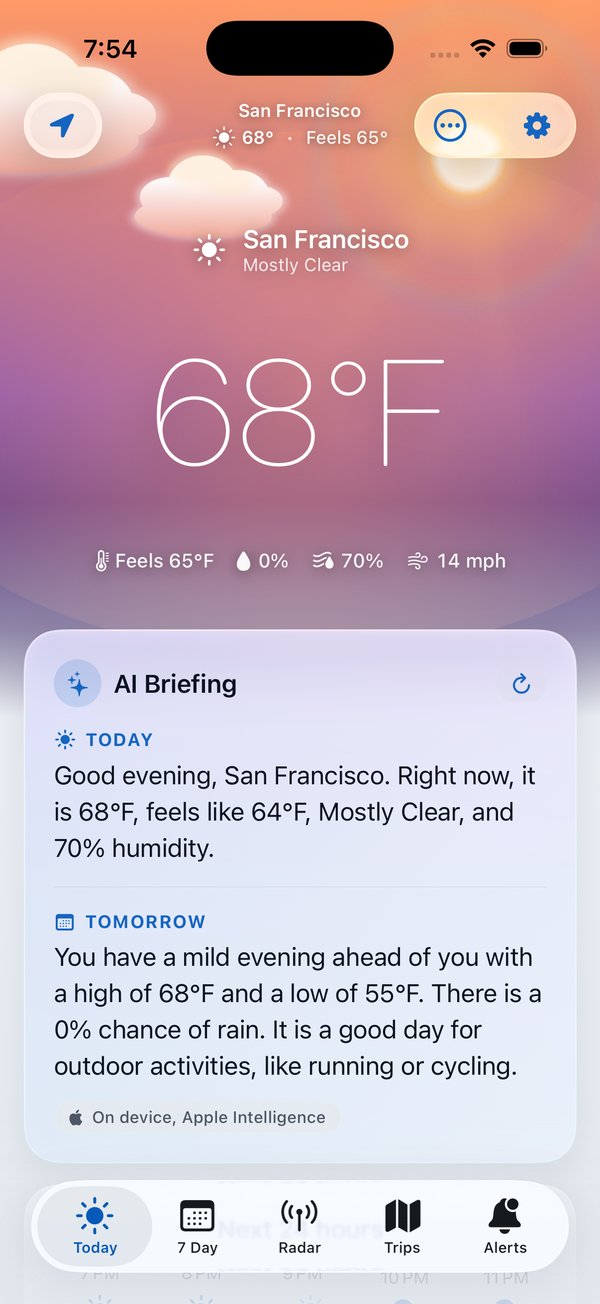
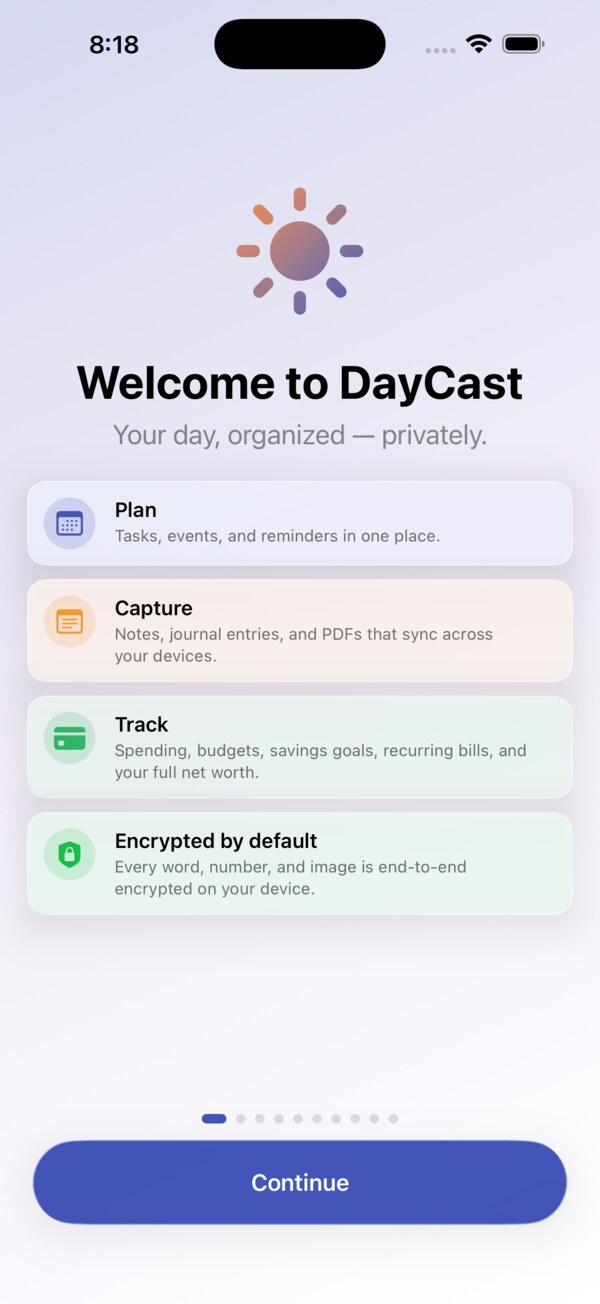
DayCast keeps your whole day in one private place: a planner, notes, a journal, a spending tracker, and a PDF toolkit, encrypted on your devices and wired to Apple Intelligence. Version 2.0.1 makes it simpler: one plus button per tab, cleaner menus, search that shows the answer first, and you choose which sections you see. It runs on iPhone, iPad, Mac, Apple Watch, and the web, all kept in step through your own iCloud.
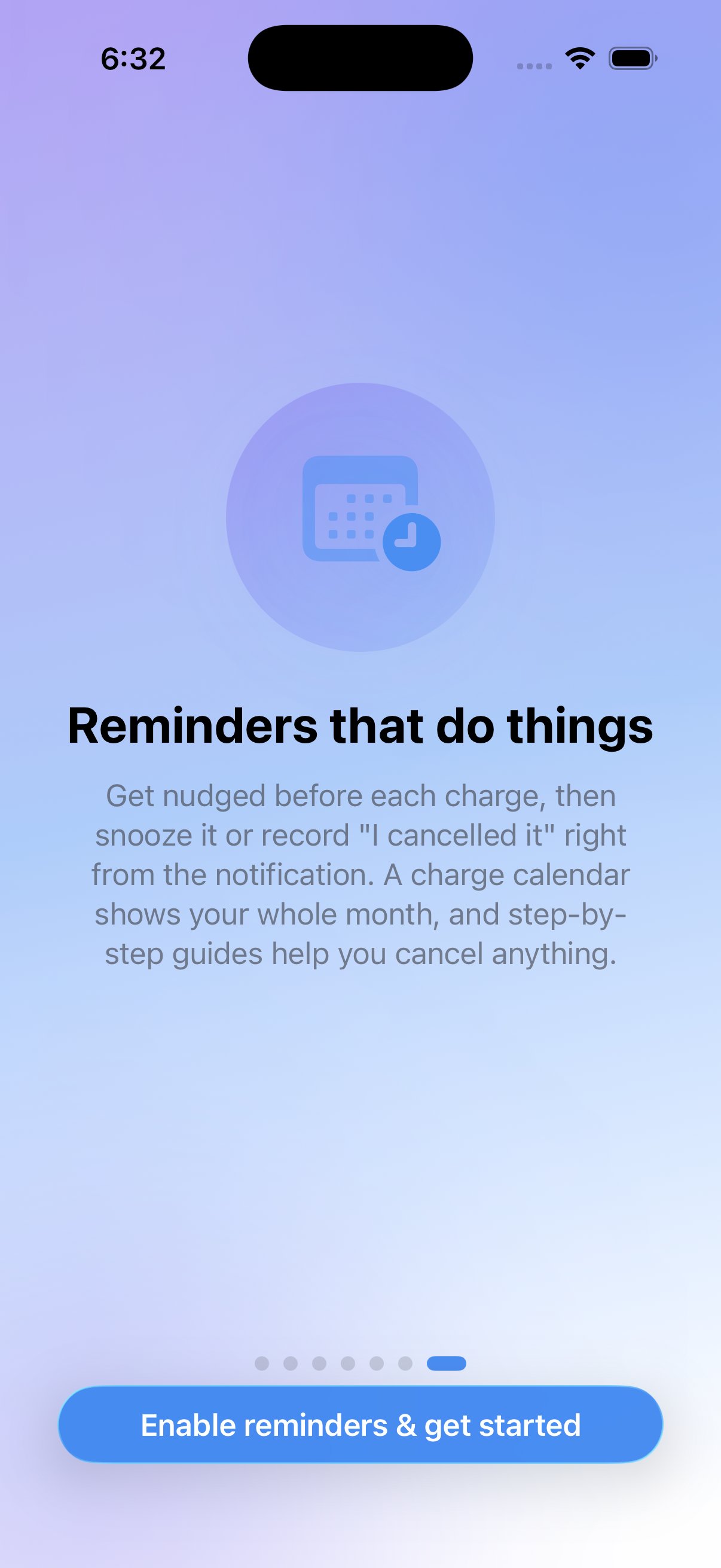
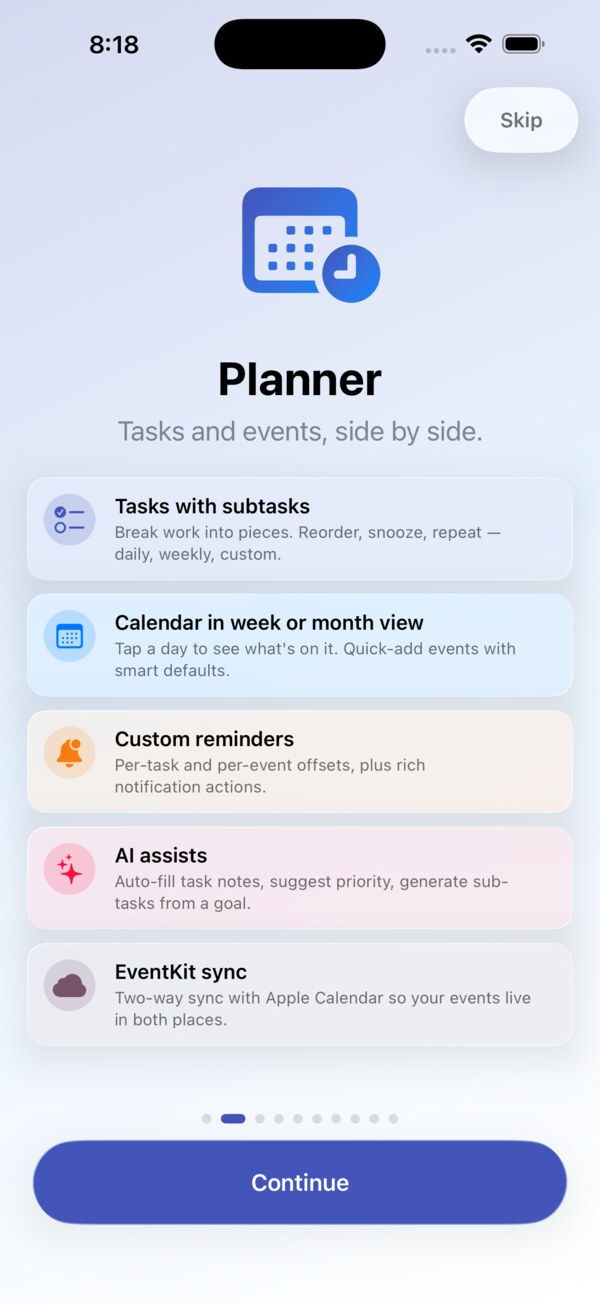
The Planner gives you Today, Upcoming, Anytime, and Someday views and a Logbook of what you finished. Type something like "Call Sam Friday 3pm !high" and the date, time, and priority fill themselves in. Plan My Day fits your open tasks into the free time around your calendar. Paste a list as tasks, pause a repeating series, and get reminded at a time or when you arrive somewhere. Day, week, month, and timeline views sit behind one Calendar switch, and projects, energy levels, a completion heatmap, and habits with streaks round it out.
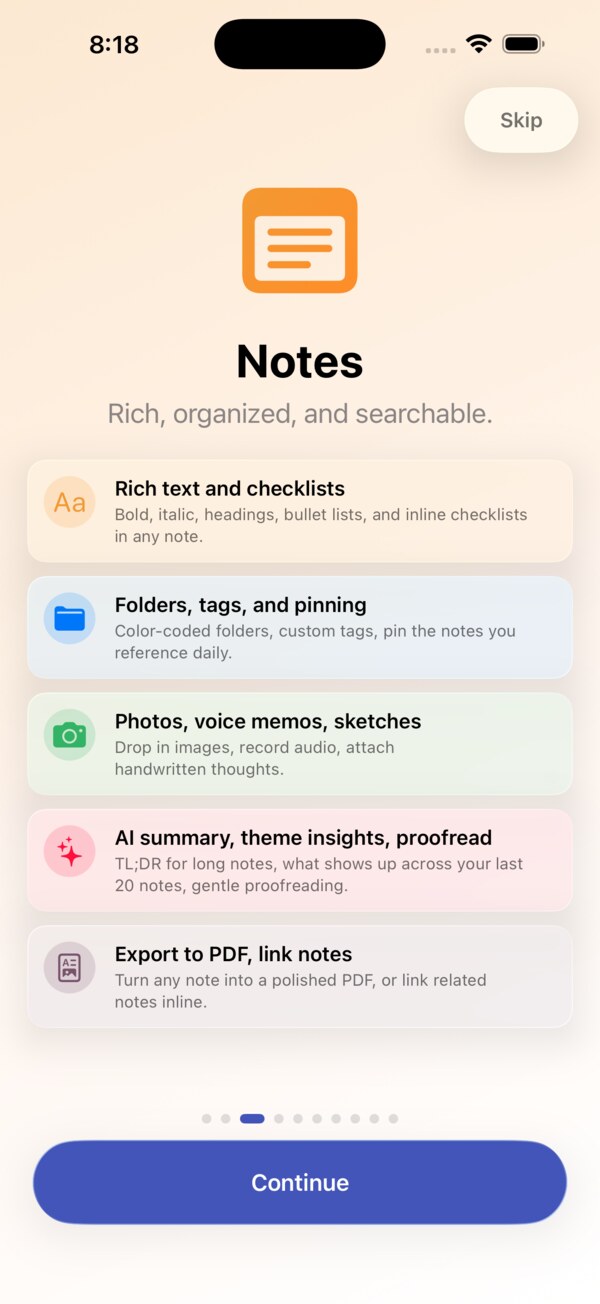
Notes holds rich text with highlight colors, collapsible headings, tables, checklists, and code blocks, in notebooks with tags and saved searches. Type / to add a heading, checklist, table, photo, or callout, and type # to tag as you write. Everything you share, clip, or email in waits in an Inbox until you file it. See notes as a list or as cards, copy and paste Markdown, keep a daily note, write by hand, do math inline, scan documents, and turn notes into flashcards. Coming from Evernote? Bring your ENEX export in with notebooks, tags, and attachments intact.
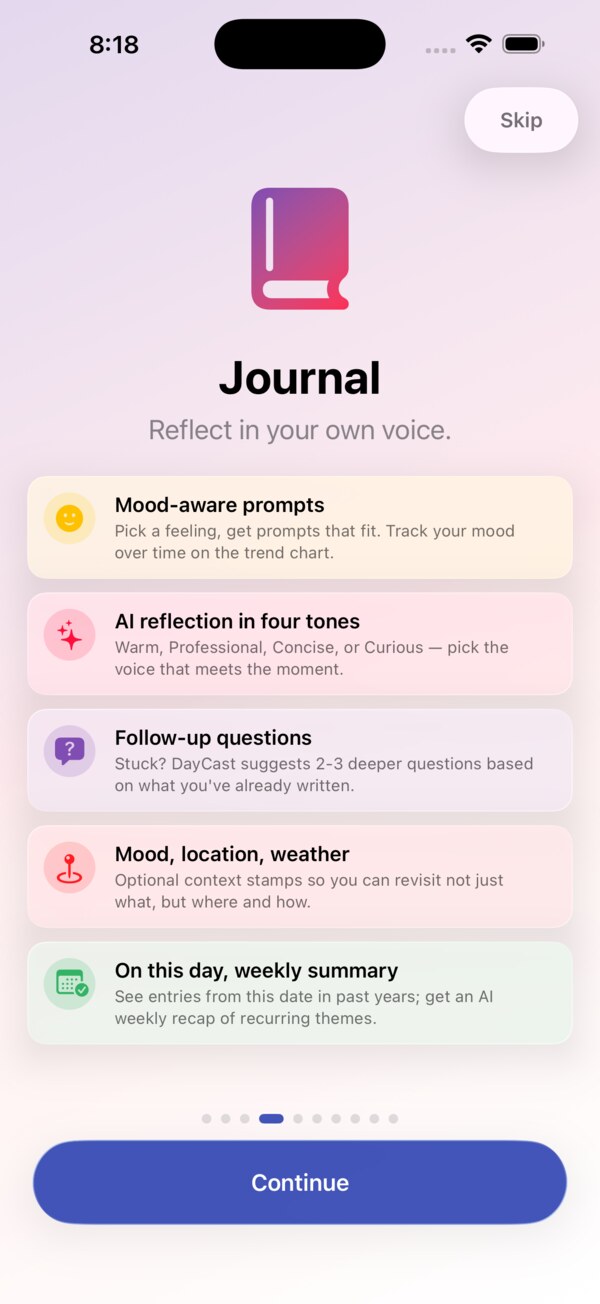
The Journal tracks moods, activities, and custom scales, with photos, video and audio transcripts, prompt packs, On This Day, Life Patterns, and a Year in Review. A breathing exercise logs Mindful Minutes, a First Aid Kit is there on hard days, and you can import your Apple Journal entries.
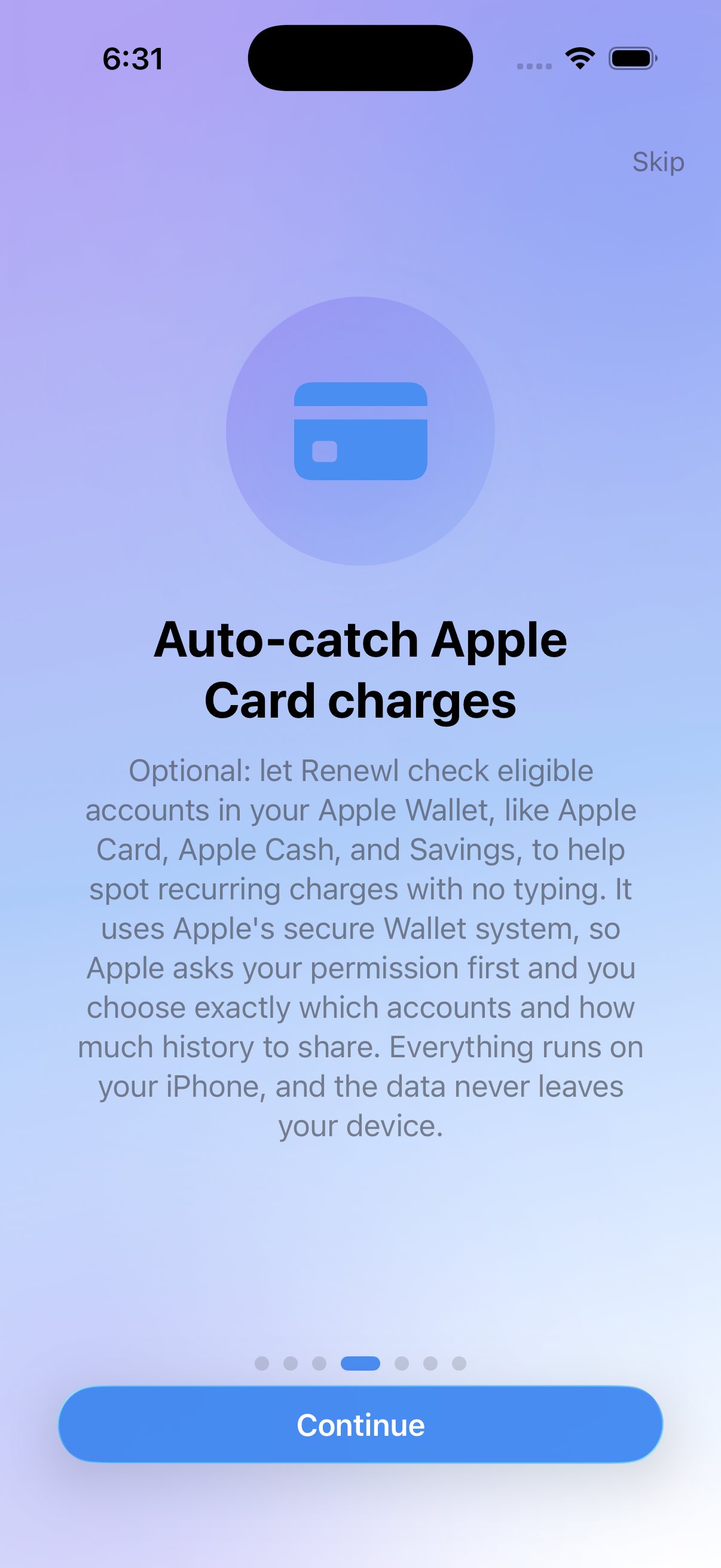
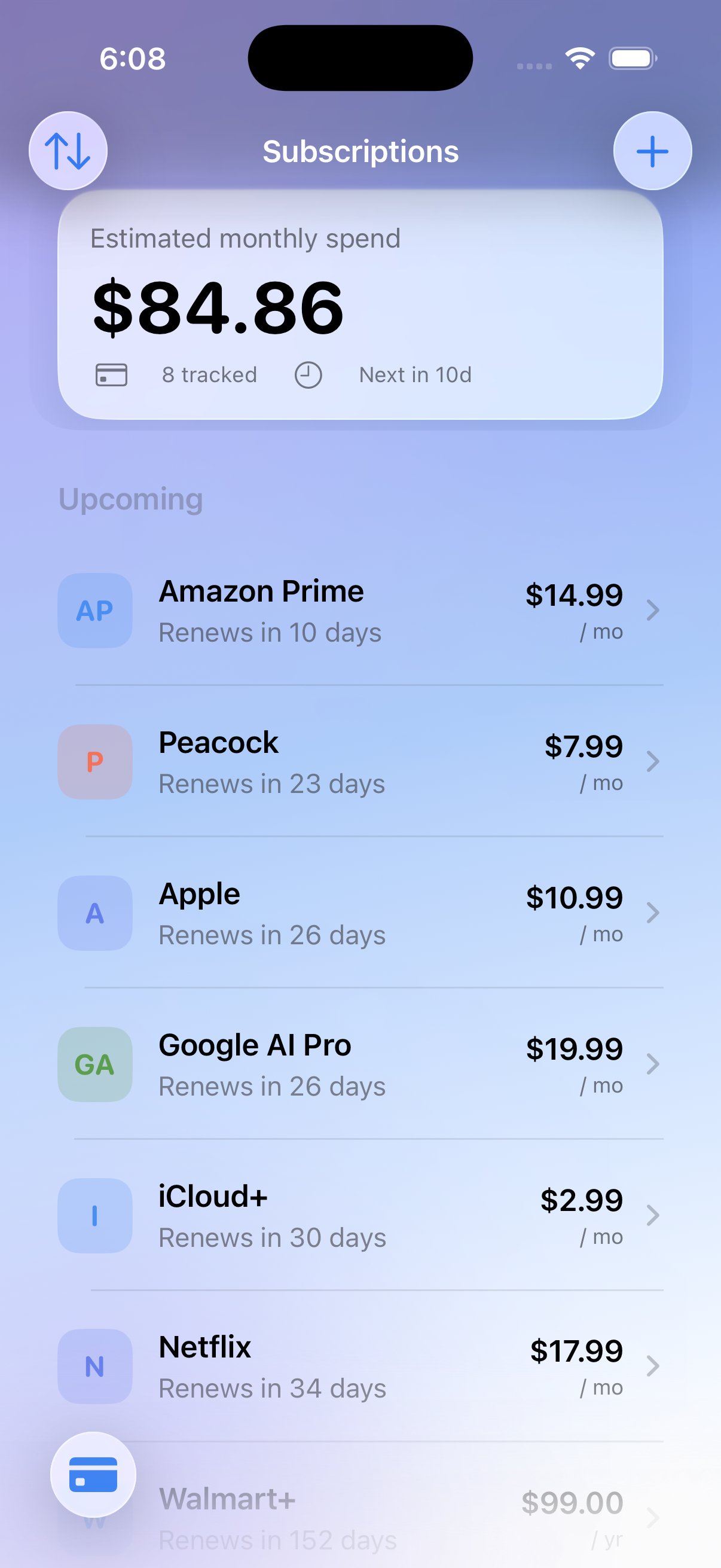
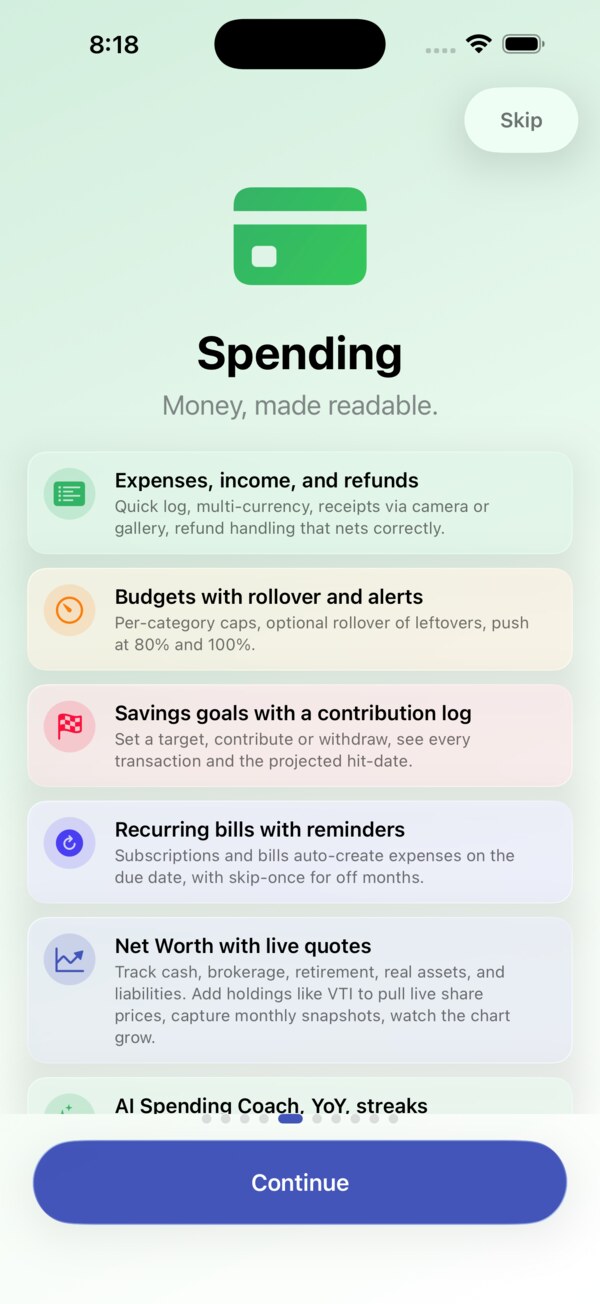
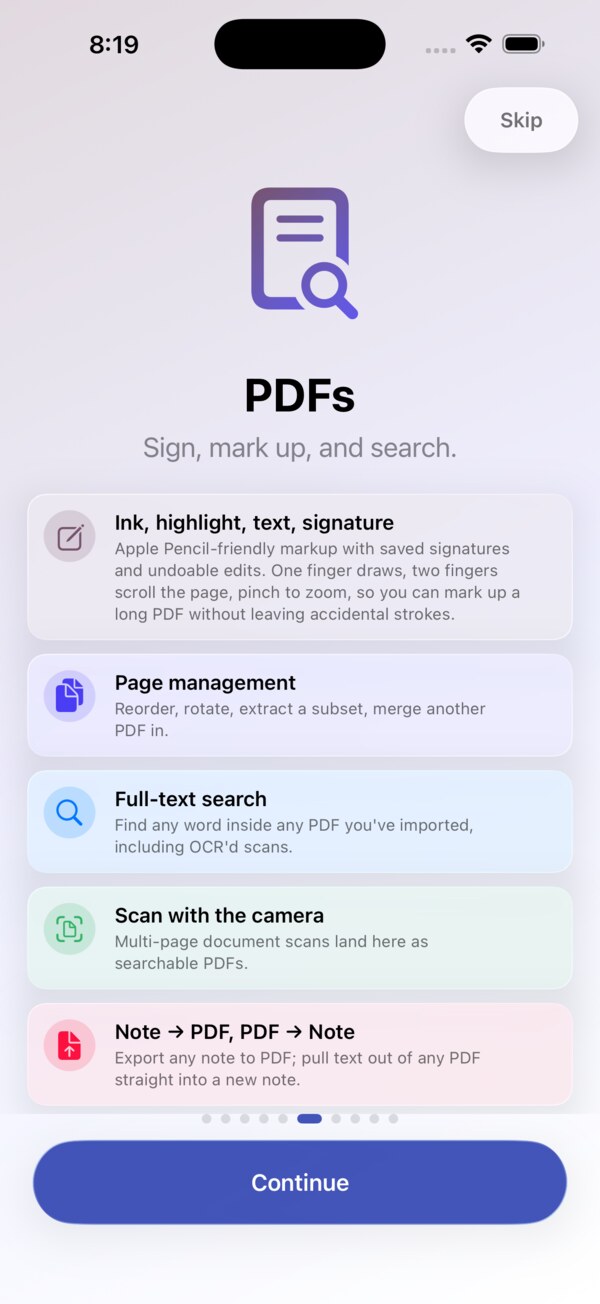
With Apple Card and Apple Wallet, purchases arrive in Spending on their own, already categorized. Safe to Spend shows what is really free today, worked out from your balance or this month's income. Spending gives every dollar a job with zero-based budgeting and Ready to Assign. Scan a receipt and its line items fill in, with a price history for what you buy often. Import bank files (OFX, QFX, QIF), keep transfers out of your totals, and get alerts before a budget runs hot. Bills, subscriptions, savings goals, Hide Amounts, and a monthly Month in Review are all here, and the Reports Hub covers trends, cash flow, merchants, and taxes. Specialist tools like the priority matrix, duplicate day, note map, net worth, debt payoff, and product prices live in Labs, ready to switch on in Settings. The PDF toolkit reads, signs, marks up, fills forms, and searches inside every PDF you import.
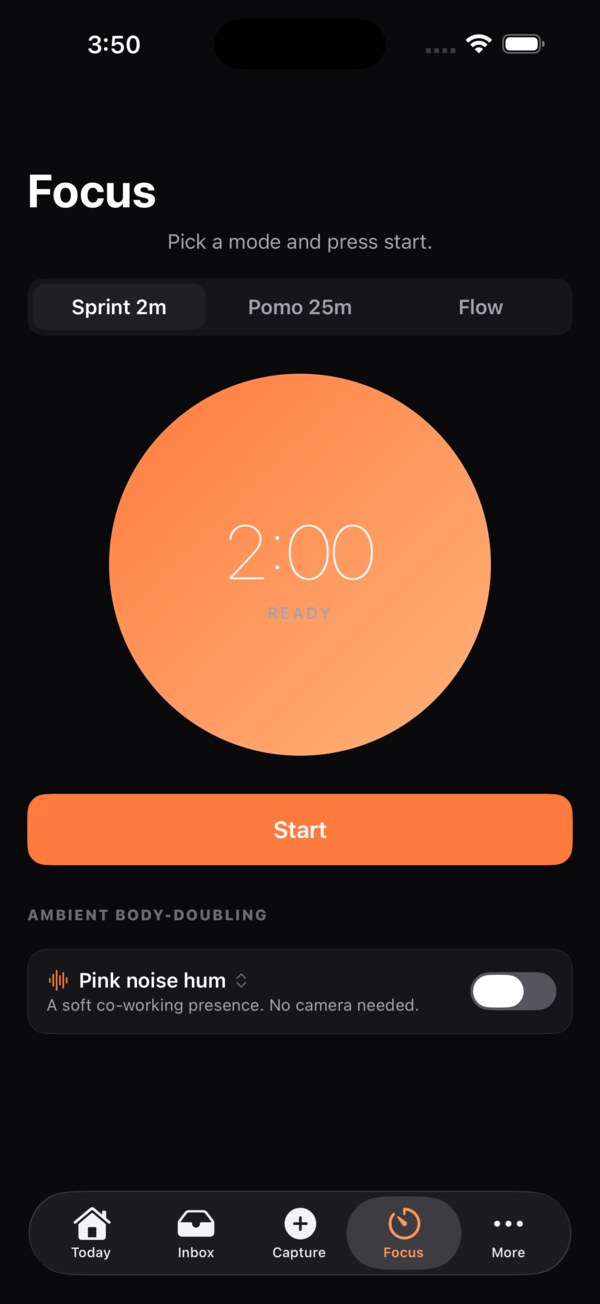
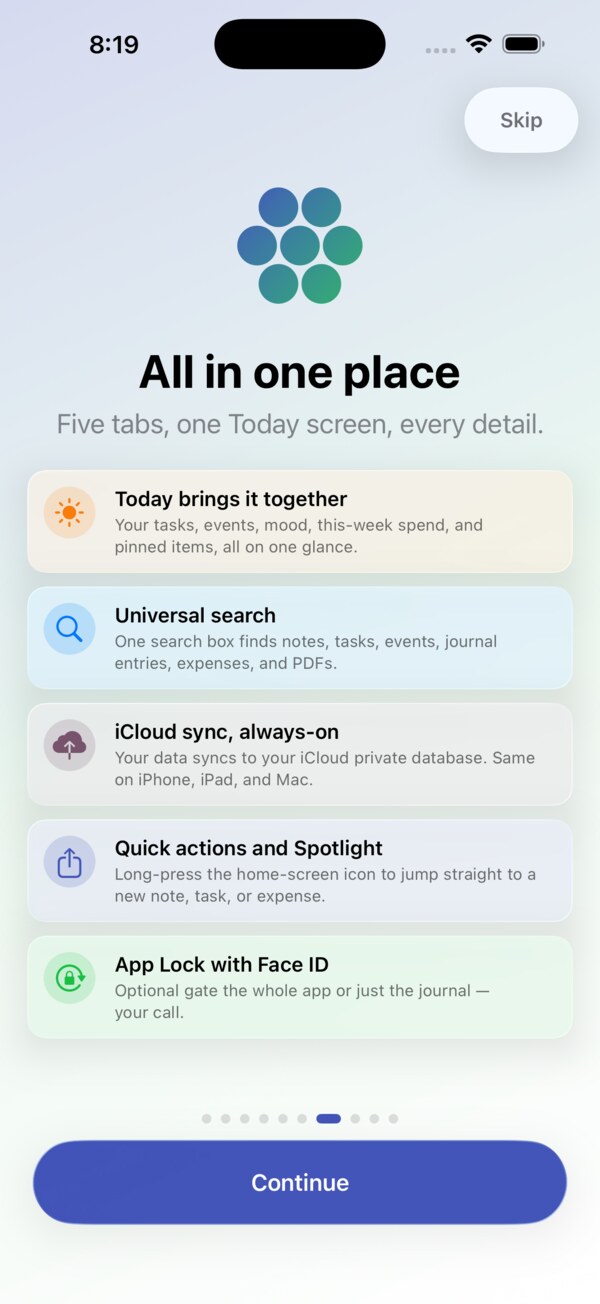
Search across everything shows the date, amount, or code you need first. On the Mac, DayCast has a sidebar, an inspector, a full menu bar, keyboard shortcuts (Command-K finds anything or creates it), multiple windows, drag and drop from the Finder, printing, and Handoff. On Apple Watch, check off today's tasks, run a focus timer, log a mood or an expense, and read pinned notes. On the web, open your data from any computer's browser, unlocked with a passphrase only you know. You can also email things into DayCast, save pages with the web clipper, and share a note or a journal with other iCloud users and comment together. On Android, DayCast runs on phones, foldables, and Googlebooks with a full desktop layout, syncs privately through your own Google Drive, and opens in any browser too.
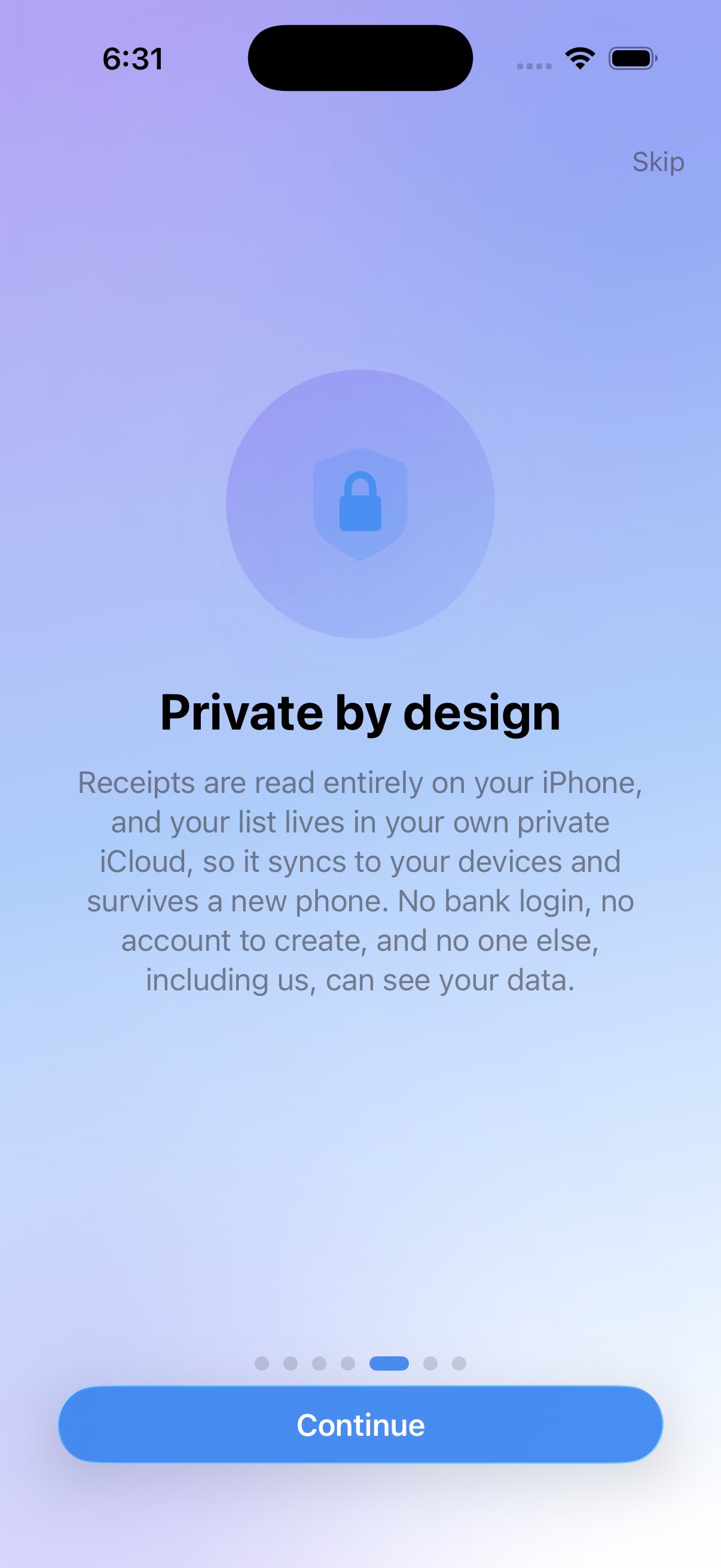
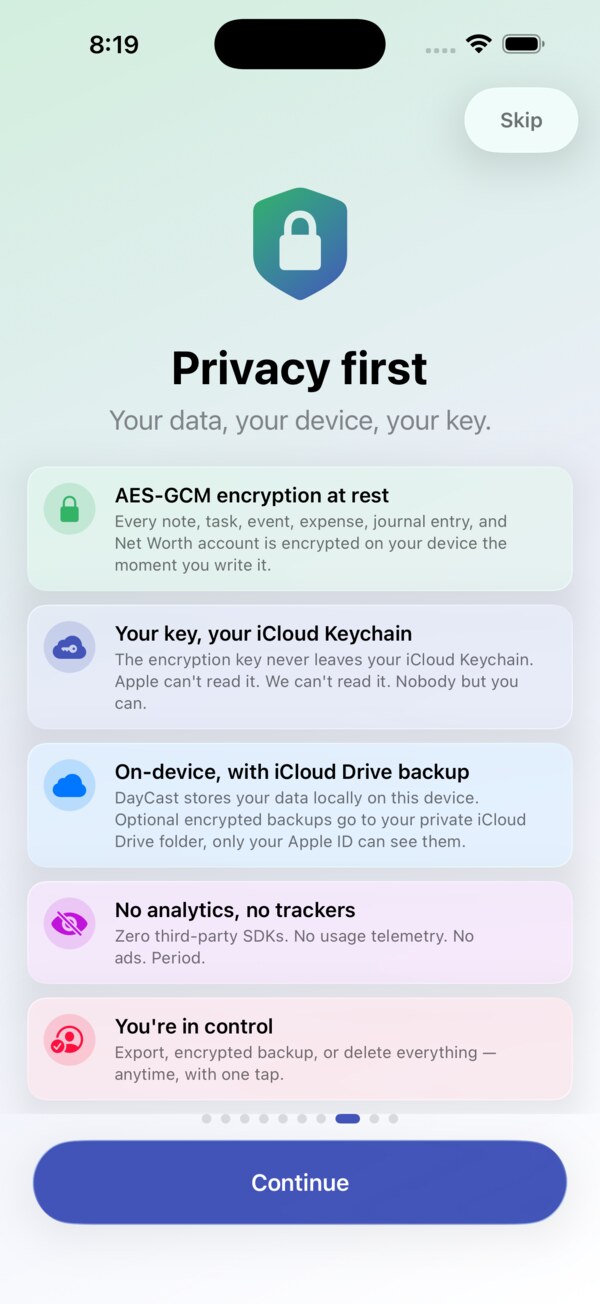
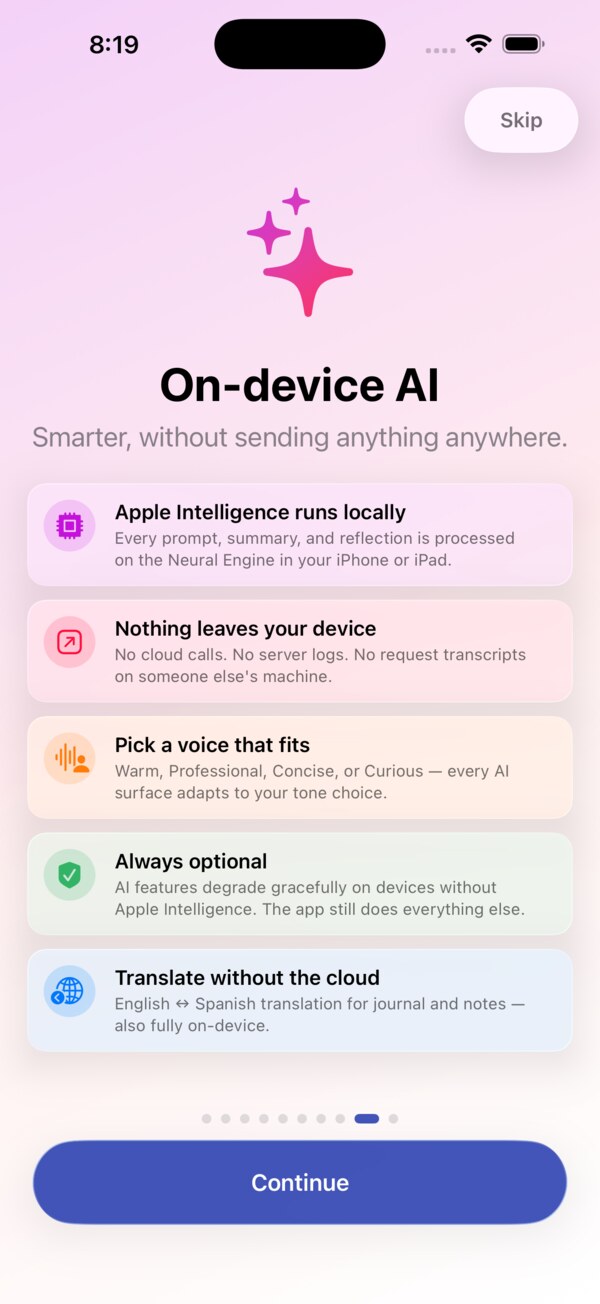
Your notes, tasks, journal, and spending are encrypted on your devices before they sync, and your key stays in your iCloud Keychain, so Apple only ever stores ciphertext. iCloud sync is optional, and DayCast works fully offline. Shared notes and journals are readable by the people you invite. The AI features run on your device with Apple Intelligence, and Ask DayCast can use Apple's Private Cloud Compute only if you turn it on. No account, no ads, no trackers, no data sale.
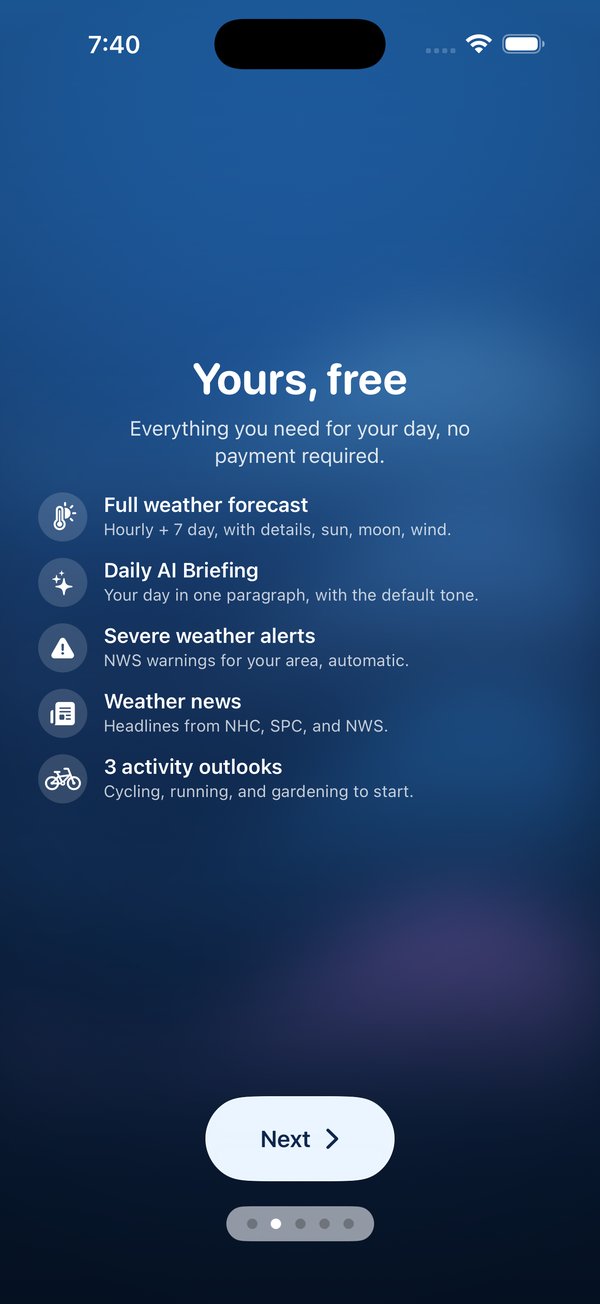
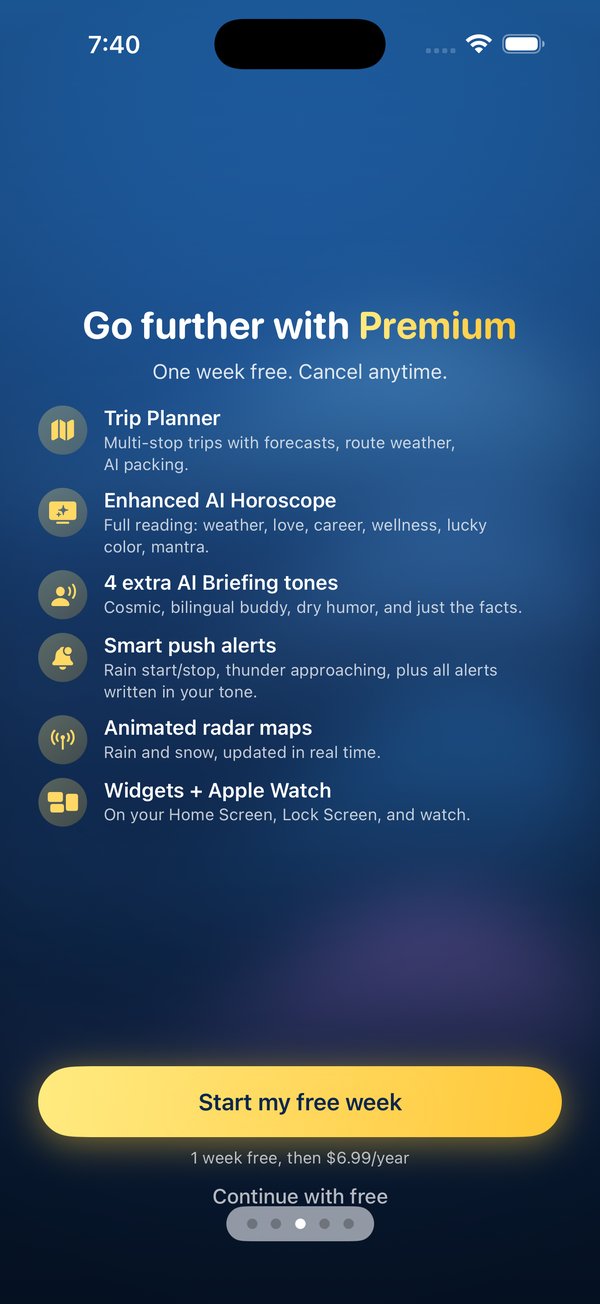
DayCast is free to use, including sync, the Mac, Watch, and web apps, sharing, and imports. Premium unlocks Apple Card and Wallet import, the AI tools, the Reports Hub, the advanced PDF tools, extra journals, templates, and unlimited budgets, goals, and projects, for $5.99 a month or $49.99 a year, with a 7-day free trial. One subscription covers iPhone, iPad, Mac, and the web app.
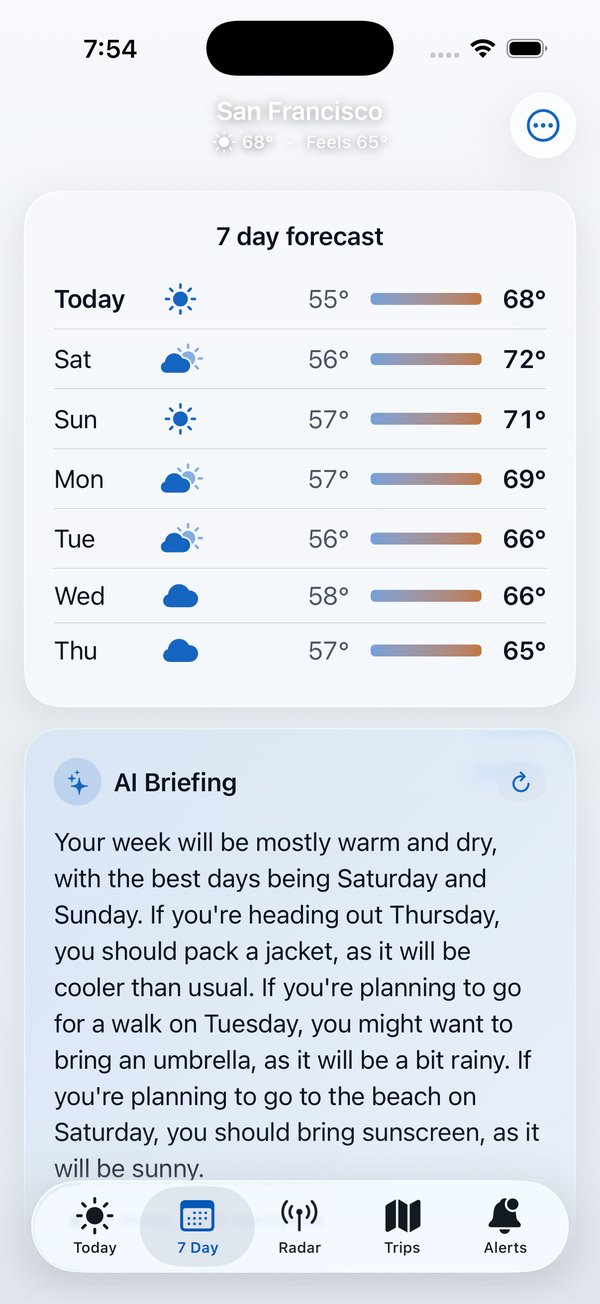
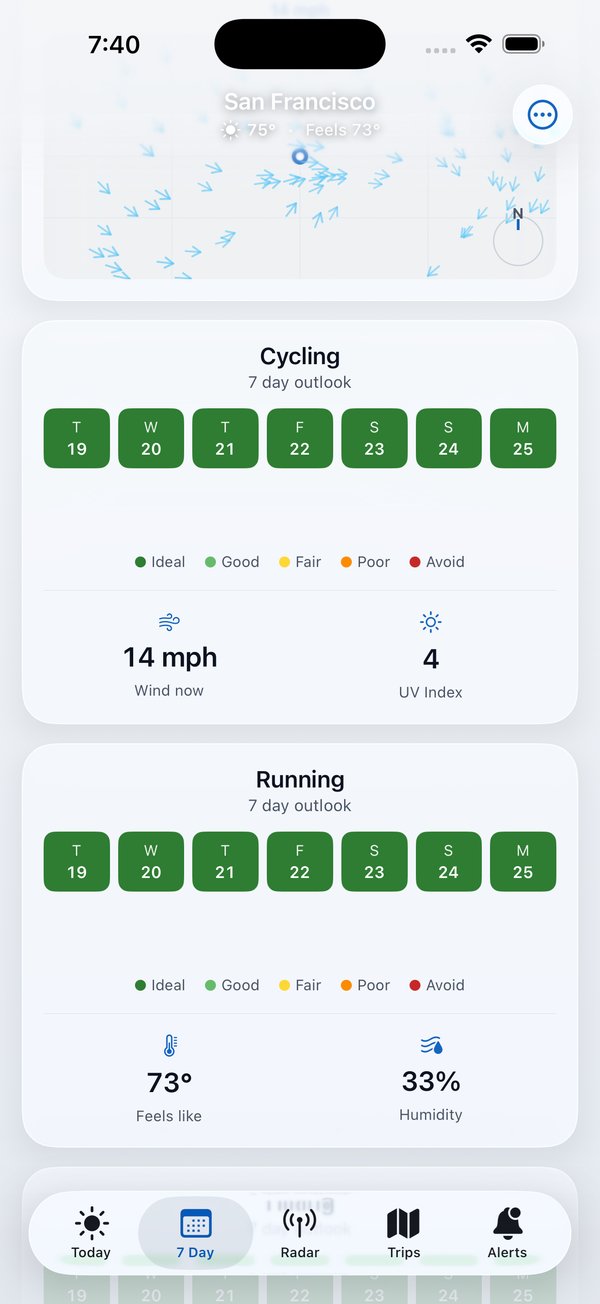
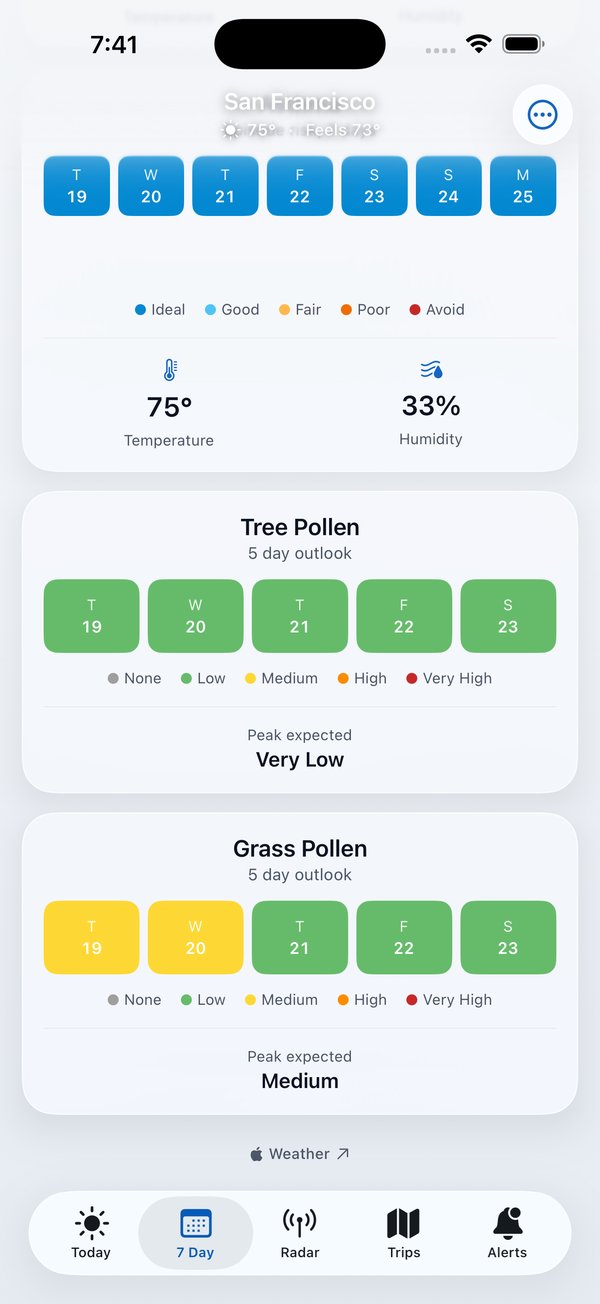
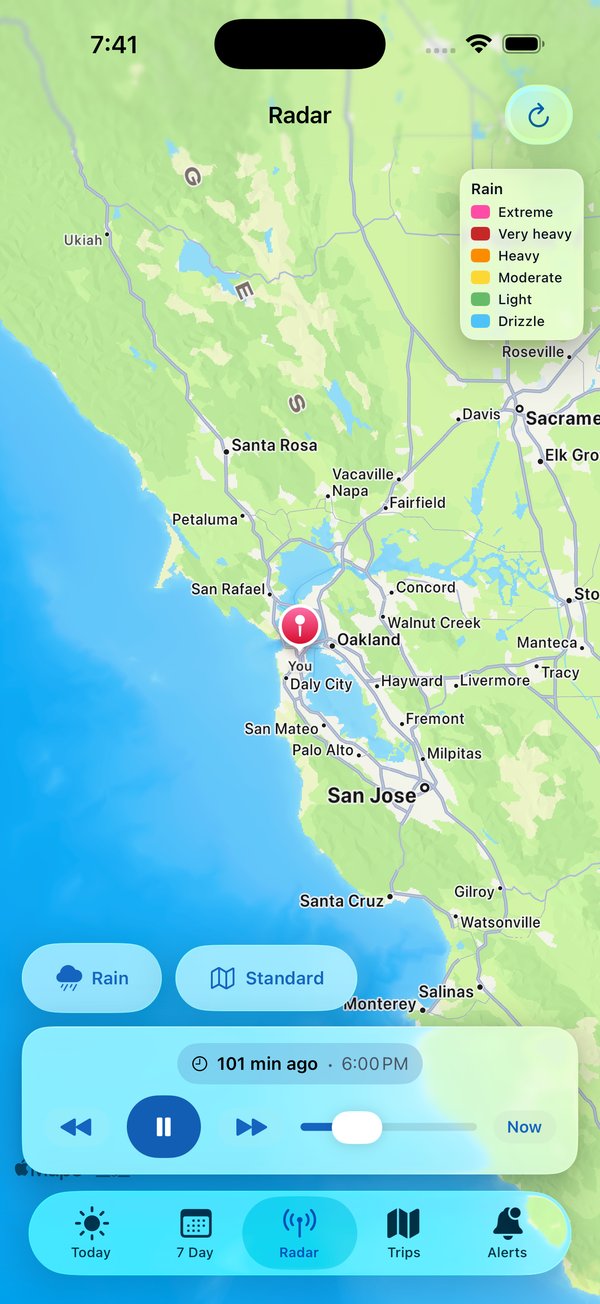
App preview
What's inside
- iPhone, iPad, Mac, Apple Watch, and the web, synced through your own iCloud
- End-to-end encrypted sync, key in your iCloud Keychain, no account
- Today, Upcoming, Anytime, Someday, and a Logbook
- Plan My Day fits tasks around your calendar
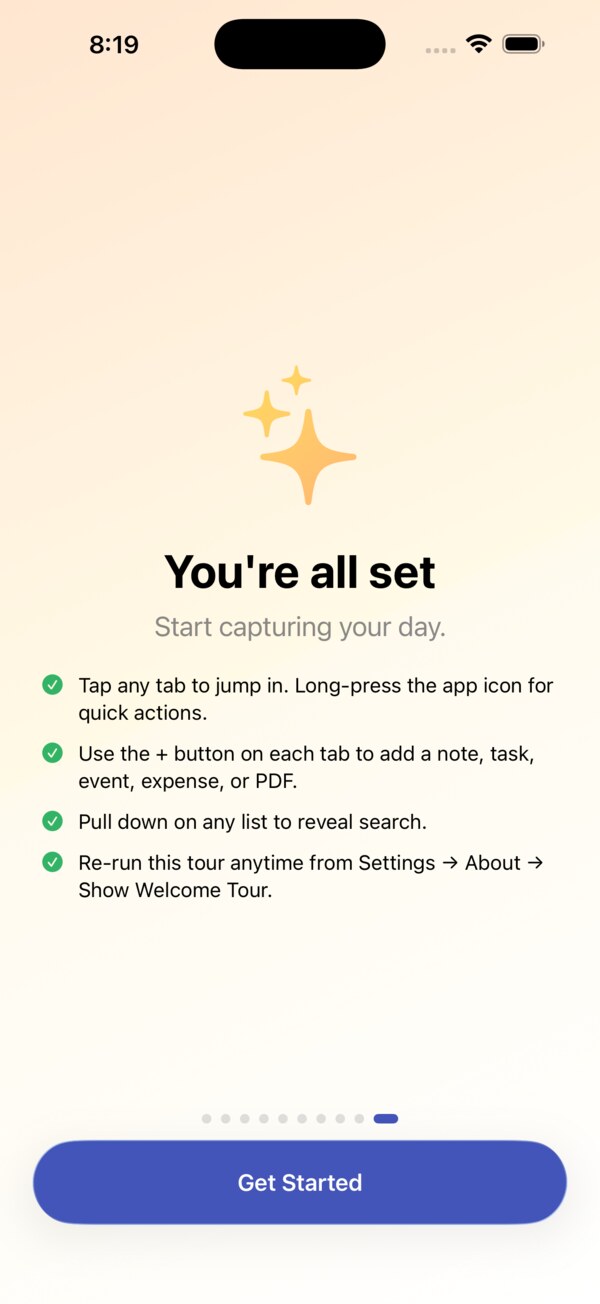
- Natural language quick add, Paste as Tasks, one plus button per tab
- Time and location reminders, habits with streaks
- Notes: type / for blocks and # for tags, an Inbox, list or card view
- Search that shows the date, amount, or code first
- Import from Evernote (ENEX) and Apple Journal
- Share notes and journals with iCloud users, with comments
- Journal: moods, activities, scales, prompt packs, Life Patterns
- Zero-based budgeting with Ready to Assign
- Receipt line items with price history, bank file import
- Apple Card and Wallet auto-import, Safe to Spend from your balance
- Bills, goals, subscriptions, Month in Review
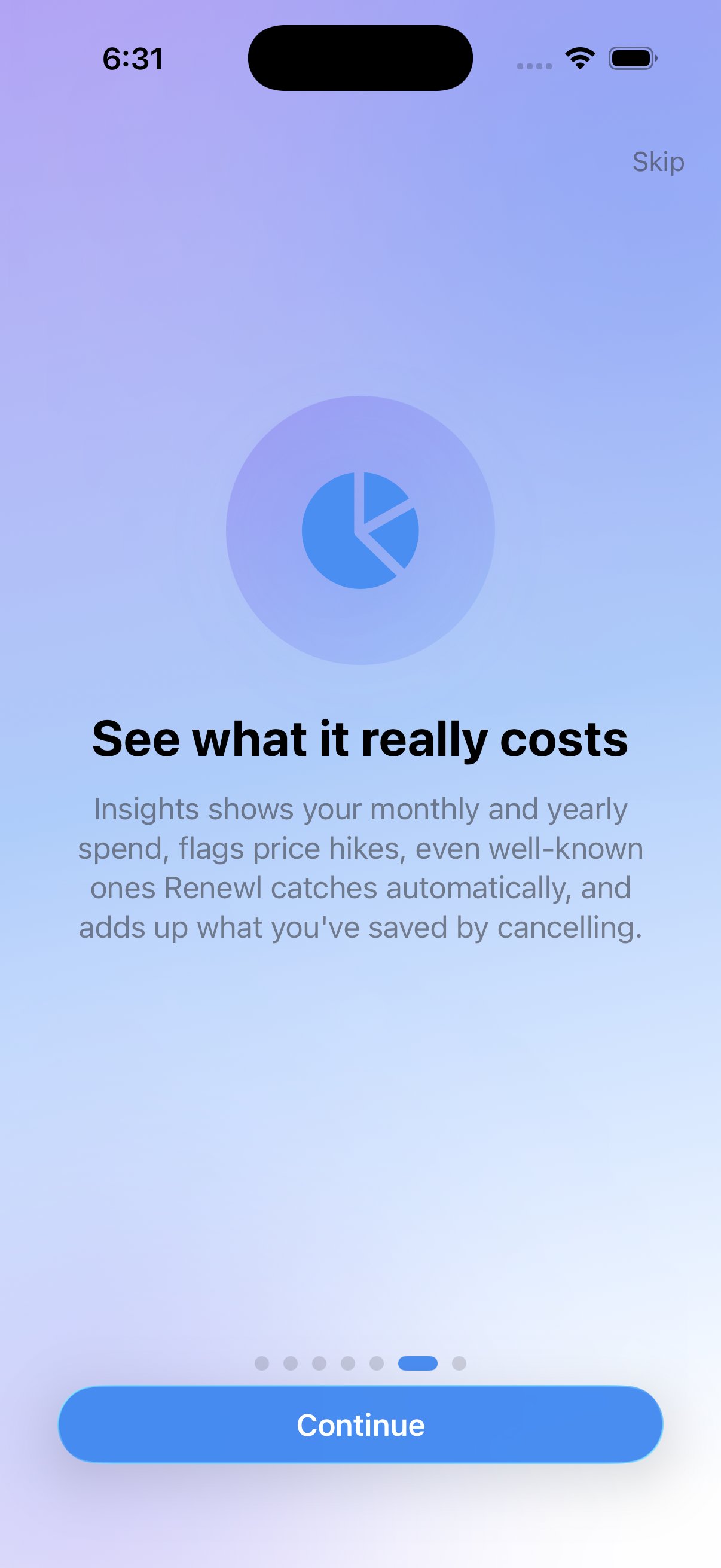
- Reports Hub: trends, cash flow, merchants, taxes
- Choose your sections; Labs for specialist tools
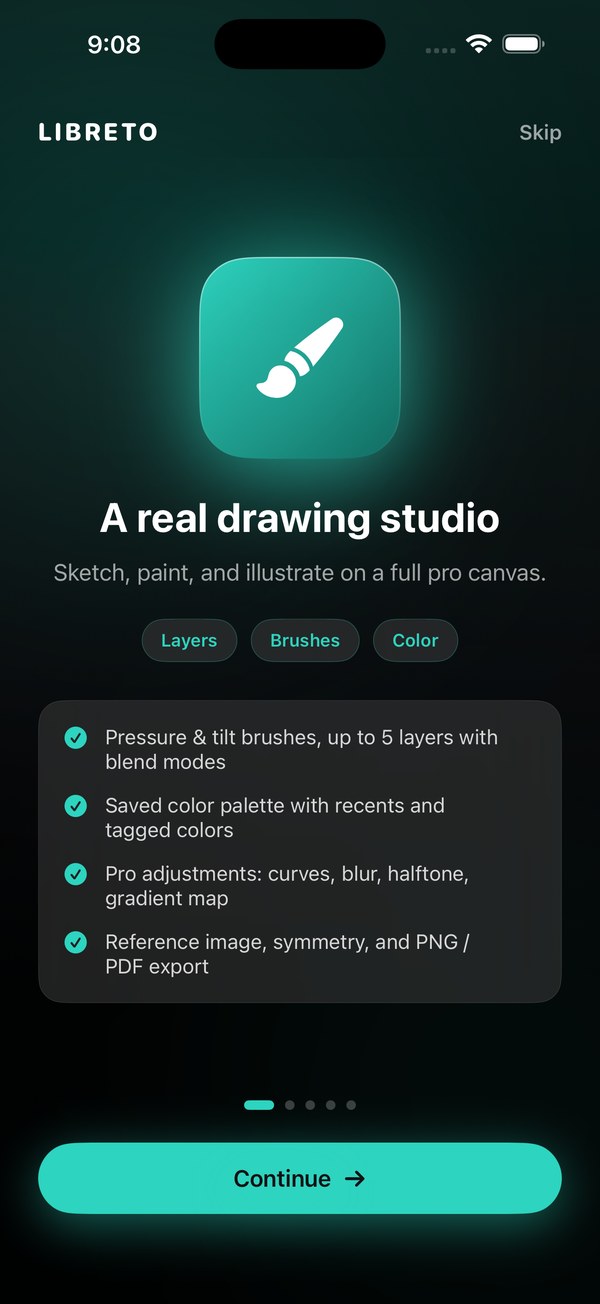
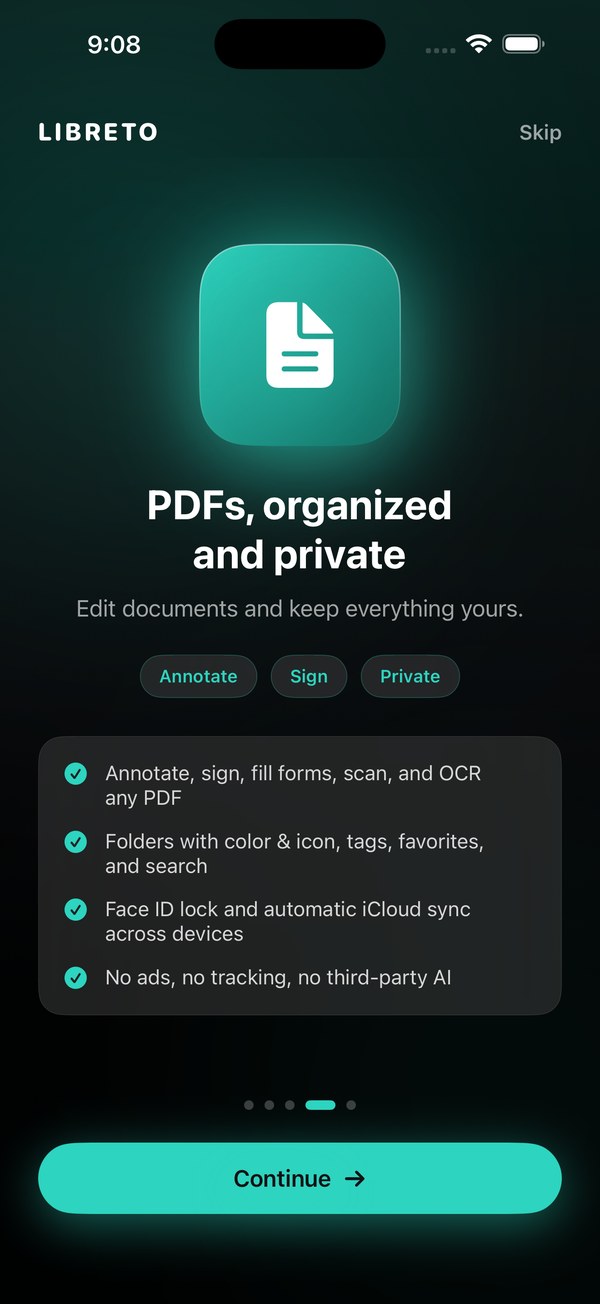
- PDF toolkit: search inside, sign, mark up, fill forms
- Real Mac app: menus, shortcuts, windows, Handoff
- Apple Watch: tasks, focus timer, mood, expenses, notes
- Android: phones, foldables, and Googlebooks, with private Google Drive sync and the web app
- On-device Apple Intelligence, no ads, no trackers
DayCast is live on the App Store and Google Play.
Free to download. iPhone, iOS 26 and newer, Android too.
 Scan to download

 Scan to download