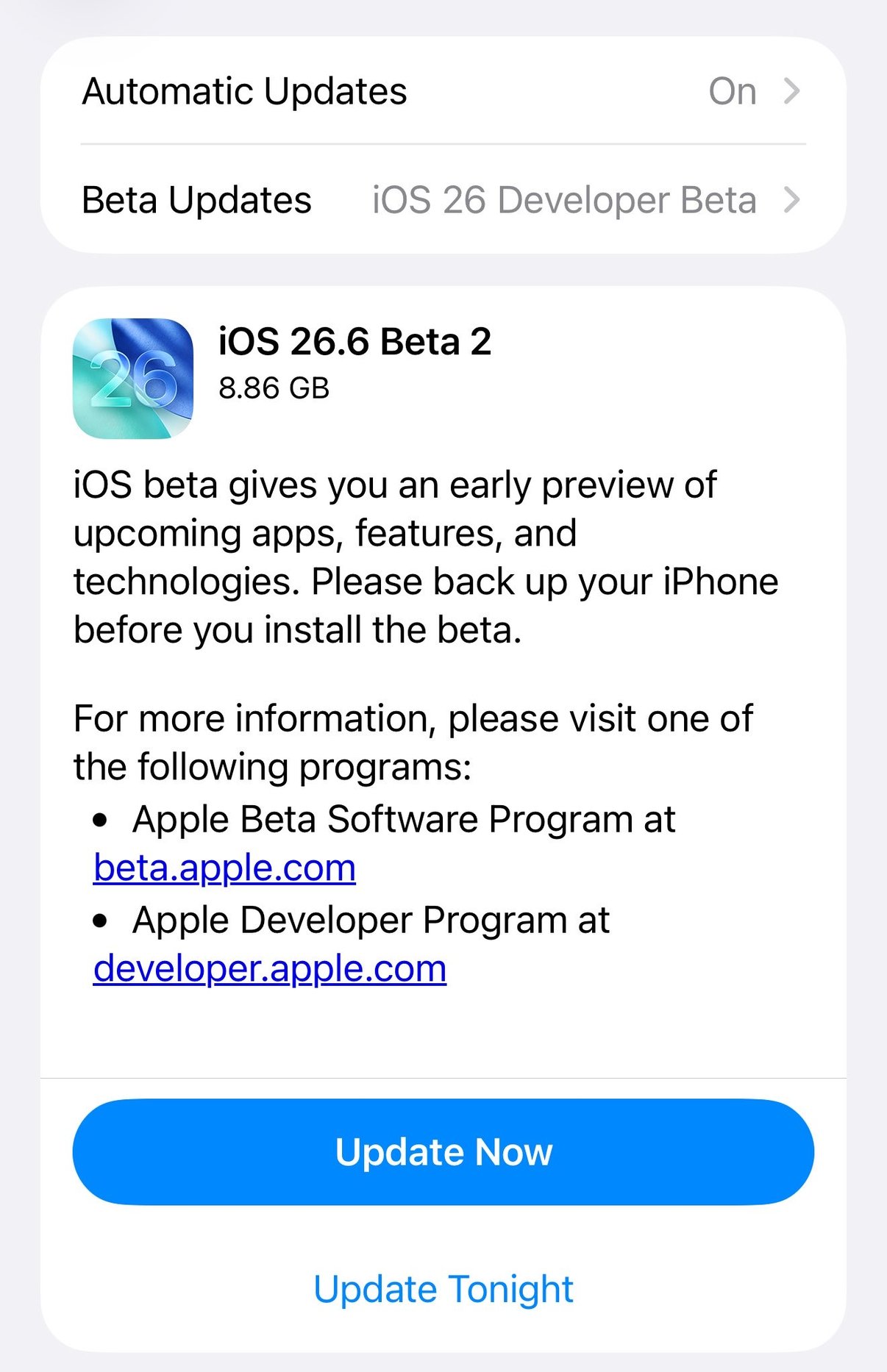
If you opened Software Update today and saw iOS 26.6 Beta 2 waiting at 8.86 GB, that is the one. Apple released it to developers on Monday, June 15, 2026, alongside second betas of iPadOS, macOS Tahoe, watchOS, tvOS, and visionOS 26.6. It follows the first 26.6 beta from late May. The short version, this is a maintenance release, not a feature drop, so do not expect anything flashy.
Why a 26.6 beta exists while iOS 27 is the headline
Apple runs two software tracks at once. iOS 27, unveiled at WWDC this month, is the next big version and will reach everyone in September. iOS 26.6 is the current track, the next free update that ships to phones already on iOS 26. Apple keeps polishing the version people are actually using while it builds the next one, so 26.6 is likely to be one of the final updates in the iOS 26 cycle before attention shifts fully to 27. Worth noting, 26.6 is running a touch ahead of last year's schedule for the equivalent point release.
Change 1: a clearer blocked-contacts limit
The first discovered change is small but practical. iOS now shows a clearer alert when you hit the maximum number of contacts you are allowed to block, instead of just silently refusing. Apple has not confirmed whether the actual limit has gone up, only that the warning is more informative, so it is easier to understand what is happening and manage your block list. If you have ever wondered why a new block would not stick, this is the fix for that confusion.
Change 2: an anti-theft lock in the works
The second item is the more interesting one, even though it is not finished. References in the beta point to a new anti-theft feature, sometimes described as anti-snatching, that would automatically lock the iPhone if it is grabbed out of your hand. Apple has not detailed how it will work or whether it lands in 26.6 or a later release, so treat this as in development rather than shipping. It fits a clear pattern though, Apple has steadily added layers like Stolen Device Protection, and an automatic lock-on-snatch would be the logical next one.
Everything else: stability and security
Beyond those two, beta 2 is about the unglamorous stuff, performance improvements, bug fixes, and security patches. That is normal and good for a point release this late in a cycle. The goal is to make the version most people run a little faster and a little safer, not to bolt on new features that would only need more testing. If you were hoping for visible new toys, those are in the iOS 27 beta, not here.
Should you install it?
Only if you are a developer or a deliberate beta tester, and even then, back up first. This is pre-release software meant for testing, not for the phone you depend on every day. The Software Update screen says it plainly, back up your iPhone before you install the beta. If you just want a solid, stable iPhone, do nothing, the finished iOS 26.6 will arrive as a normal update when it is ready. If you want to actually preview the next big version instead, that is a separate decision, and it is the iOS 27 beta you would be weighing.
If you are deciding how far down the beta road to go, the plain guide to the iOS 27 beta covers who should install, who should wait, and how to report bugs to Apple. You can see what this studio builds at jcmobileappstudio.com.
Comments
Be kind and stay on topic.
No comments yet. Be the first.