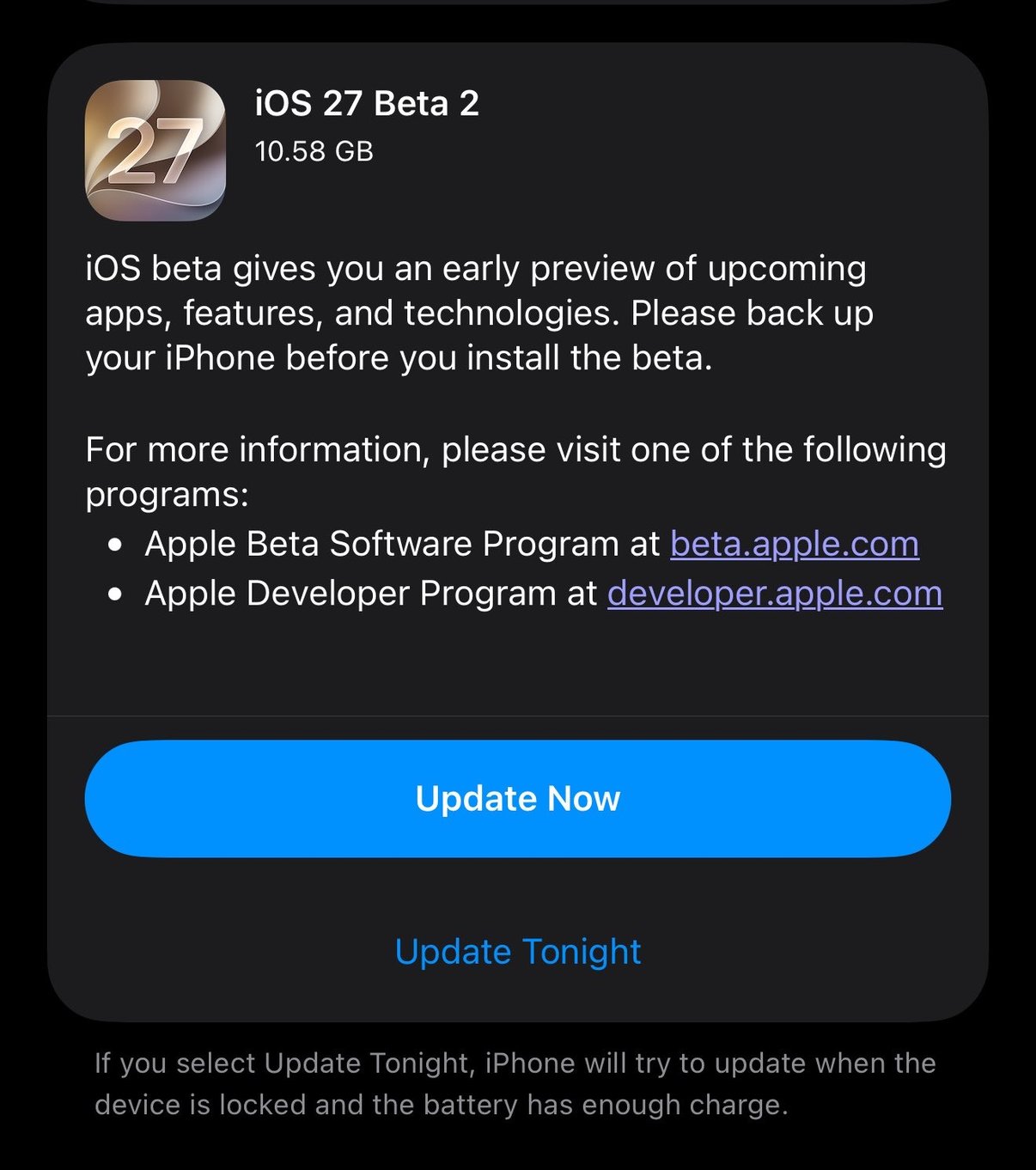
If you opened Software Update today and saw iOS 27 Beta 2 waiting at 10.58 GB, that is the one. Apple seeded it to developers on Monday, June 22, 2026, alongside second betas of iPadOS, macOS, watchOS, tvOS, and visionOS 27. It follows the first betas that landed at WWDC earlier this month. The public beta is still expected in July. The short version, beta 2 is mostly a cleanup pass, fixing early bugs from beta 1 and speeding the system up, with a handful of small features surfacing along the way.
The real headline: it just feels faster
Apple's own framing for iOS 27 has three pillars, trust and safety, Apple Intelligence and Siri, and a broad performance and refinement effort. Beta 2 leans hard on that last one. Early testers and Apple's release notes describe a build that feels quicker than both beta 1 and the shipping iOS 26, with snappier app launches and smoother scrolling. That is exactly what you want from a second beta. The first beta proves the features exist, the second one starts making them usable day to day. Tom's Guide ran the speed claim through its own tests and found the smoother behavior holds up in normal use. (Tom's Guide)
A Write with Siri keyboard
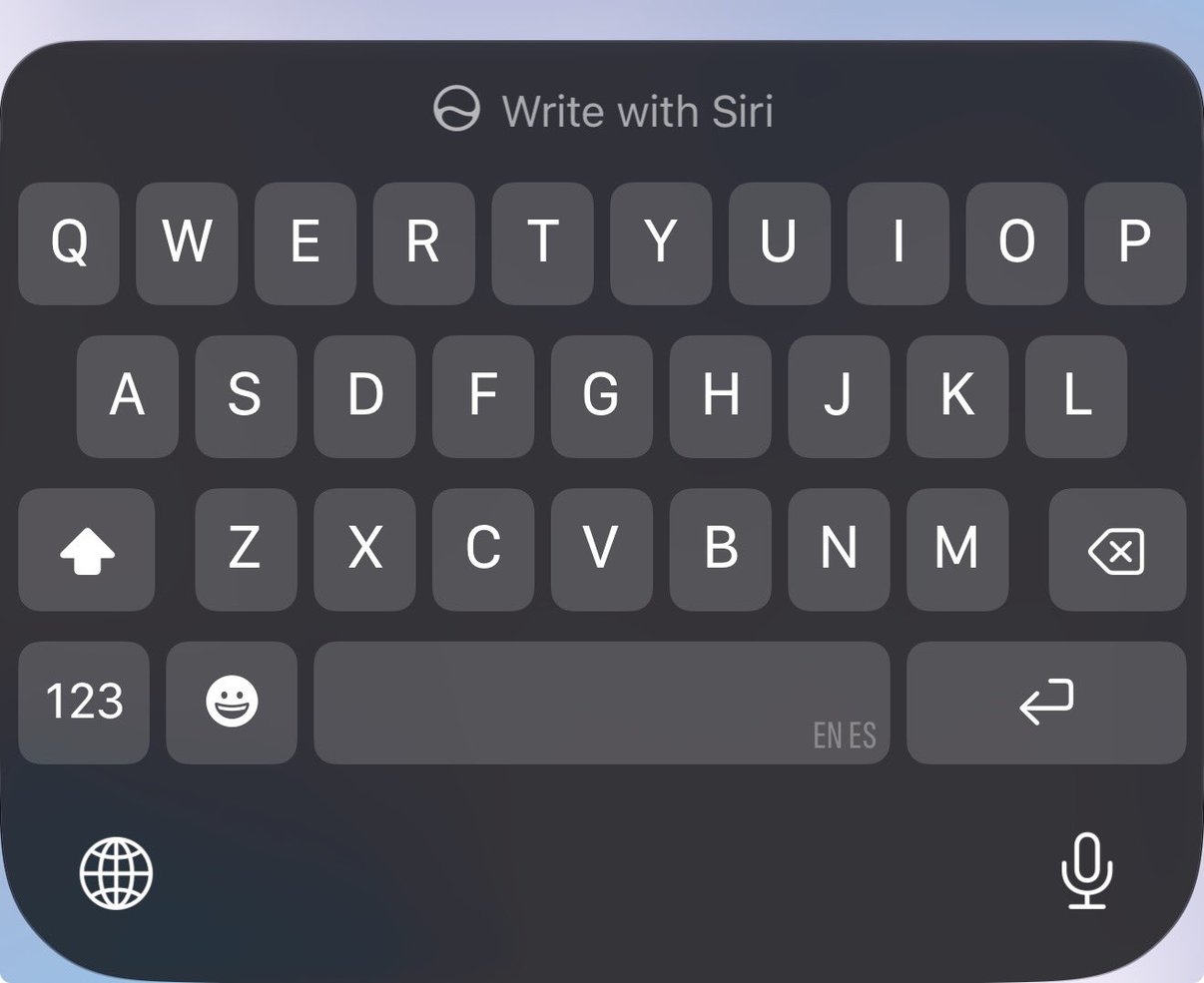
One of the more visible additions is a Write with Siri control that sits right above the keyboard, so you can have Siri help draft or rewrite text without leaving the field you are typing in. Notice the small detail in the corner of the keyboard too, the EN ES indicator, which points to a bilingual English and Spanish typing setup that predicts across both languages at once. For anyone who switches between English and Spanish mid-sentence, that is a genuinely useful quality-of-life change rather than a flashy one.
Customize Your Siri Voice
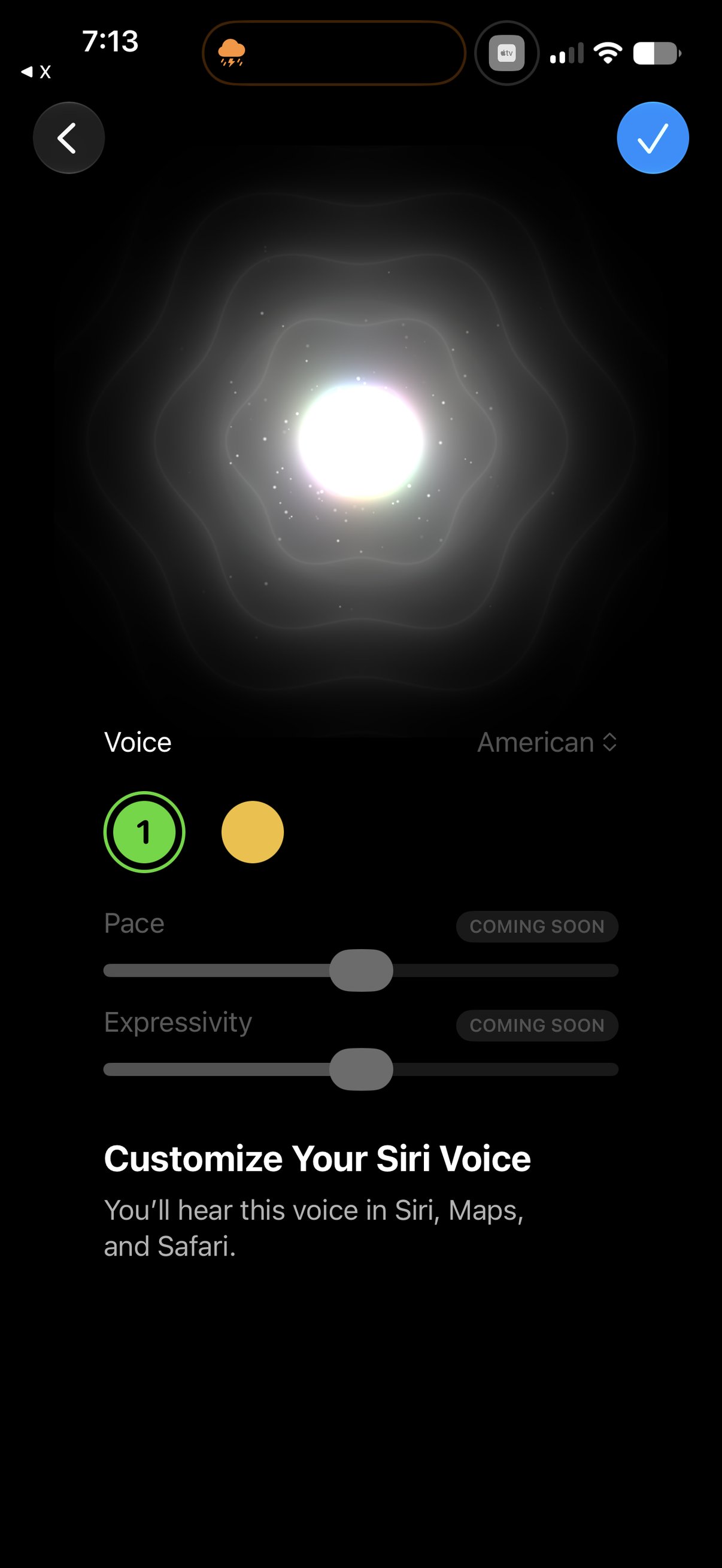
The new Siri gets a dedicated Customize Your Siri Voice screen, where you pick a voice and an accent, with the choice carrying through Siri, Maps, and Safari. There are also Pace and Expressivity sliders, both still marked Coming Soon in this build, which tells you Apple is building toward finer control over how Siri sounds, not just which voice it uses. It is a small screen, but it is a good signal of where the assistant is heading, more personal and more adjustable rather than one fixed robotic voice.
Inline replies for RCS messages
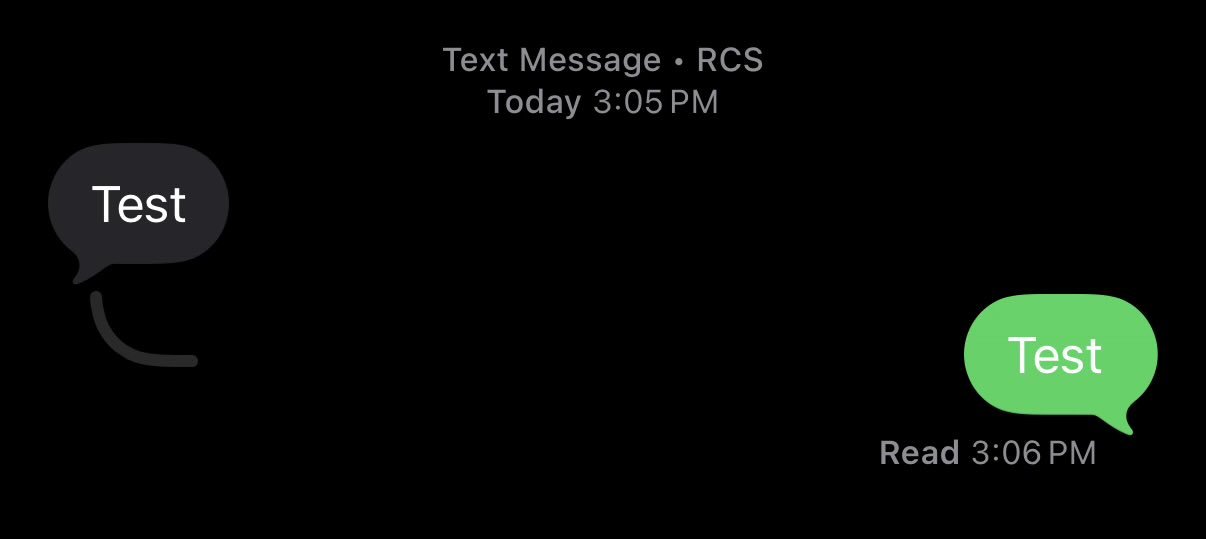
Messages picks up a small but genuinely handy change, you can now reply inline to an RCS message, the same swipe-to-reply, threaded style you already get with iMessage. RCS is the modern texting standard that replaced old green-bubble SMS for a lot of cross-platform chats, especially texts with Android users, and it has been steadily gaining iMessage-style features like typing indicators and read receipts. Inline replies are the latest of those to arrive, so a back-and-forth with an Android friend feels a little less second-class.
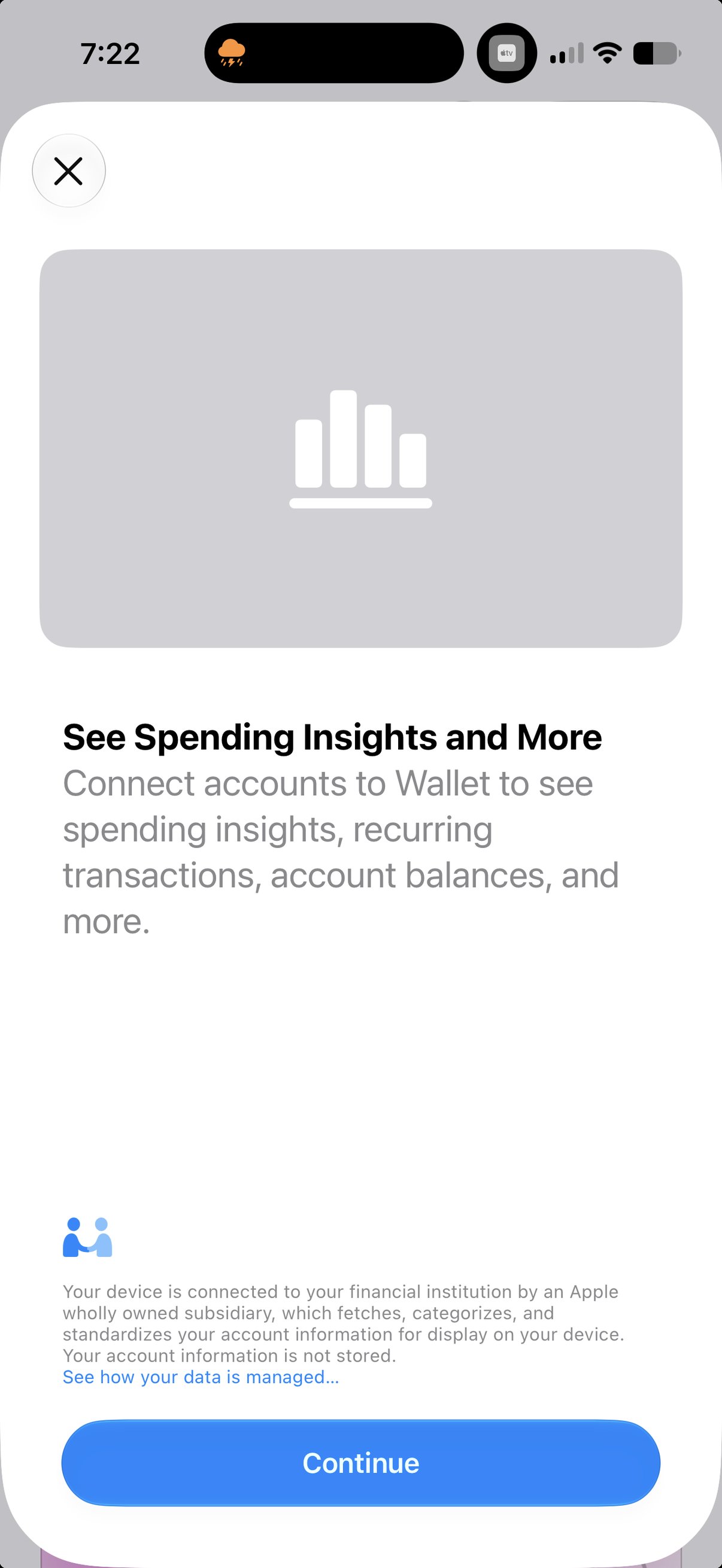
Spending insights coming to Wallet
Wallet is getting a money-tracking layer. A new See Spending Insights and More screen invites you to connect bank and card accounts so Wallet can show spending insights, recurring transactions, account balances, and more, all in one place. The privacy note underneath is the interesting part, it says your device connects to your financial institution through an Apple wholly owned subsidiary that fetches, categorizes, and standardizes the data for display, and that your account information is not stored. That is Apple trying to do a Mint-style spending view while keeping its usual on-device, privacy-first framing. Worth watching as the beta matures.
Everything else: bug fixes and groundwork
Beyond those, beta 2 is the unglamorous stuff, and that is the point. Coverage from 9to5Mac, Engadget, and MacRumors points to refinements across Messages and Mail suggestions, Photos editing, and the redesigned Screen Time and parental controls, plus the usual round of bug fixes and under-the-hood changes to the new on-device Apple Intelligence models. Nothing here rewrites the iOS 27 story from beta 1, it sharpens it. (9to5Mac)
Should you install it?
Same answer as always, and beta 2 does not change it much. Install it only if you are a developer or a deliberate beta tester, and back up first. A second beta is usually steadier than a first one, but this is still pre-release software meant for testing, not for the phone you depend on every day. The Software Update screen says it plainly, back up your iPhone before you install the beta. If you just want a solid iPhone, wait for the public beta in July, or better yet the finished iOS 27 in the fall.
If you are weighing whether to jump in, the plain guide to the iOS 27 beta covers who should install, who should wait, and how to report bugs to Apple, and getting your devices ready walks through the backup step. You can see what this studio builds at jcmobileappstudio.com.
Comments
Be kind and stay on topic.
No comments yet. Be the first.