Apple's first iOS 27 public beta went live on July 13. Anyone enrolled in the free Apple Beta Software Program can now install the company's biggest software update of the year, months ahead of the fall release. I have been reading through what actually shipped, and the headline feature earns the hype for once.
Siri finally caught up
Apple is calling it Siri AI, and it is a real rebuild rather than a coat of paint. It holds an ongoing conversation instead of resetting after every request. It can search across Mail, Messages, Notes, Reminders, and Calendar for something you half remember. It understands what is on your screen, and it can take actions inside apps rather than just answering a question about them. Responses now surface from the Dynamic Island, and a standalone Siri app keeps your history in one place, synced privately through iCloud. (9to5Mac)
There is a real catch, though. Siri AI needs an iPhone 15 Pro or newer, since it runs on Apple Intelligence, and some of the sharper on-device features are limited further, to iPhone 17 Pro, iPhone 17 Pro Max, or iPhone Air. It also is not live in the EU yet, and only covers select English variants at launch. If you are on an older iPhone, this particular upgrade is not for you this year.
The rest of the update is quietly useful
Apple spread AI into apps people already touch daily instead of keeping it walled off in Siri. Safari now organizes open tabs by topic and can watch a page for a change, like an item coming back in stock. Photos gets three new editing tools: Clean Up for pulling out distractions, Extend for generating content past the original frame, and Spatial Reframing, which lets you nudge the apparent camera angle after the shot is already taken. The Passwords app can swap out weak or compromised passwords on its own. (9to5Mac)
The Liquid Glass look from last year is not going anywhere, but it is more adjustable now. A new slider under Settings, Appearance lets you dial the effect from fully clear to fully tinted, and it applies across the system and inside third-party apps. Apple is also promising real speed gains, not just on the newest hardware: up to 30% faster app launches, up to 80% faster AirDrop transfers, and a CPU scheduler tuned all the way back to the iPhone 11. (9to5Mac)
Parents get the biggest structural change outside of Siri. Screen Time adds Time Allowances for categories like Games and Social Media, Schedules that swap what is available between school hours and evenings, and an Ask to Browse flow that extends the familiar Ask to Buy permission to websites. (9to5Mac)
Should you actually install it
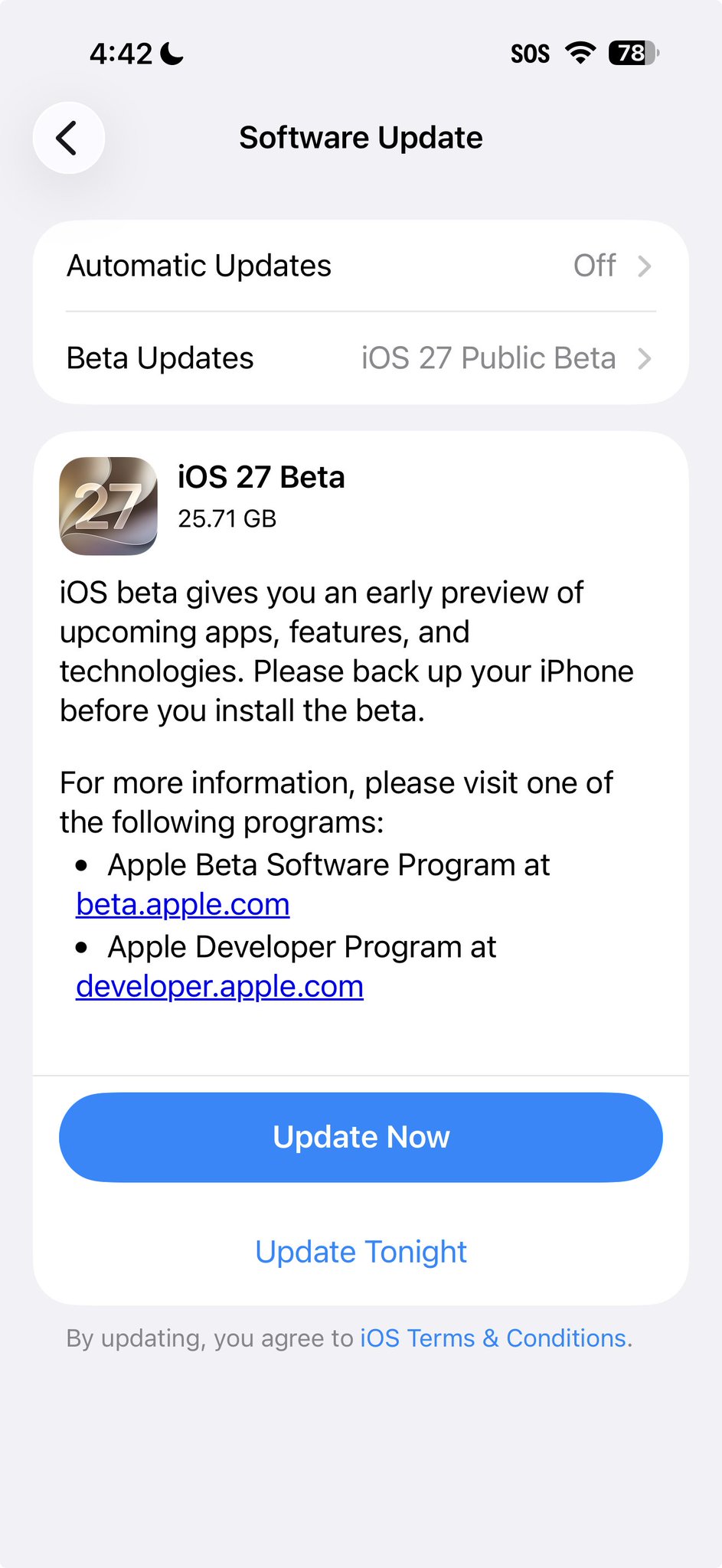
The compatibility list is wide. iOS 27 supports any iPhone currently running iOS 26, which means iPhone 11 and newer, plus the second-generation iPhone SE and later. But wide compatibility is not the same as ready for daily use. This is still a first public beta. Apple's own guidance is to put it on a secondary device if you have one, and to back up your iPhone to iCloud or a computer first if you are installing it on your main phone anyway. Early testers are calling it unusually stable for a first beta, but bugs, battery drain, and the occasional app that has not caught up yet are still part of the deal until the final release ships this fall. (MacRumors)
My take
The Siri rebuild is the first Apple Intelligence feature that feels genuinely caught up rather than playing defense against ChatGPT headlines. If you have a spare iPhone 15 Pro or newer sitting in a drawer, this is the beta worth putting it on. If your only iPhone is your daily driver, back it up and wait for beta 2 or 3, once the obvious bugs get sanded off.
General information, not a recommendation to install beta software on your primary device. For the studio's privacy-first, on-device apps, the full lineup is at jcmobileappstudio.com/apps.
Comments
Be kind and stay on topic.
No comments yet. Be the first.