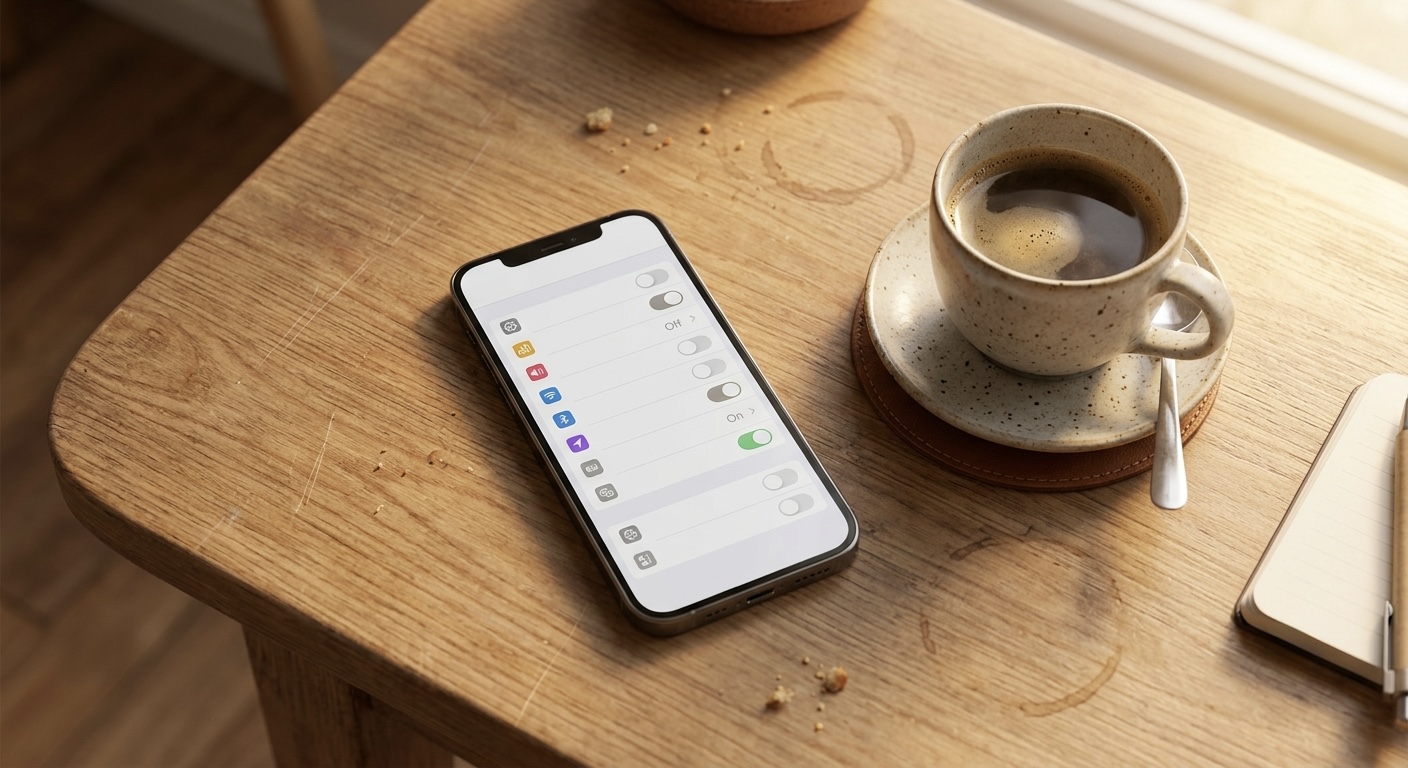
Building privacy-first apps for a living means I spend a lot of time looking at exactly how much a phone gives away by default, and the honest answer is a lot, quietly, all day. The good news is that fixing most of it is not some tinfoil-hat project. It is a short list of toggles, and you can knock out the whole thing in about twenty minutes while half-watching TV. I am keeping this platform-neutral where I can, because the exact menu names shift between iOS and Android versions, but the ideas are the same on both.
Turn off cross-app tracking
This is the single highest-impact toggle, so do it first. On the iPhone, there is a setting that controls whether apps can even ask to track you across other apps and websites. Turn off the master switch that lets apps request tracking, and every app defaults to no. On Android, look for the advertising ID setting and delete or reset it, which breaks the persistent tag advertisers use to follow you around. That one change quietly cuts off a huge amount of the profile-building that happens in the background.
Fix location, because it is almost always too generous
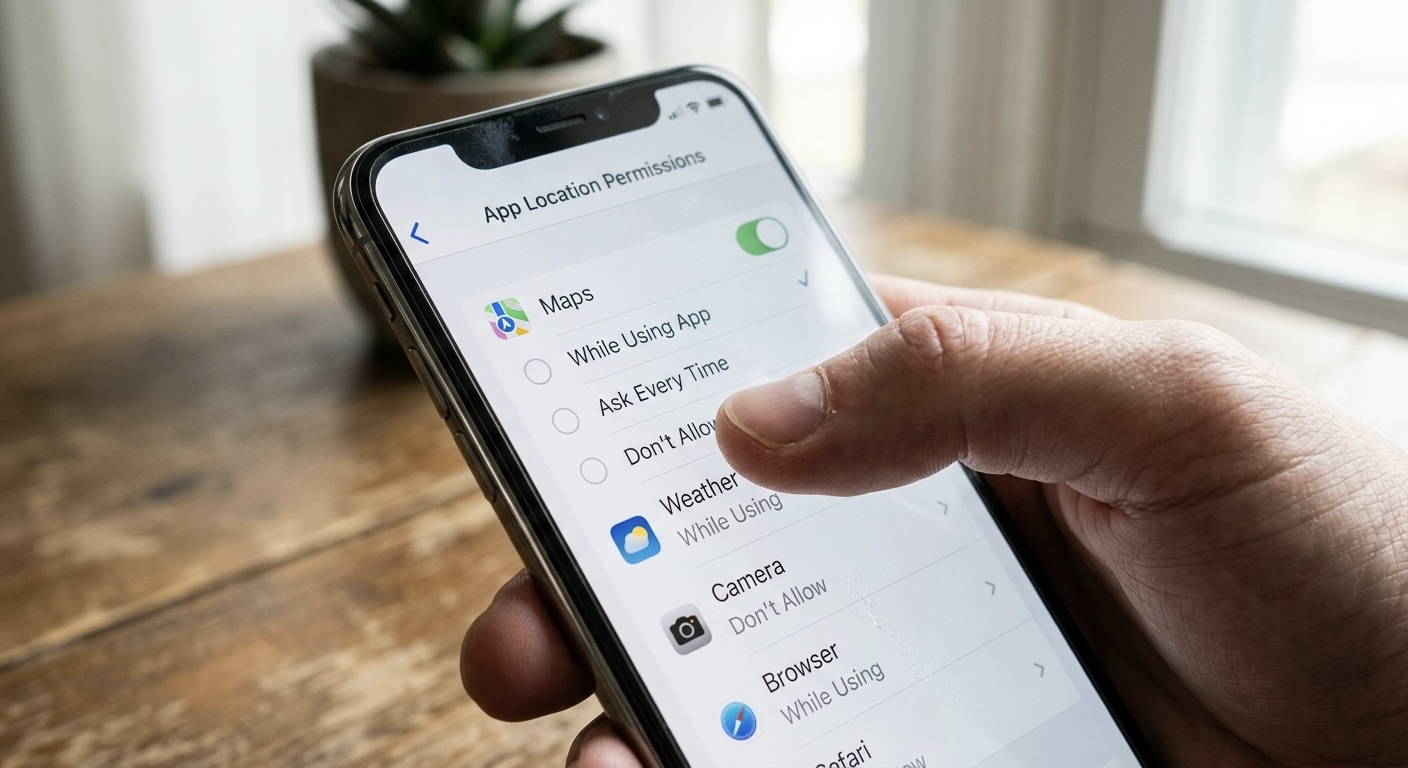
Open your location settings and go app by app. Most apps do not need to know where you are all the time. Change anything set to "always" down to "only while using the app," and for apps that do not truly need your street-level position, turn off precise or exact location so they get a fuzzy, neighborhood-level guess instead. Your weather app does not need to know which room you are in. A ride app does. Be honest about which is which, and turn location off entirely for a flashlight, a game, or a photo editor that has no business knowing.
Audit the microphone and camera
Both iOS and Android keep a list of every app you have granted microphone or camera access. Go read that list. You will almost certainly find something you granted once, years ago, for a reason you have forgotten. Revoke anything that does not clearly need it. If an app genuinely needs the camera later, it will ask again. Modern phones also show a little dot when the mic or camera is active, so start noticing it, and if that dot lights up when nothing should be listening, that is worth investigating.
Reset the ad profile and mute the analytics
Beyond the tracking toggle, both platforms have a setting to limit ad personalization or reset your advertising identifier. Turn personalization off and reset the ID. This does not stop ads, nothing does, but it stops them from being stitched to a long-term profile of you. While you are in settings, look for the option to share usage data, diagnostics, or analytics with the phone maker and app developers. If you did not mean to opt in, opt out. It costs you nothing and it is one less stream of data leaving your device.
Lock the screen down
Two quick ones. First, check what shows on your lock screen when the phone is locked. Full message previews, banking notifications, and two-factor codes visible without unlocking is a real-world hole, anyone who picks up your phone can read them, so set notifications to hide sensitive content until you unlock. Second, make sure your phone actually locks quickly and uses a strong passcode plus your face or fingerprint. A six-digit passcode is a floor, not a ceiling.
Tidy the browser
Your browser is where a lot of tracking actually happens. Turn on the "prevent cross-site tracking" style setting, block third-party cookies, and if your browser offers to hide your IP from known trackers, switch that on. If you want to go one step further, a privacy-respecting browser or search engine removes a whole category of this problem without you having to think about it again.
The mindset that keeps it clean
Here is the part that matters more than any single toggle. The reason your phone leaks is not that you are careless, it is that "share everything" is the profitable default and someone set it up that way on purpose. So the habit is simple: whenever an app asks for a permission, pause for one second and ask "does it actually need this to do the thing I want?" Most of the time the answer is no, and "deny" or "only while using" is the right call. You can always grant more later. Getting data back once it is gone is much harder.
Bottom line
You cannot make a phone perfectly private, and you do not need to. Turn off cross-app tracking, rein in location, audit mic and camera, reset your ad ID, opt out of analytics you never wanted, hide sensitive stuff from the lock screen, and lock down the browser. Twenty minutes, once, and you have closed the doors that leak the most. Then just deny permissions you do not need going forward and you are ahead of almost everyone.
General information, not security advice for any specific threat. Verified against current iOS and Android settings as of July 23, 2026. Building software that keeps your data on your device instead of someone's server is the whole point of the studio's apps at jcmobileappstudio.com/apps.
Comments
Be kind and stay on topic.
No comments yet. Be the first.