DayCast, Plan, capture, reflect, track
Your whole day, in one private app
Plan your day, capture notes, journal, track spending, and mark up PDFs, and keep only the sections you use. Encrypted on your devices, synced through your own iCloud, on iPhone, iPad, Mac, Apple Watch, and the web.

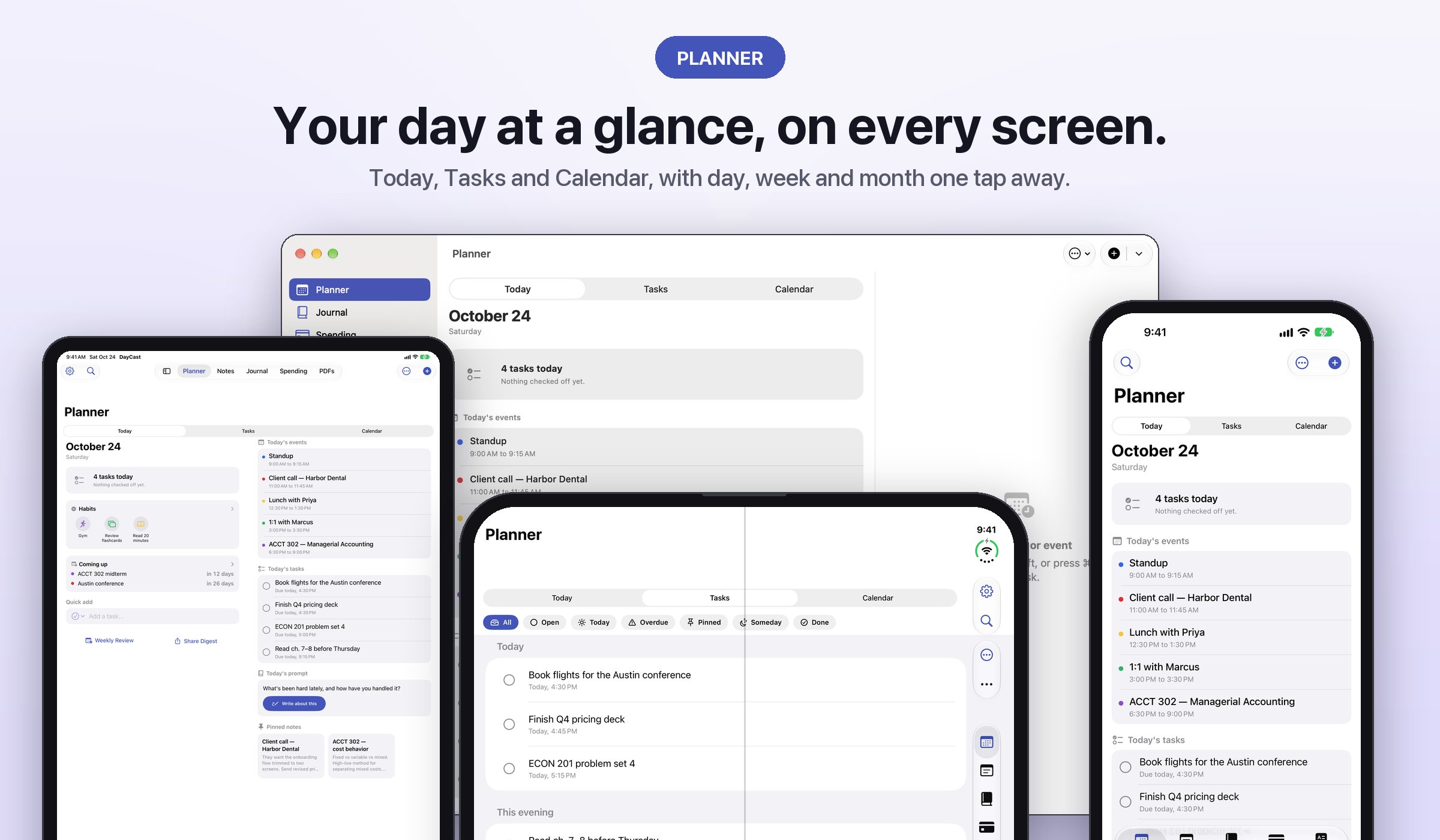
Know what's next
Plan
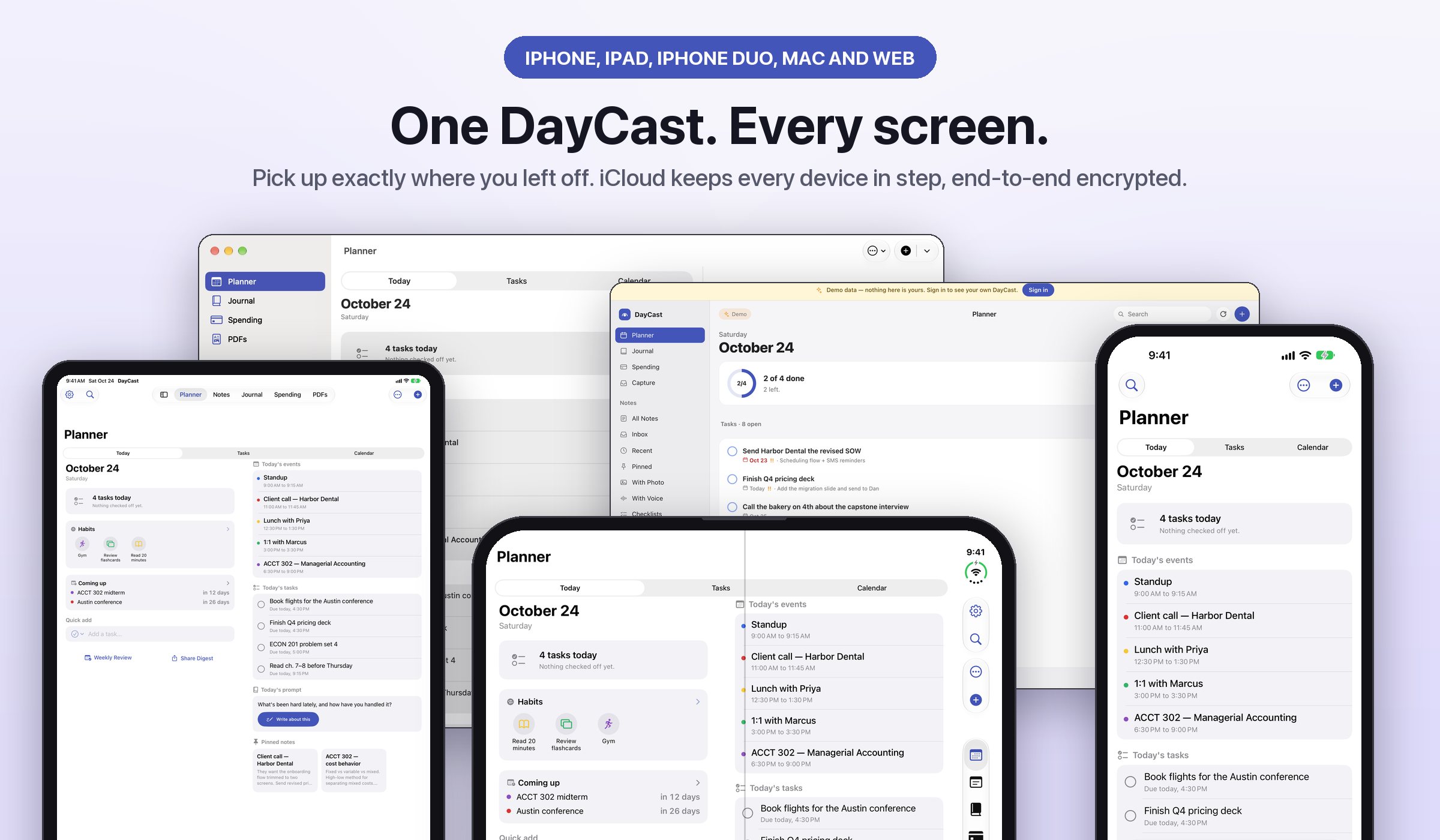
Today shows the day at a glance, and Tasks and Calendar keep the full lists, with day, week, and month one tap away. Type "Call Sam Friday 3pm !high" and the date, time, and priority fill themselves in. Plan My Day fits open tasks into the free time around your calendar.
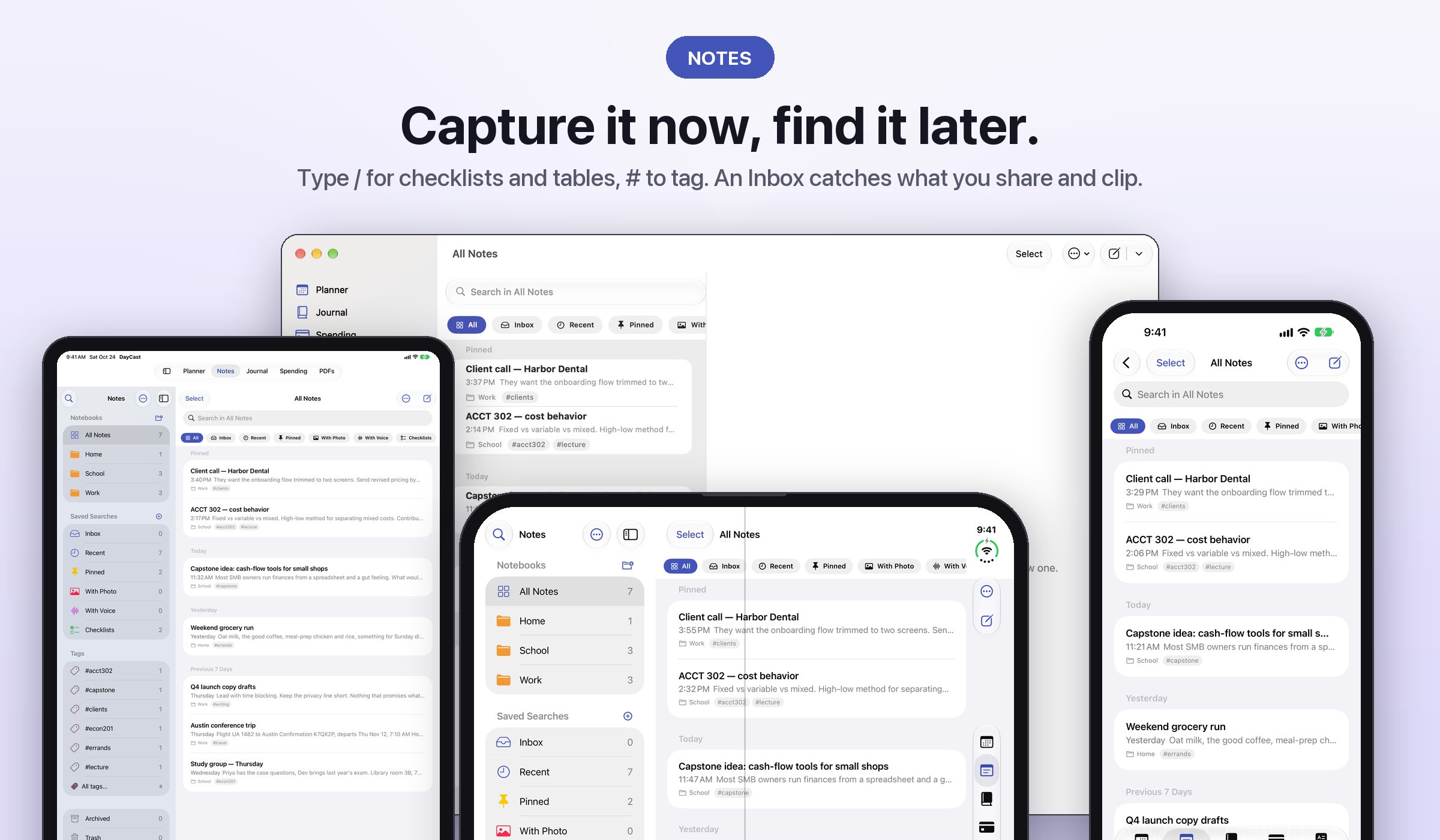
Capture it now, find it later
Notes
Type / for checklists, tables, and photos, and # to tag as you write. Everything you share, clip, or email in waits in an Inbox until you file it in a notebook. Bring your Evernote export in with notebooks and attachments intact.
Search that finds the answer
Search
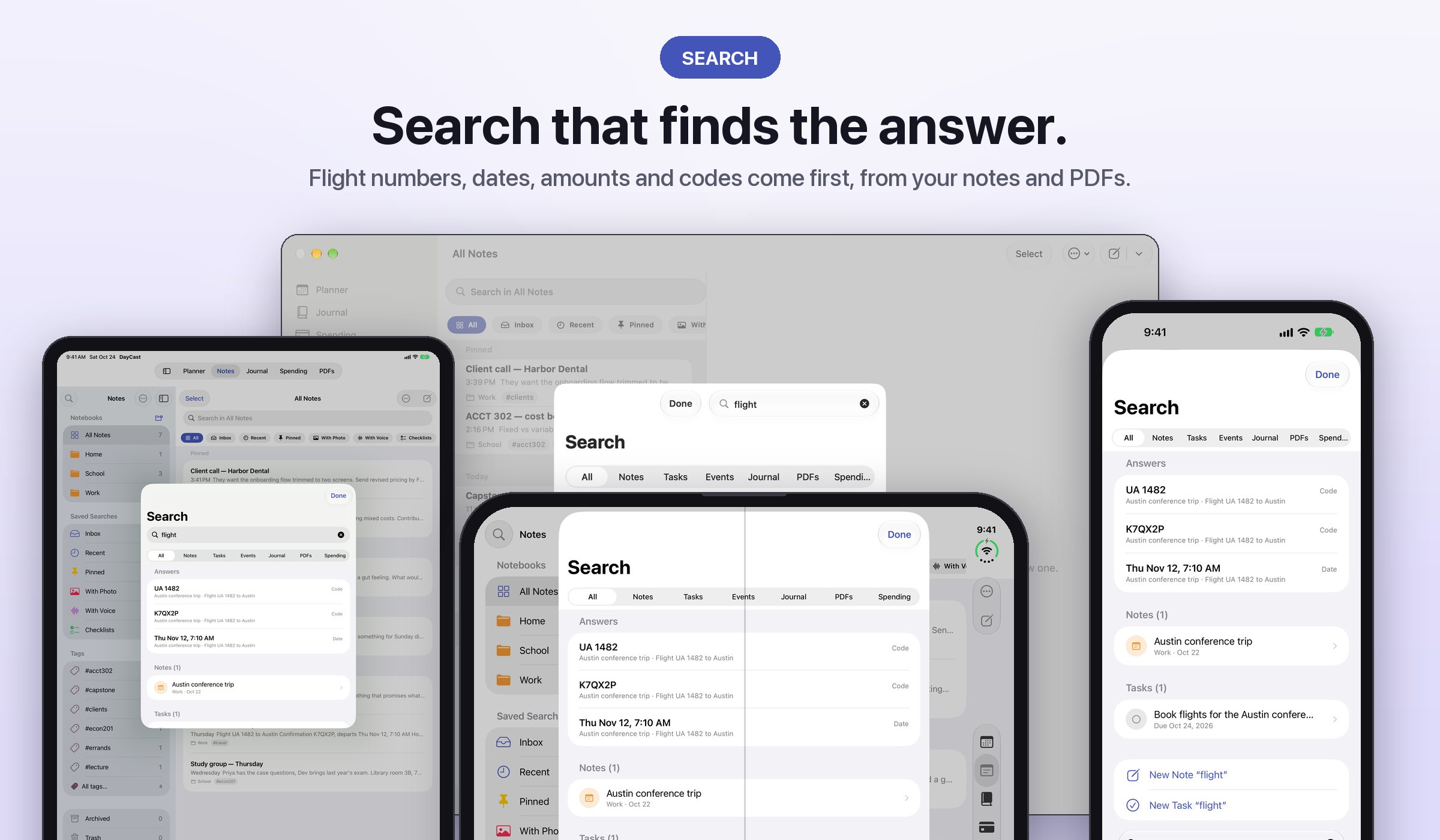
Flight numbers, dates, amounts, and confirmation codes come first, pulled from your notes and PDFs. Nothing found? Make it a note or a task right there.
How the day felt
Journal
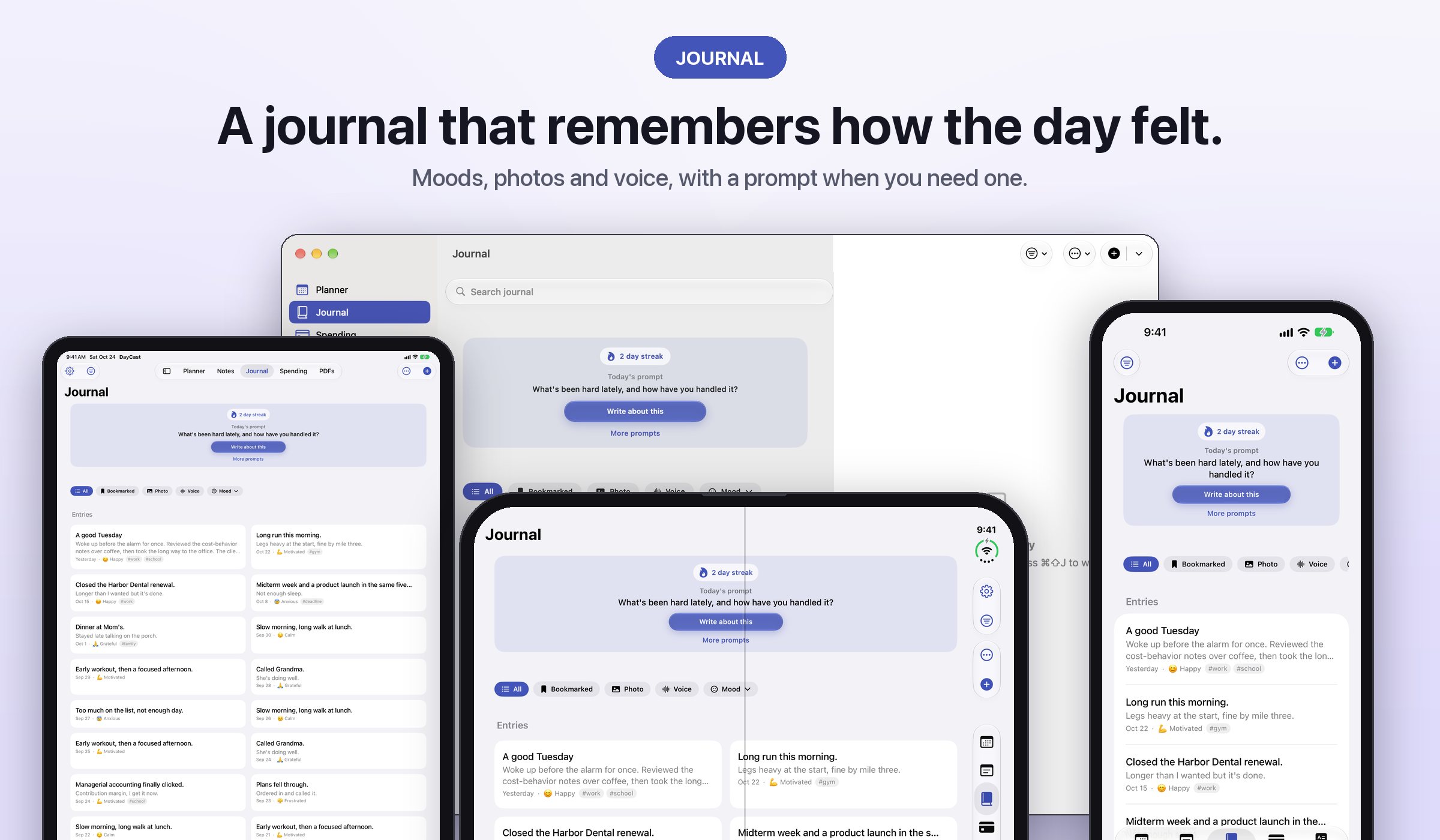
Moods, activities, photos, and voice, with prompt packs when you're stuck. On This Day brings last year back. Life Patterns shows what your good days have in common.
Every dollar has a job
Spending
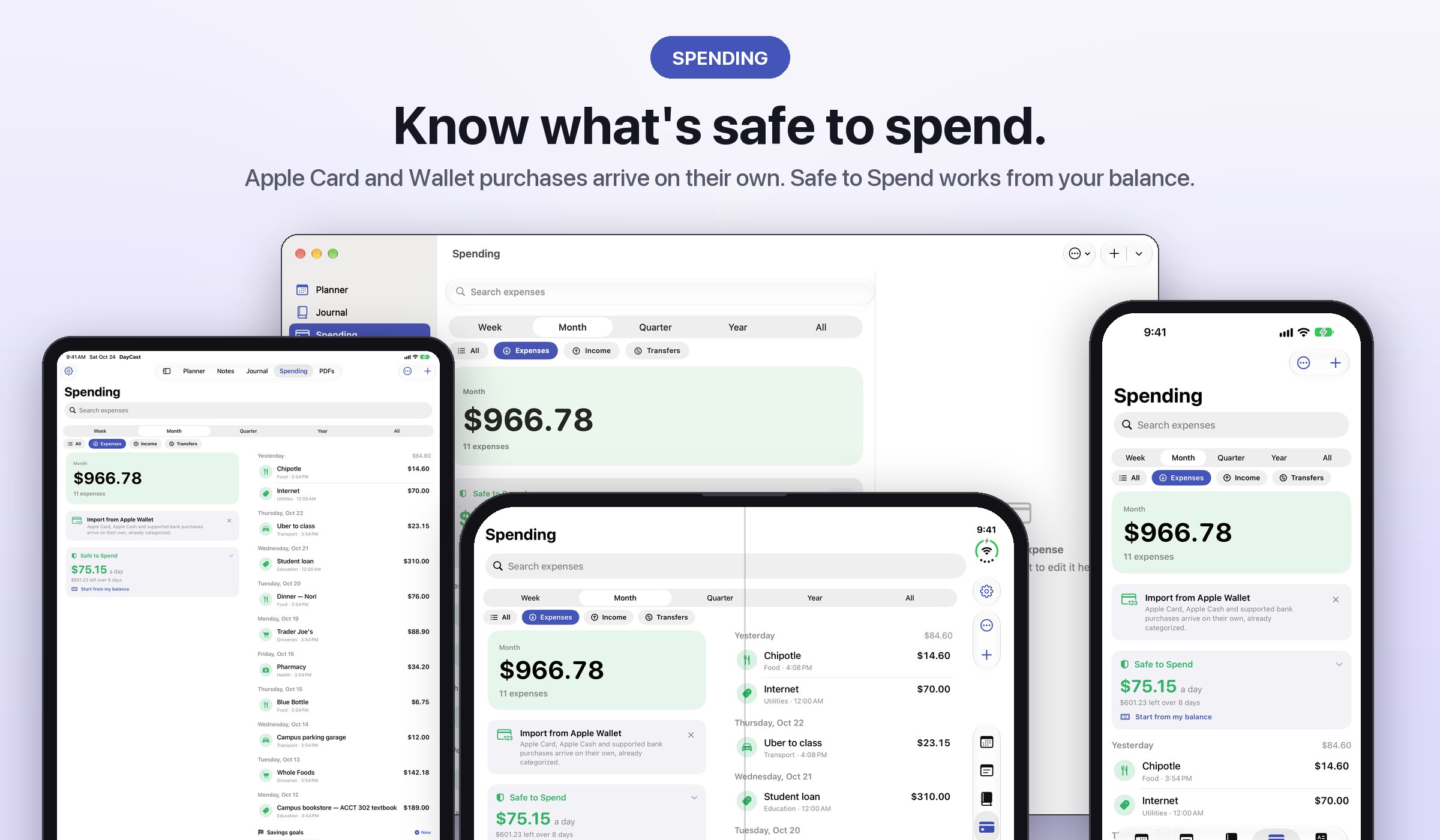
With Apple Card and Apple Wallet, purchases arrive on their own, already categorized. Safe to Spend works from your balance or this month's income. Zero-based budgets, bills, and savings goals, and scan a receipt for its line items.
Your paperwork, searchable
PDFs
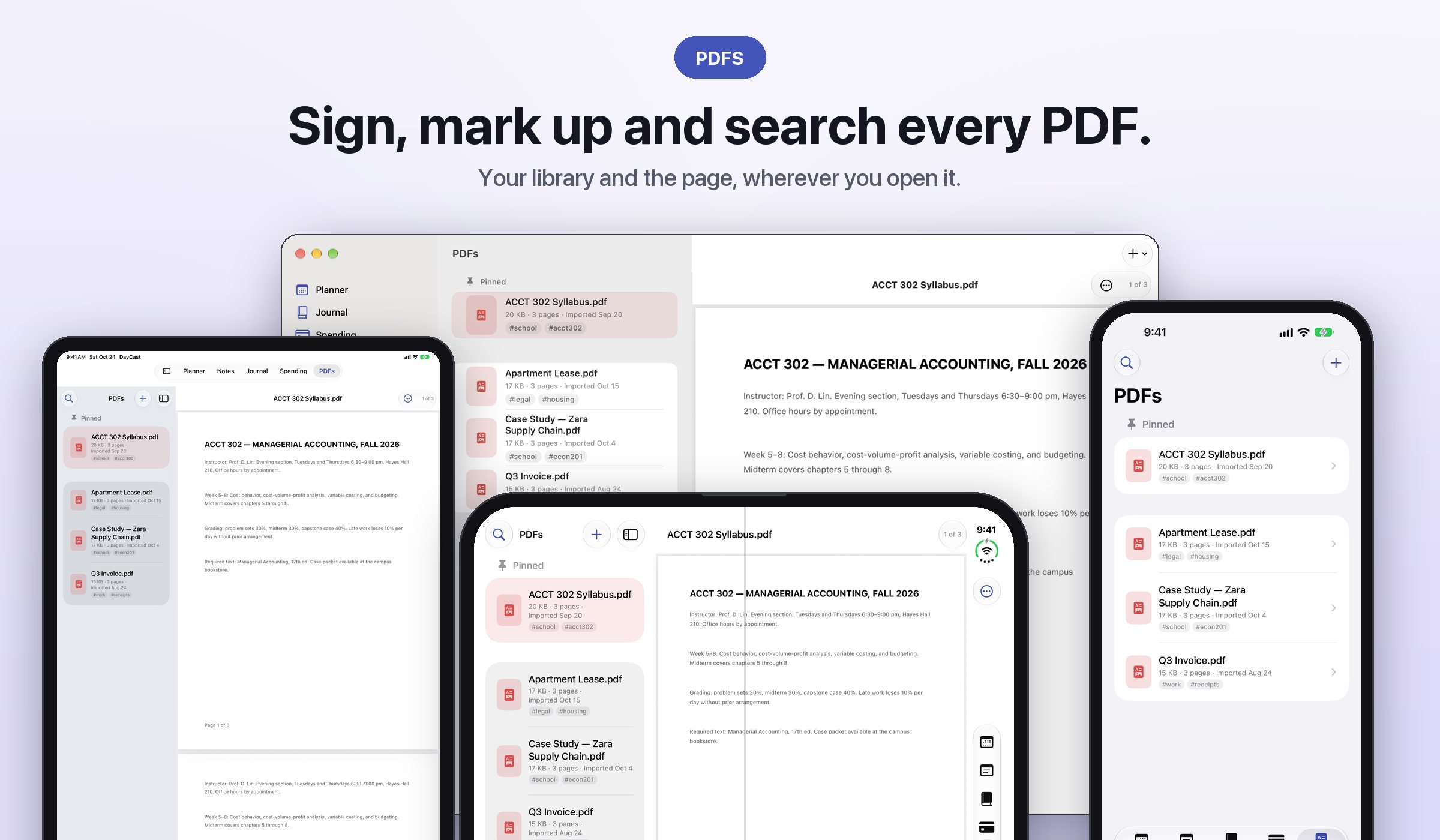
Sign, mark up, fill forms, and search inside every PDF you import, scanned pages included. Apple Pencil friendly.
Pick up exactly where you left off
Everywhere
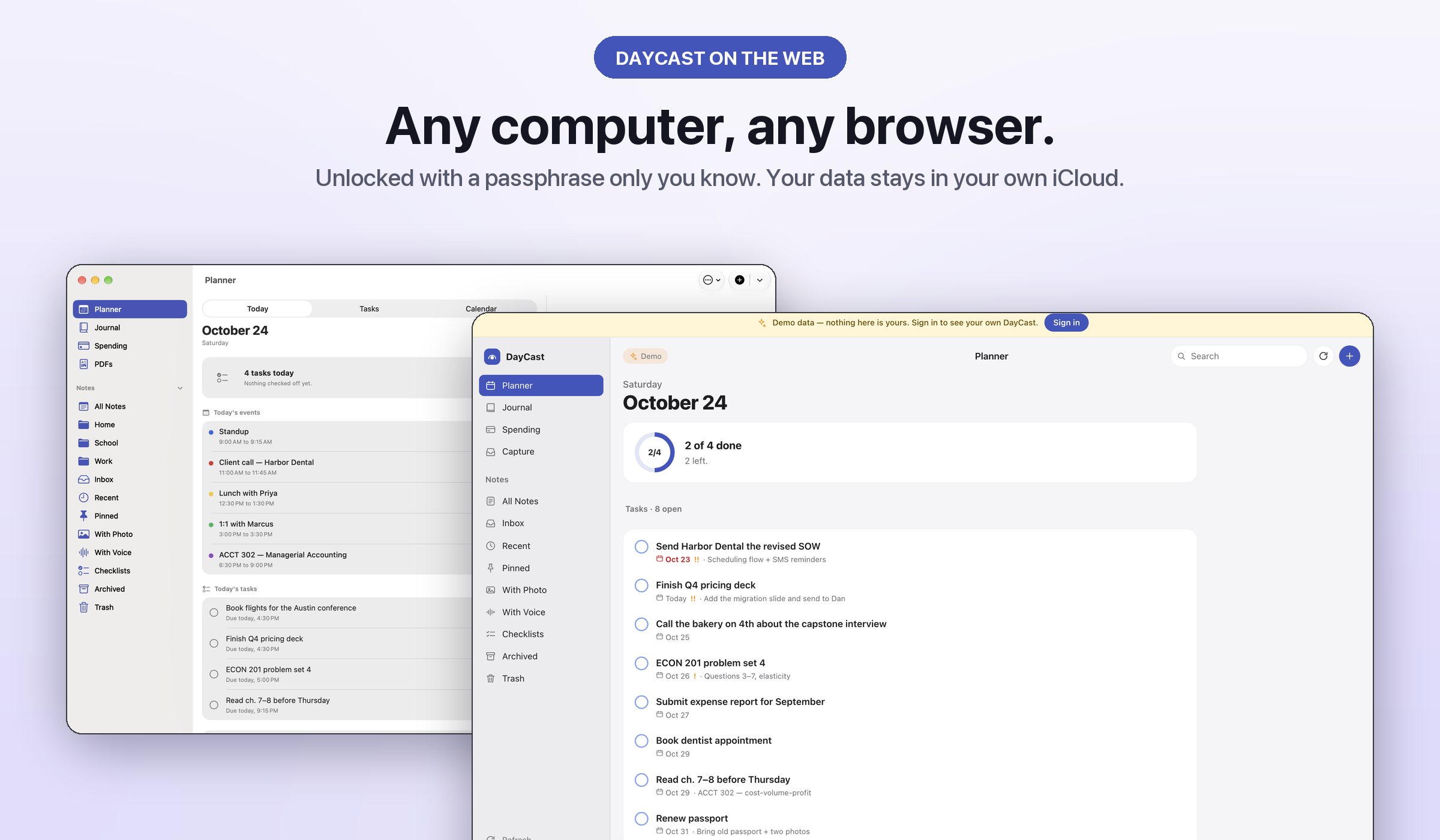
A real Mac app with menus, shortcuts, and multiple windows. An iPad app, an Apple Watch app for check-offs and quick logs, and widgets for Today, habits, spending, and notes. DayCast on the web from any browser, unlocked with a passphrase only you know.
In motion
See DayCast in 30 seconds
Honest by default
No account. No ads. No trackers. Ever.
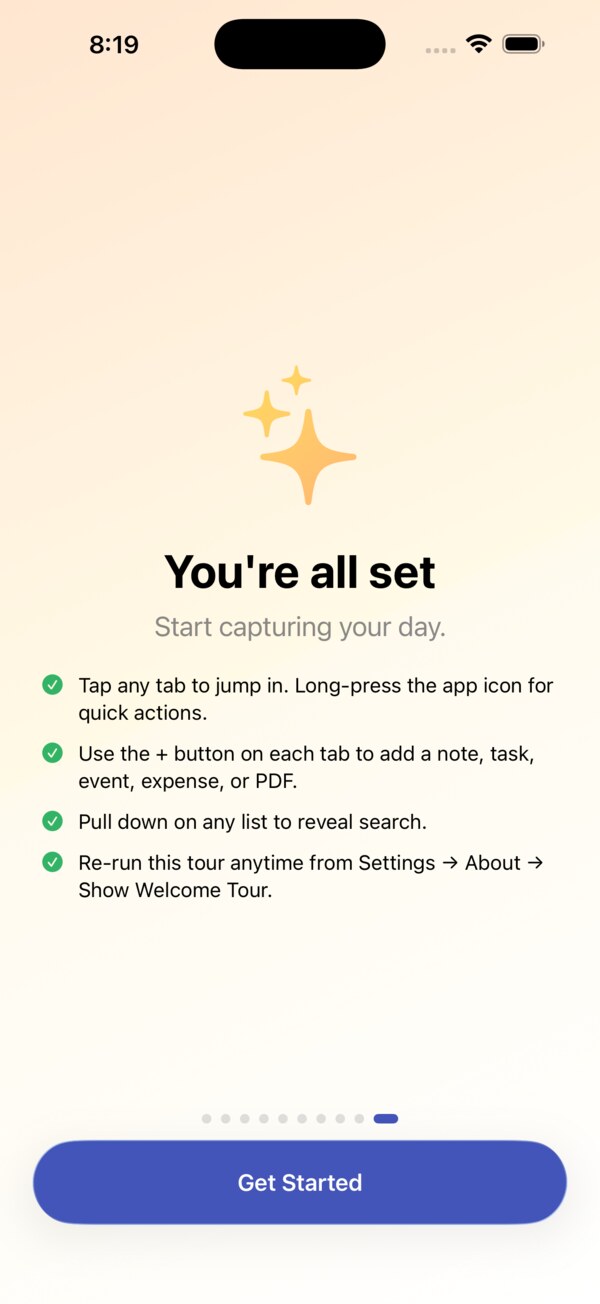
Your notes, tasks, journal, and spending are encrypted on your devices before they sync. The key stays in your iCloud Keychain, so Apple only ever stores ciphertext.
The full list
What's inside
Everything DayCast does, in one place.
- iPhone, iPad, Mac, Apple Watch, and the web, synced through your own iCloud
- End-to-end encrypted sync, key in your iCloud Keychain, no account
- Today, Upcoming, Anytime, Someday, and a Logbook
- Plan My Day fits tasks around your calendar
- Natural language quick add, Paste as Tasks, one plus button per tab
- Time and location reminders, habits with streaks
- Notes: type / for blocks and # for tags, an Inbox, list or card view
- Search that shows the date, amount, or code first
- Import from Evernote (ENEX) and Apple Journal
- Share notes and journals with iCloud users, with comments
- Journal: moods, activities, scales, prompt packs, Life Patterns
- Zero-based budgeting with Ready to Assign
- Receipt line items with price history, bank file import
- Apple Card and Wallet auto-import, Safe to Spend from your balance
- Bills, goals, subscriptions, Month in Review
- Reports Hub: trends, cash flow, merchants, taxes
- Choose your sections; Labs for specialist tools
- PDF toolkit: search inside, sign, mark up, fill forms
- Real Mac app: menus, shortcuts, windows, Handoff
- Apple Watch: tasks, focus timer, mood, expenses, notes
- Android: phones, foldables, and Googlebooks, with private Google Drive sync and the web app
- On-device Apple Intelligence, no ads, no trackers
SwiftUISwiftDataCloudKitAES-GCMMac CatalystwatchOSFoundation Models
Go further
Take things further with DayCast Premium
Free includes sync, the Mac, Watch, and web apps, sharing, and imports. Premium is $5.99 a month or $49.99 a year with a 7-day free trial. One subscription covers iPhone, iPad, Mac, and the web app, synced across all your devices.
Get DayCast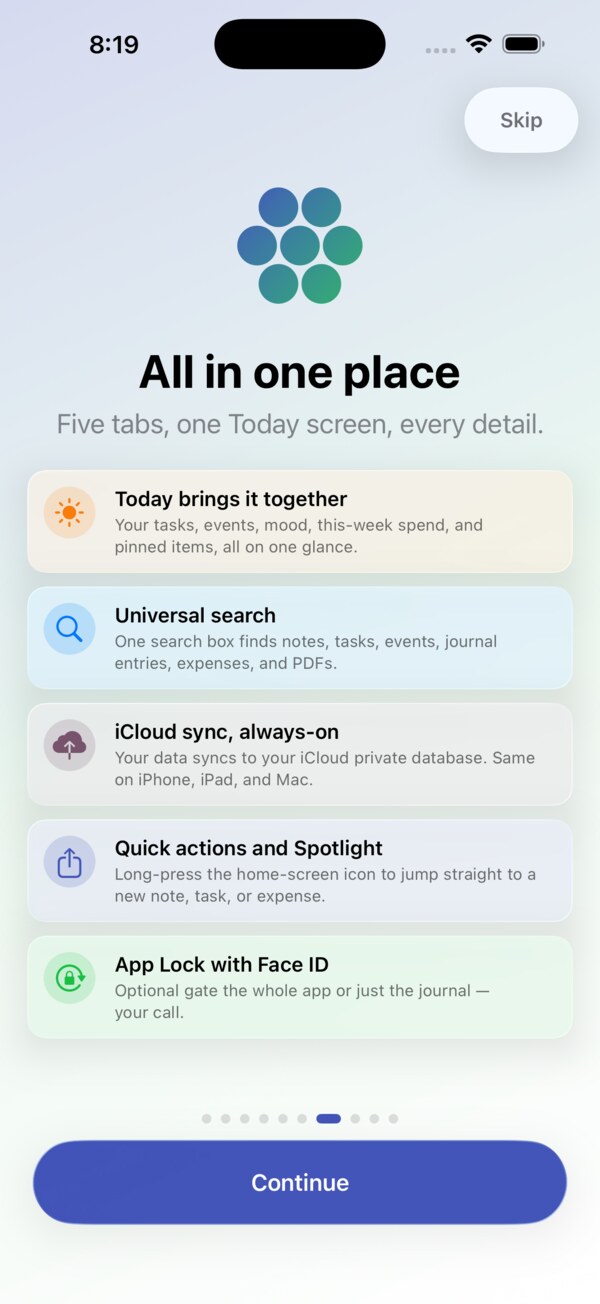






No shady stuff
An app you can trust
DayCast is built by one person, not a growth team. No tracking, ever. That goes for all 15 JC Mobile App Studio apps.
Get DayCast
Free to download on the App Store and Google Play. iPhone, iPad, Apple Watch, Android.

