Quick note first. Big version numbers usually sound more dramatic than they feel day to day, and Android 17 is no exception, most of what you touch will look familiar. The changes that matter are a handful of features that quietly remove friction, plus a security patch that is worth installing sooner rather than later. If your Pixel has not offered the update yet, it rolls out in waves, so checking Settings, then System, then Software update is the fast way to see where you stand.
Bubbles: any app as a floating window
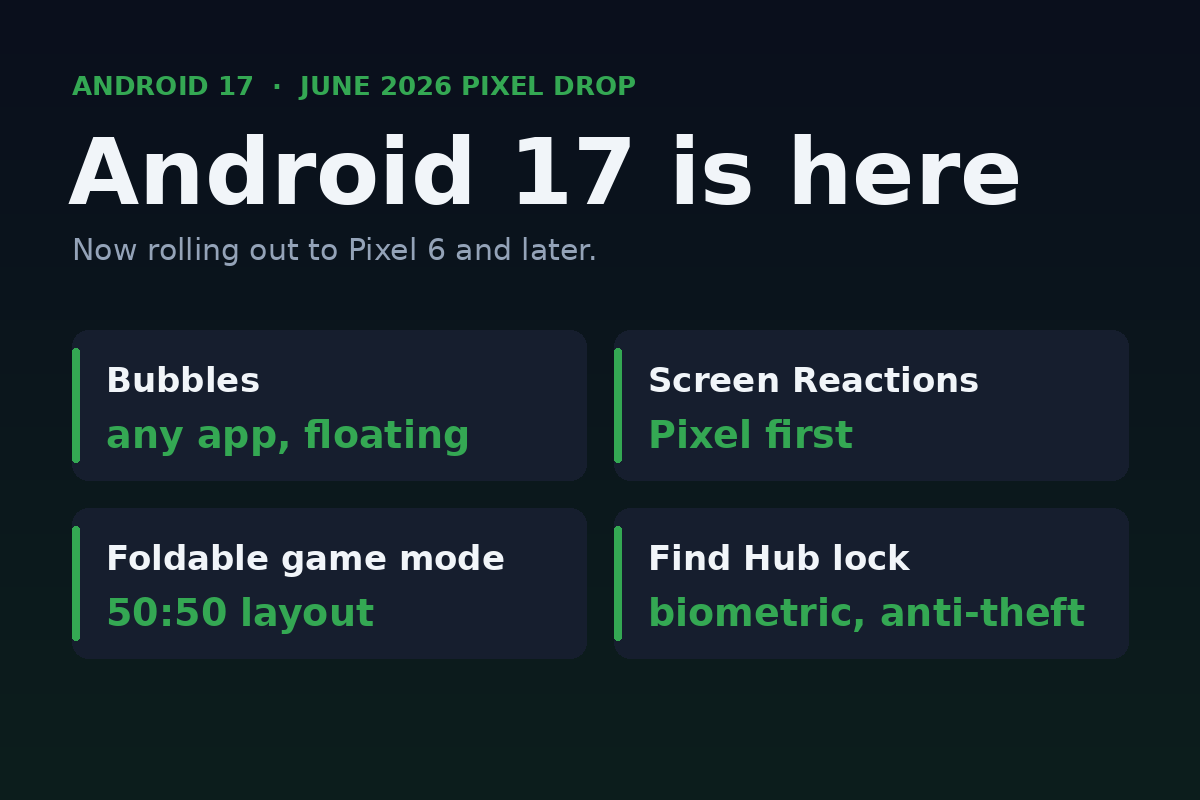
The headline multitasking feature is Bubbles. Long-press an app icon and you can launch it as a compact floating overlay that sits on top of whatever else you are doing, then tuck it away when you are done. If you have ever used a chat head or a picture-in-picture video, it is that idea applied to nearly any app, a calculator while you shop, a notes window while you read, a timer while you cook. It is the kind of small thing you stop noticing because it just becomes how you work. (Android Authority)
Screen Reactions, a Pixel-first extra
Screen Reactions lets you record your screen and your face at the same time and overlay your face onto the recording, no second device or green screen needed. It is built for reaction clips and quick how-to videos, and it debuts on Pixel before reaching other phones. The June Pixel Drop also folds in newer AI creation tools, including Gemini video editing and music generation, the sort of features that show up first on Pixel and trickle out later.
A real foldable gaming mode
For foldables, Android 17 adds a dedicated game layout that splits the screen in half, gameplay on the top and a dynamic on-screen controller on the bottom, so a folding phone starts to feel a little like a handheld console. Google also says it tightened up memory cleanup to cut frame drops and stutter in demanding games. If you do not own a foldable it changes nothing, but it is a sign of where that form factor is headed.
The anti-theft upgrade worth knowing
The most quietly important change is to Find Hub's Mark as lost. You can now require biometric authentication, your face or fingerprint, to lock a missing phone, on top of the usual passcode or PIN. The point is blunt, if a thief has watched you type your PIN, that alone should not let them turn off tracking or get back into the device once you have marked it lost. It is a sensible answer to a real-world theft pattern, and it costs you nothing to benefit from.
Do not skip the security patch
Bundled in is the June 2026 Android security update, which patches well over a hundred vulnerabilities across recent Android versions, including a privilege-escalation flaw that was already being used in targeted attacks. That last part is the reason to install it promptly, an actively exploited bug is the kind of thing patches exist for. Whether or not the new features excite you, the security fix is the part that earns the update a same-week install. (Gadget Hacks)
A fair word from someone who carries both
Full honesty, I switch between Android and iOS and like things about each. If you are an iPhone person reading this out of curiosity, the closest parallel this cycle is the iOS 26.x and iOS 27 beta track, different houses solving a lot of the same problems, multitasking, safer device recovery, on-device AI. The takeaway is the same on both sides, install your security updates, and let the flashy features be a bonus rather than the reason.
The honest bottom line
Android 17 is a steady, useful release, not a reinvention. Bubbles and the foldable game mode are the fun parts, the biometric lost-phone lock and the patched zero-day are the parts that actually protect you. If your Pixel offers the update, take it, and let the rest reveal itself as you use the phone.
Shopping a Pixel right now? See the Pixel Prime Day deals, and for the iOS side of the fence, the iOS 27 beta 2 rundown. You can see what this studio builds at jcmobileappstudio.com.
Comments
Be kind and stay on topic.
No comments yet. Be the first.