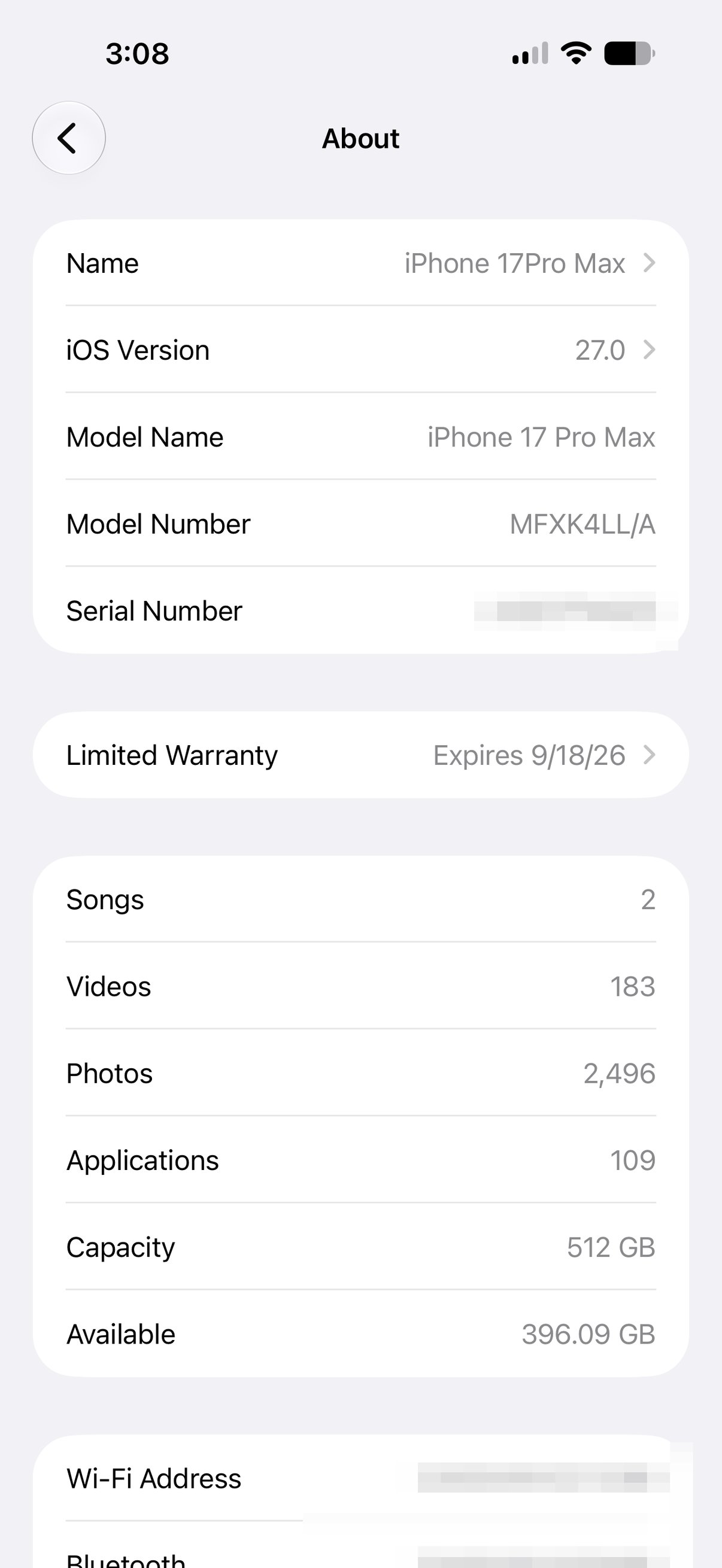
First, the honest answer to the headline: probably not on your main phone, not yet. A first developer beta is exactly that, a first build, and it is meant for people who are testing, not for the device you depend on all day. The good news is the wait is short, and there is a safer on-ramp coming in a few weeks.
Who should install it now
Install the developer beta now if you are a developer who needs to test your apps against iOS 27, or an enthusiast with a spare device you can afford to have act up. Everyone else should wait for the public beta, which is the same software a few weeks more baked, with the rough edges that matter most already filed and being fixed.
If you do install it, two rules. Back up first, ideally an archived backup you can roll back to, because moving from a beta back to the stable release is not a casual undo. And put it on a secondary device if you have one. First betas run the battery warm, break the occasional app, and yes, the new Siri will sometimes trip.
The release calendar
Here is the rough map so you can pick your moment. Developer beta 1 is out now. Beta 2 is expected around the week of June 22, with new developer betas landing roughly every two weeks through the summer. The first public beta, the one most people should actually wait for, is expected in mid July. And if Apple holds to its usual pattern, the final iOS 27 ships to everyone in mid September, likely alongside the new iPhones.
Which iPhones are supported
Two things to know about hardware. First, reporting points to the 2019 iPhone 11 being dropped from the iOS 27 support list, so if that is your phone, this may be the year the update train leaves without it. Second, and more important for the headline feature, the new Siri and the rest of the Apple Intelligence features need an Apple Intelligence-capable device, iPhone 15 Pro and newer. Installing the beta on an older supported phone gets you iOS 27, but not the new Siri.
Sponsored
The new Siri is behind a waitlist
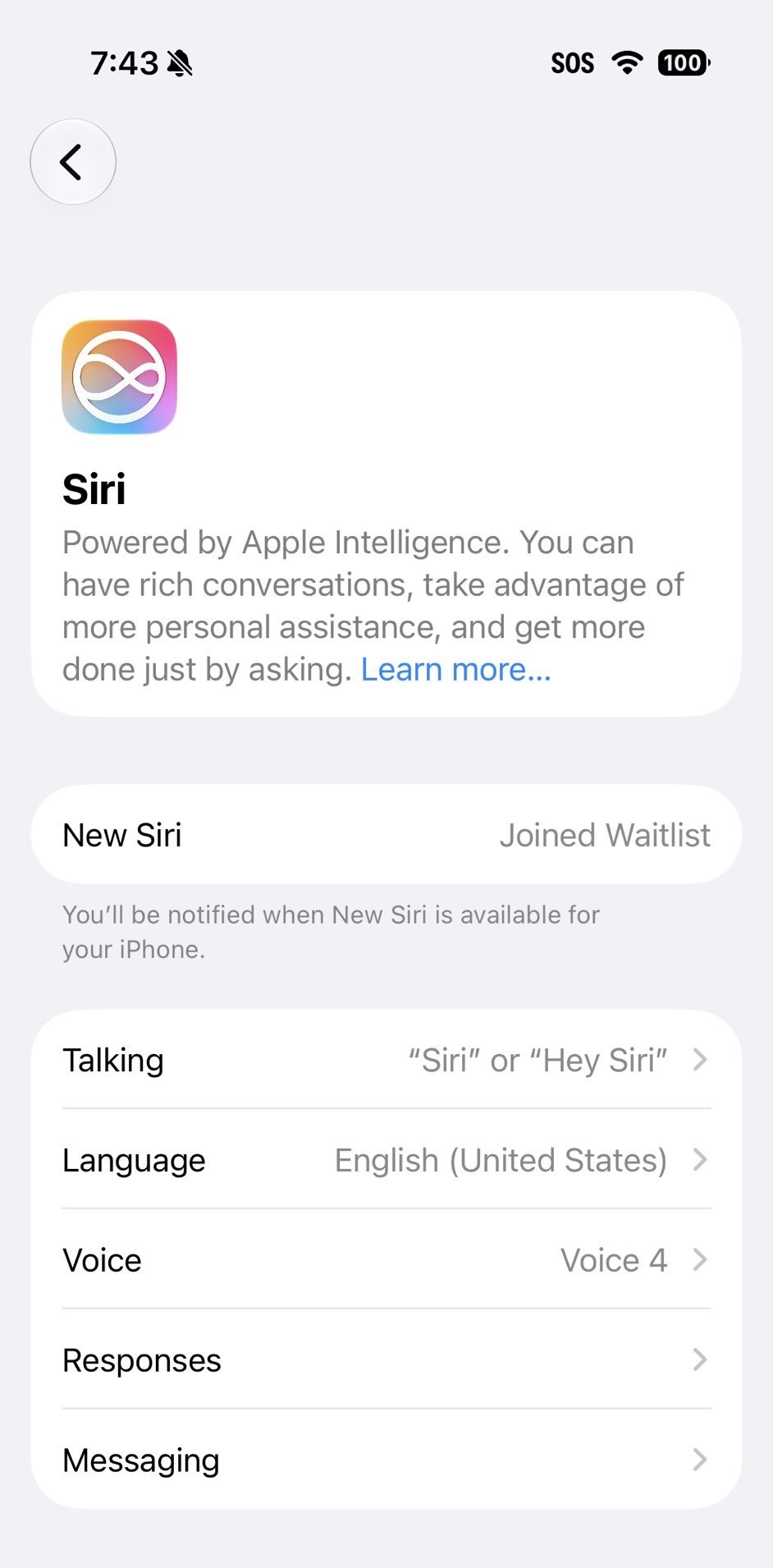
Even on a supported phone, the rebuilt Siri is not automatically on. Apple gated it behind a waitlist, the same approach it used when Apple Intelligence first launched. You update, open Settings, find the Siri section, and join, then you are notified when it is ready for your device. So do not be surprised if you install the beta and Siri still looks familiar for a bit.
If you test, report the bugs
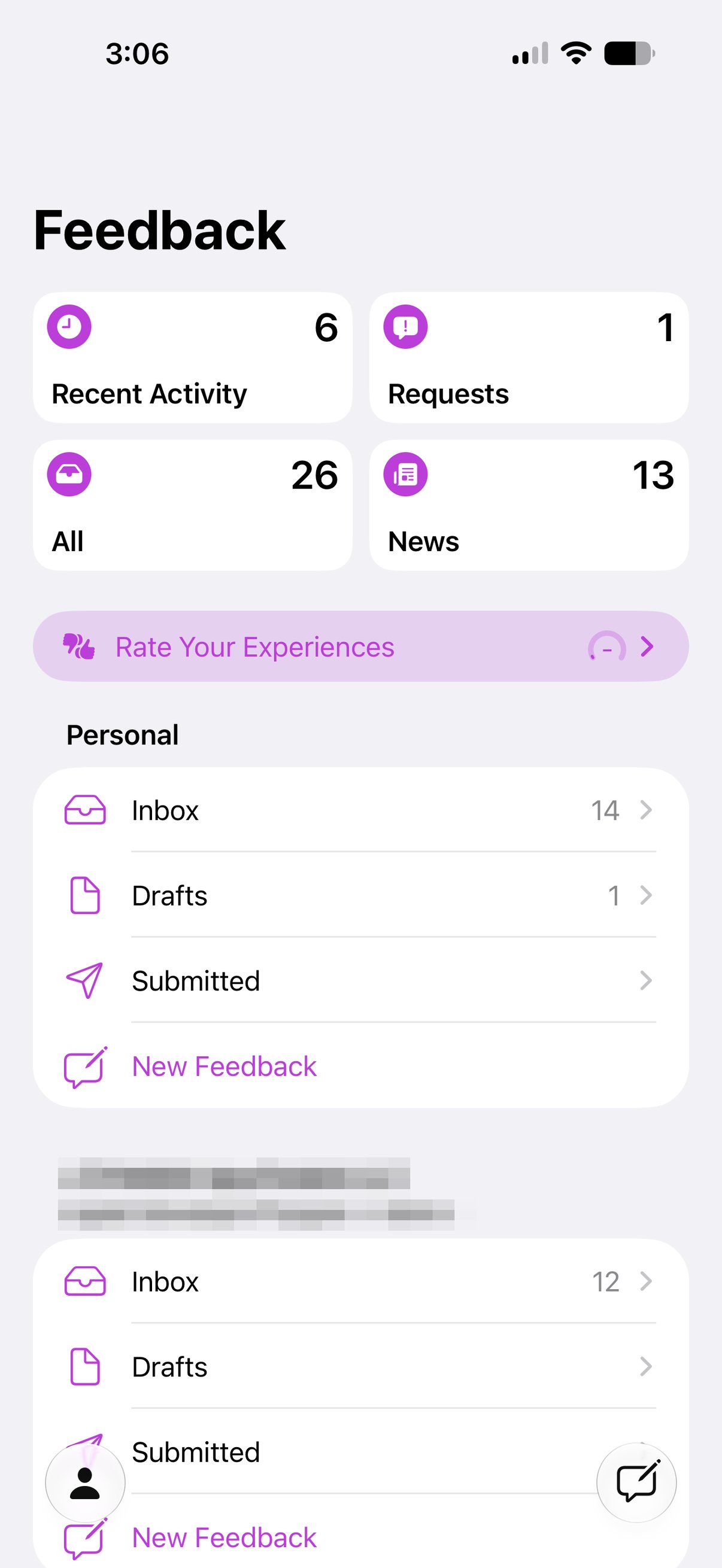
This is the part that actually matters, and the part most people skip. The entire point of a beta is to find problems before September, and a real bug report with steps and a screen recording is worth a hundred complaints on social. Apple ships the Feedback app on every beta, file what breaks there, with what you did and what you expected. Bugs that only live in a group chat never reach the people who can fix them.
The bottom line
If you are a developer or you have a spare phone, jump in, back up first, and please file your bugs. If iOS 27 is going on the phone in your pocket, wait for the public beta in July, or just wait for the real thing in the fall. The new Siri is worth being excited about, and it will still be there, more finished, when you arrive. For the hands-on take on Siri itself, see one week with the new Siri.
This studio builds privacy-first iOS apps with on-device AI, you can see them at jcmobileappstudio.com.
— JC Mobile App Studio