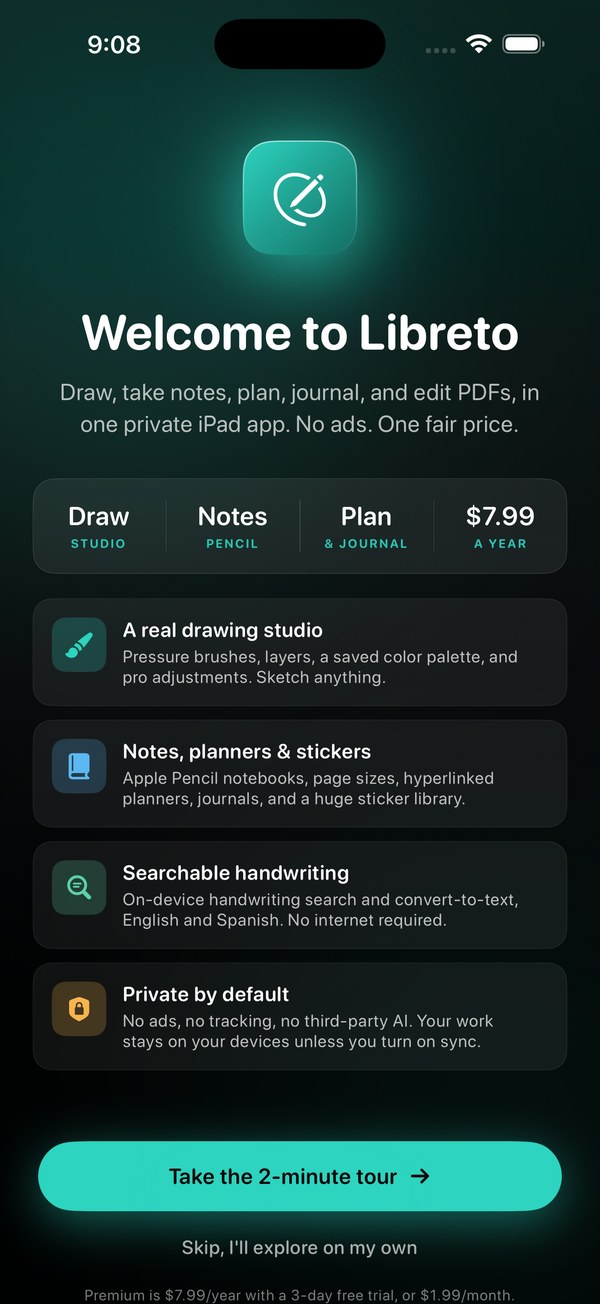
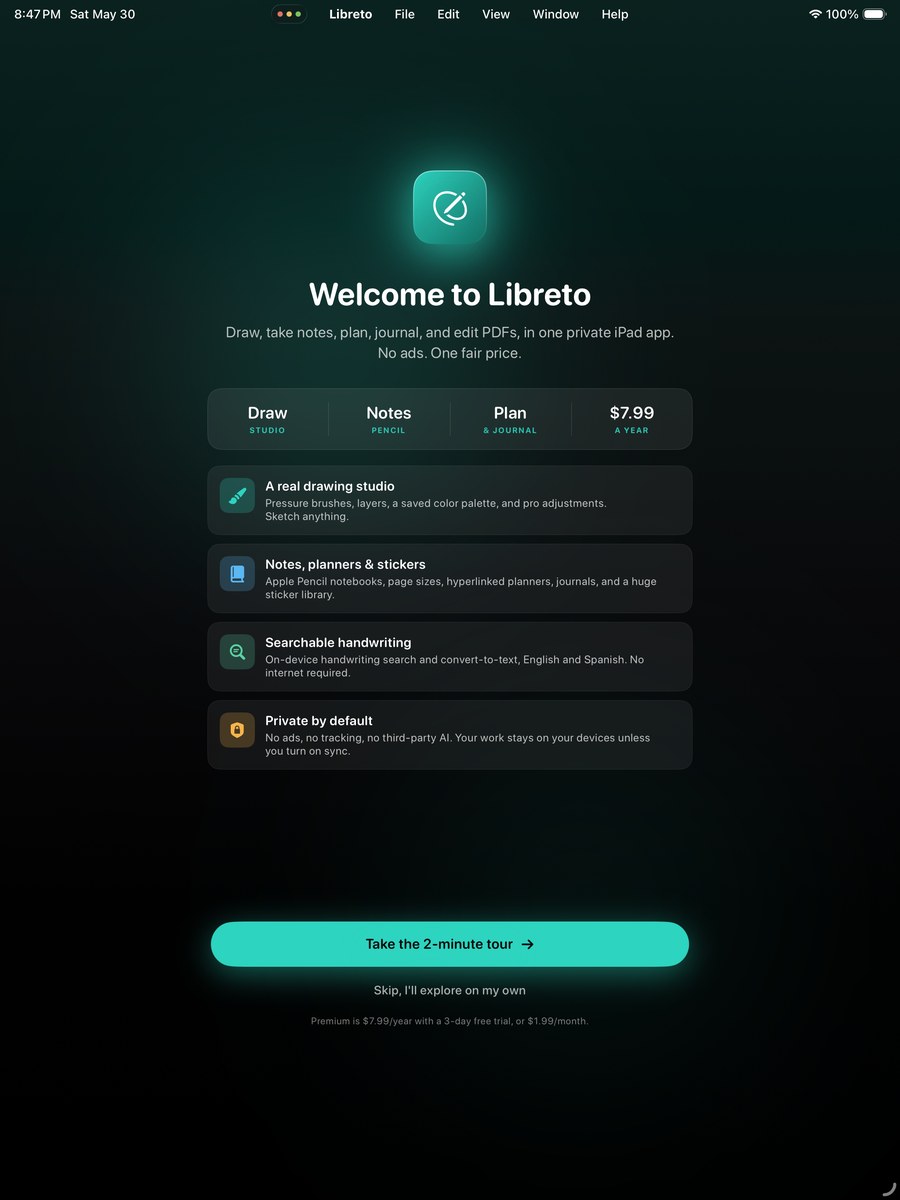
Libreto brings your creative and organized sides into one app, a pro drawing studio plus a full notebook, planner, and PDF suite. Built for Apple Pencil, and built for people tired of paying $15 a month for note-taking or $180 a year for premium PDF apps. One yearly price, every feature unlocked, no ads, no upsells.
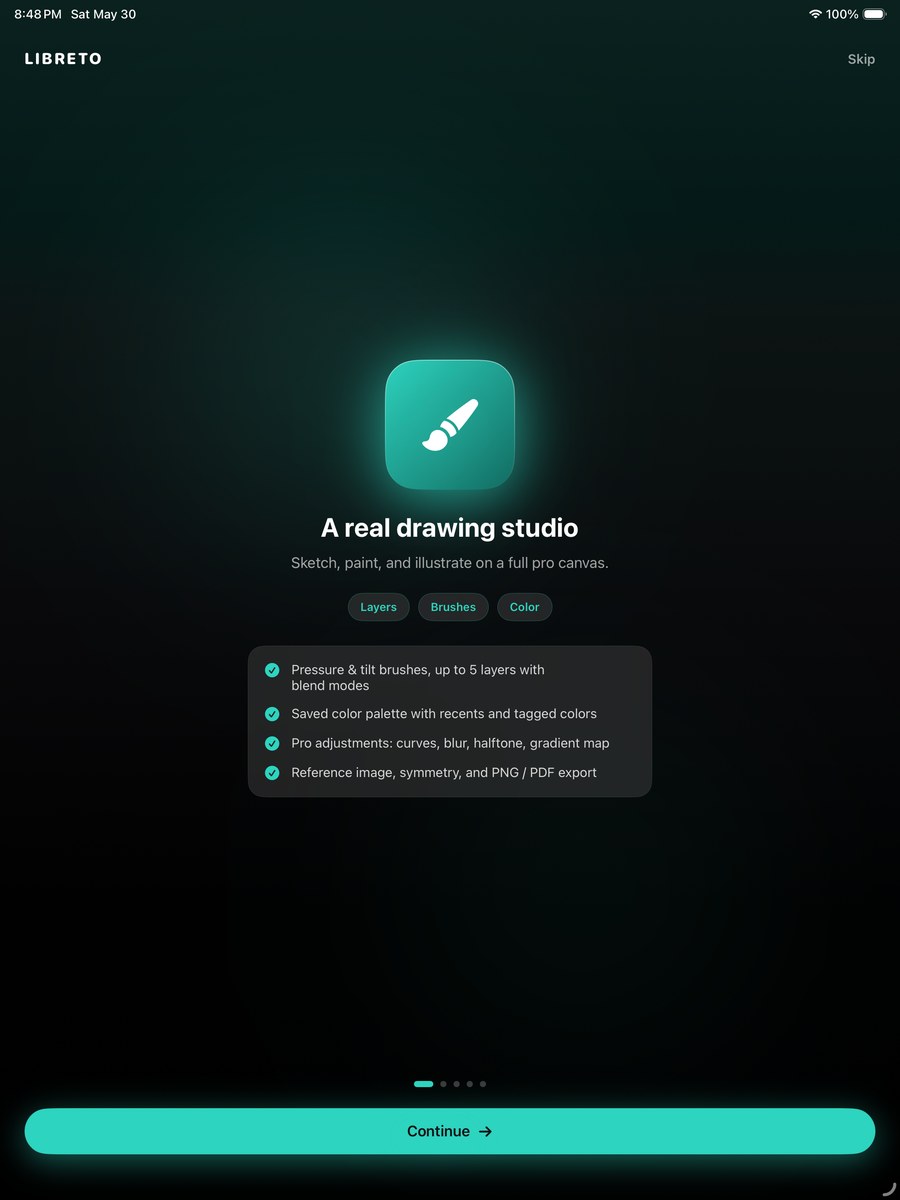
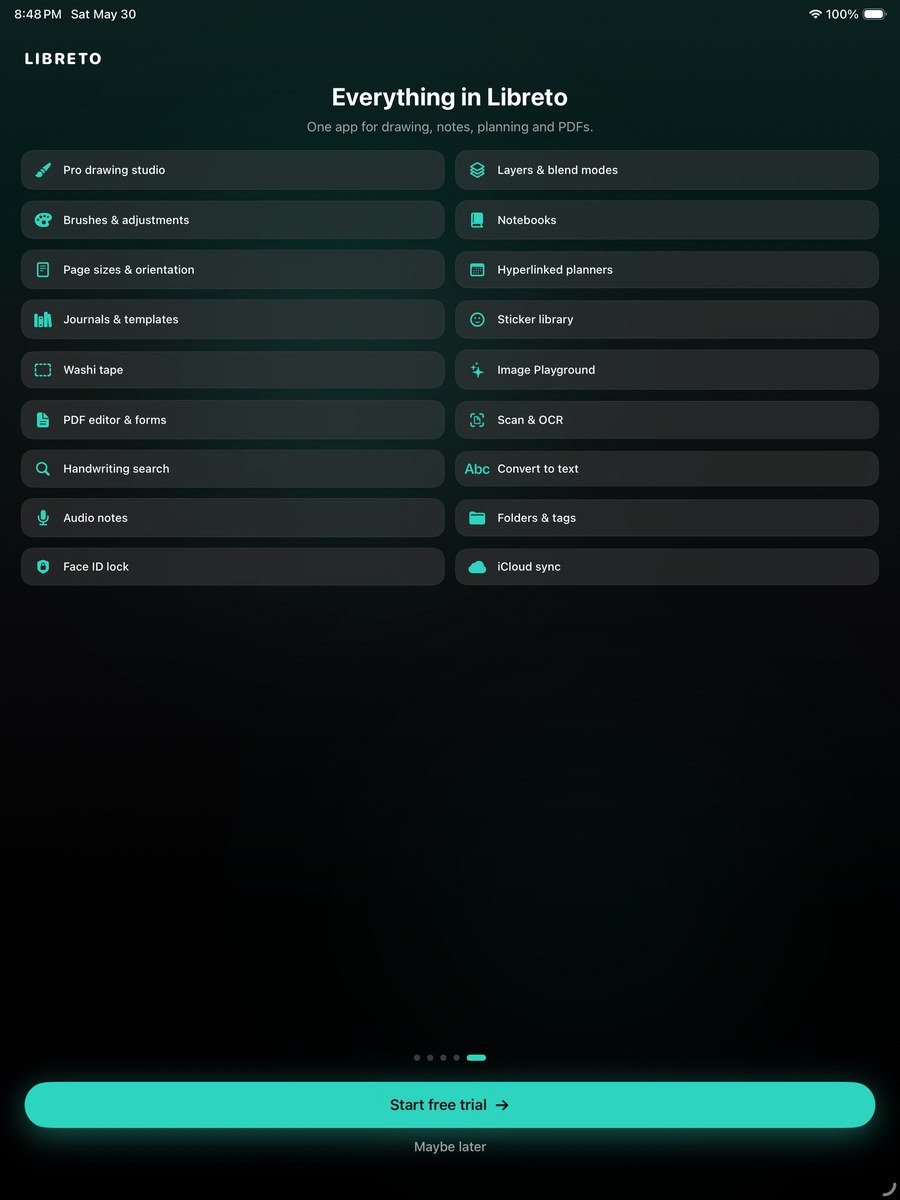
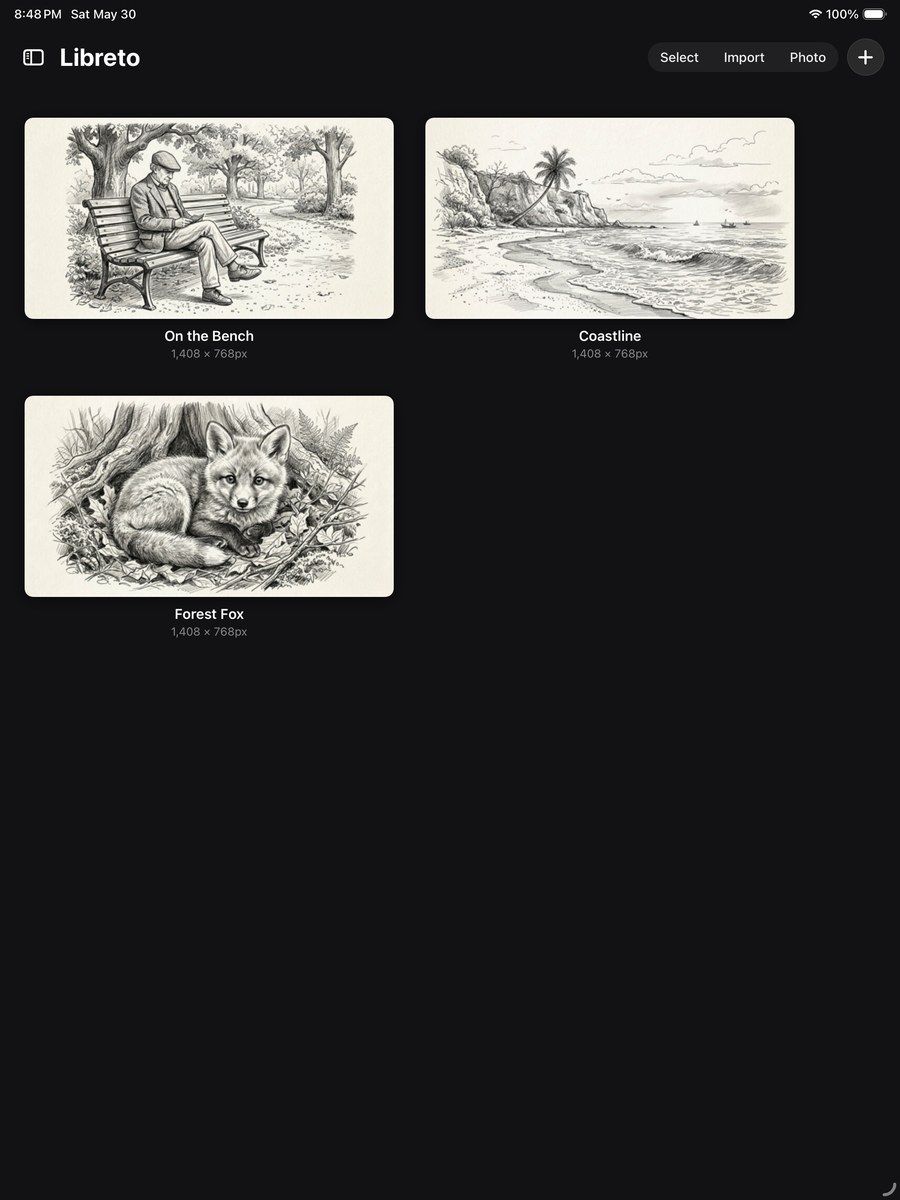
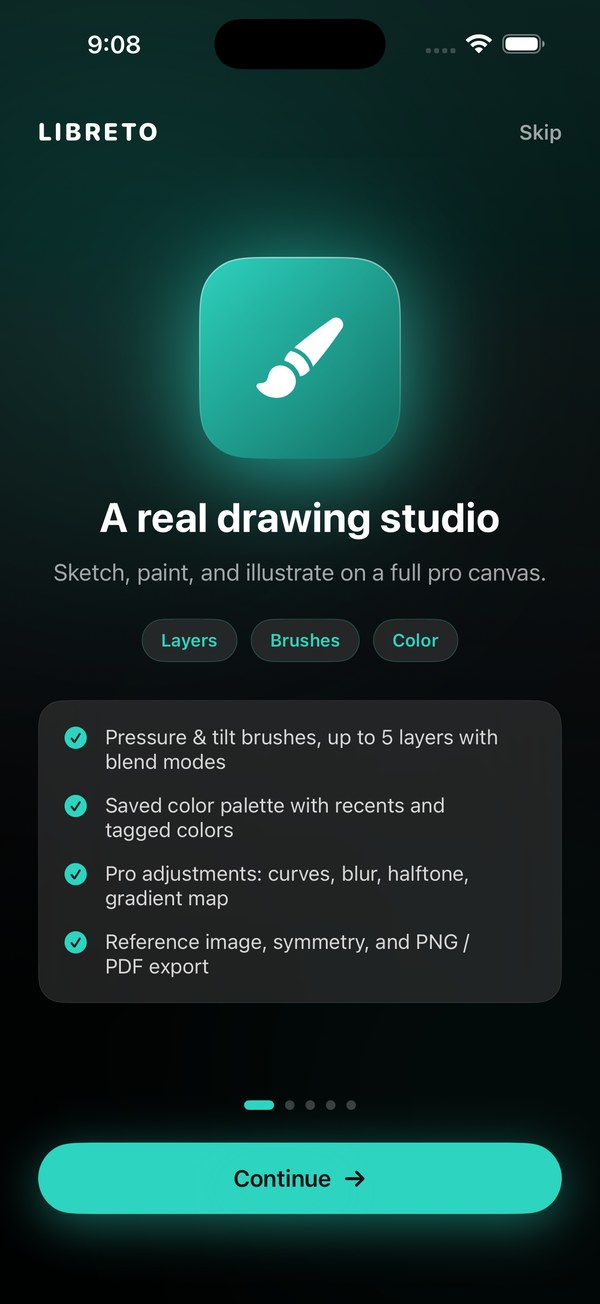
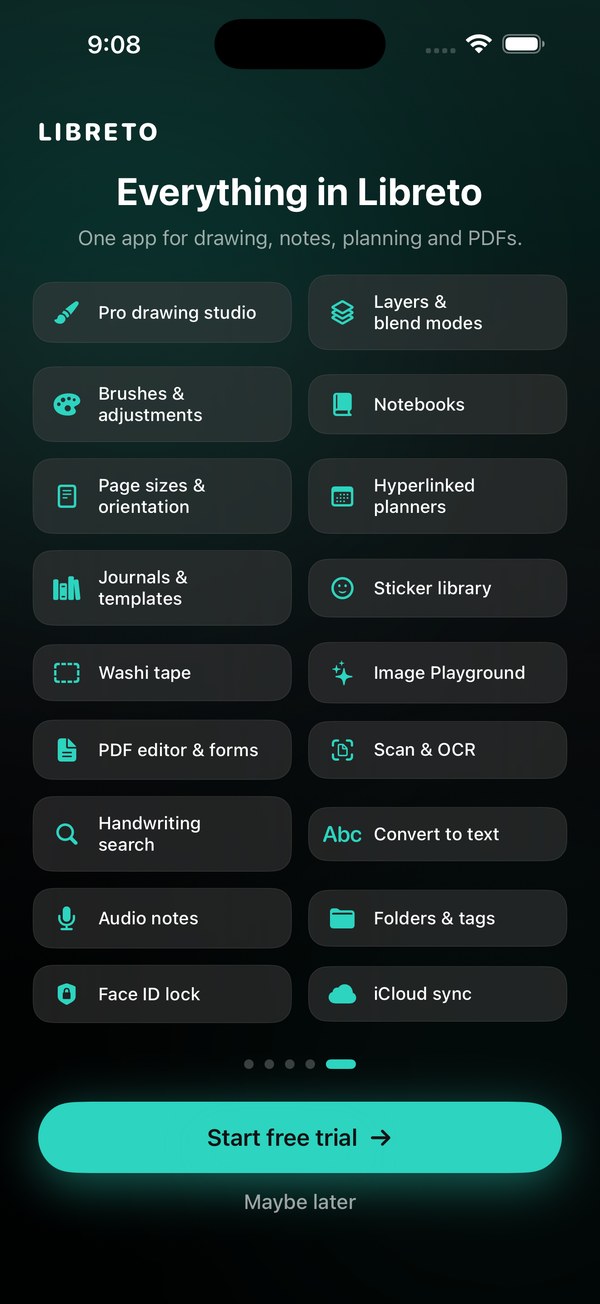
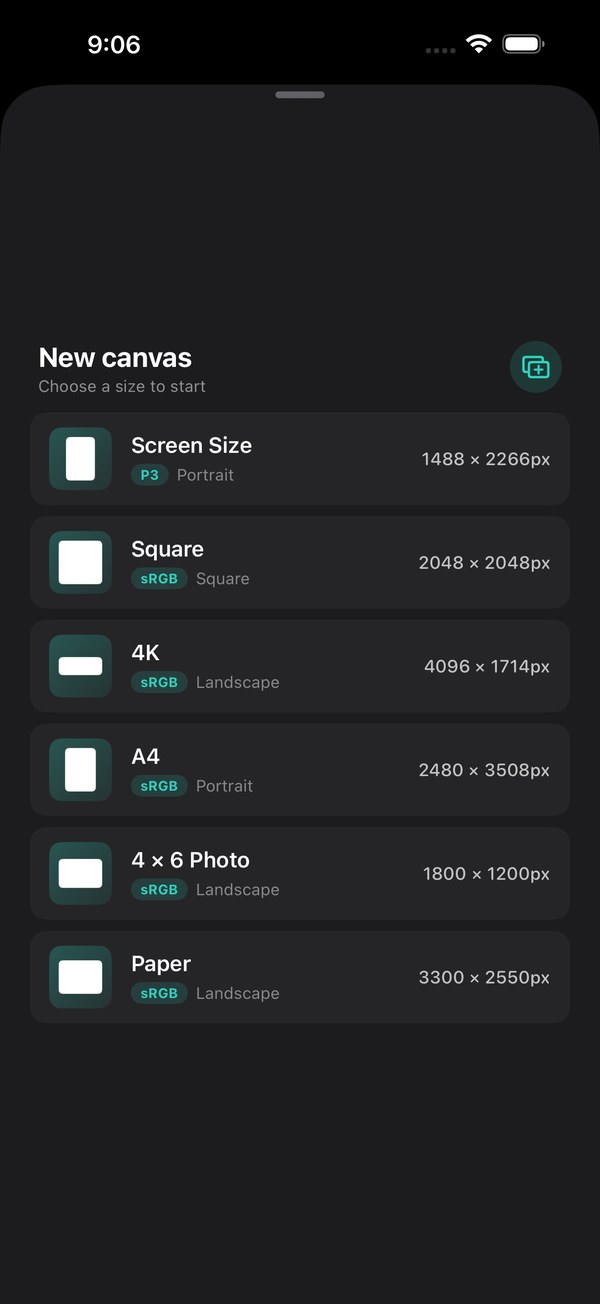
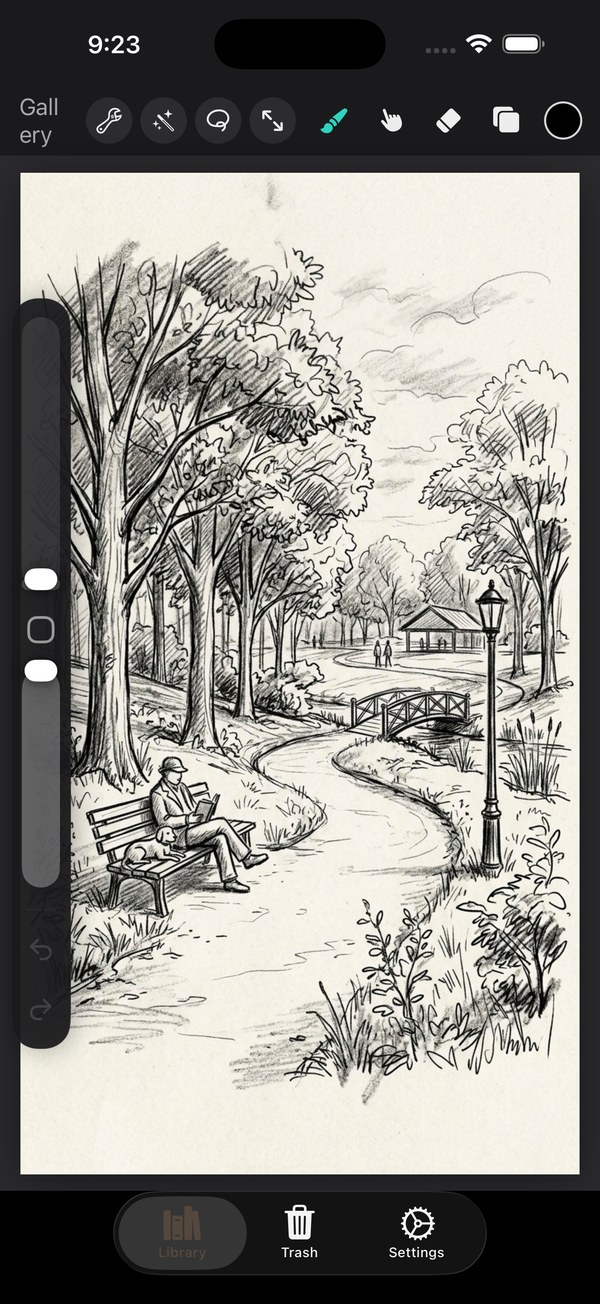
Drawing studio: a layered canvas with blend modes and per-layer opacity, 56 brushes across 8 categories (sketching, inking, painting, airbrushing, textures, and more), plus smudge, eraser, selection, and transform tools. Adjustments include blur, noise, sharpen, bloom, halftone, and chromatic aberration. Import a photo straight into a canvas to trace or paint over, with size presets or your own. A separate whiteboard is there for quick, freeform brainstorming.
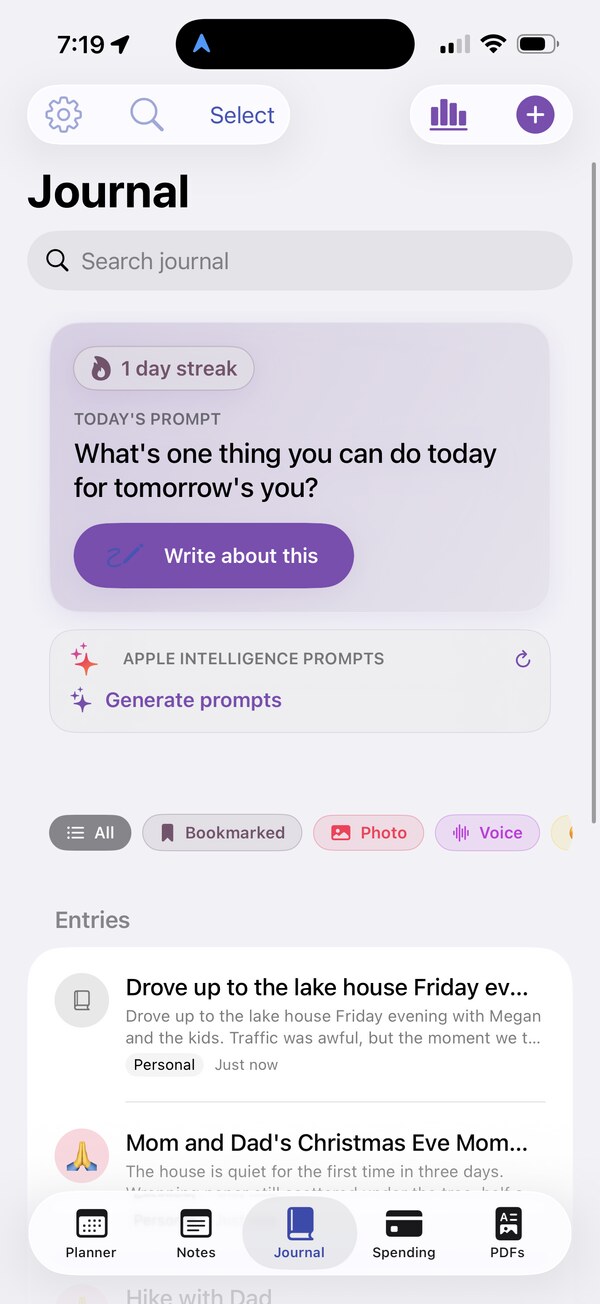
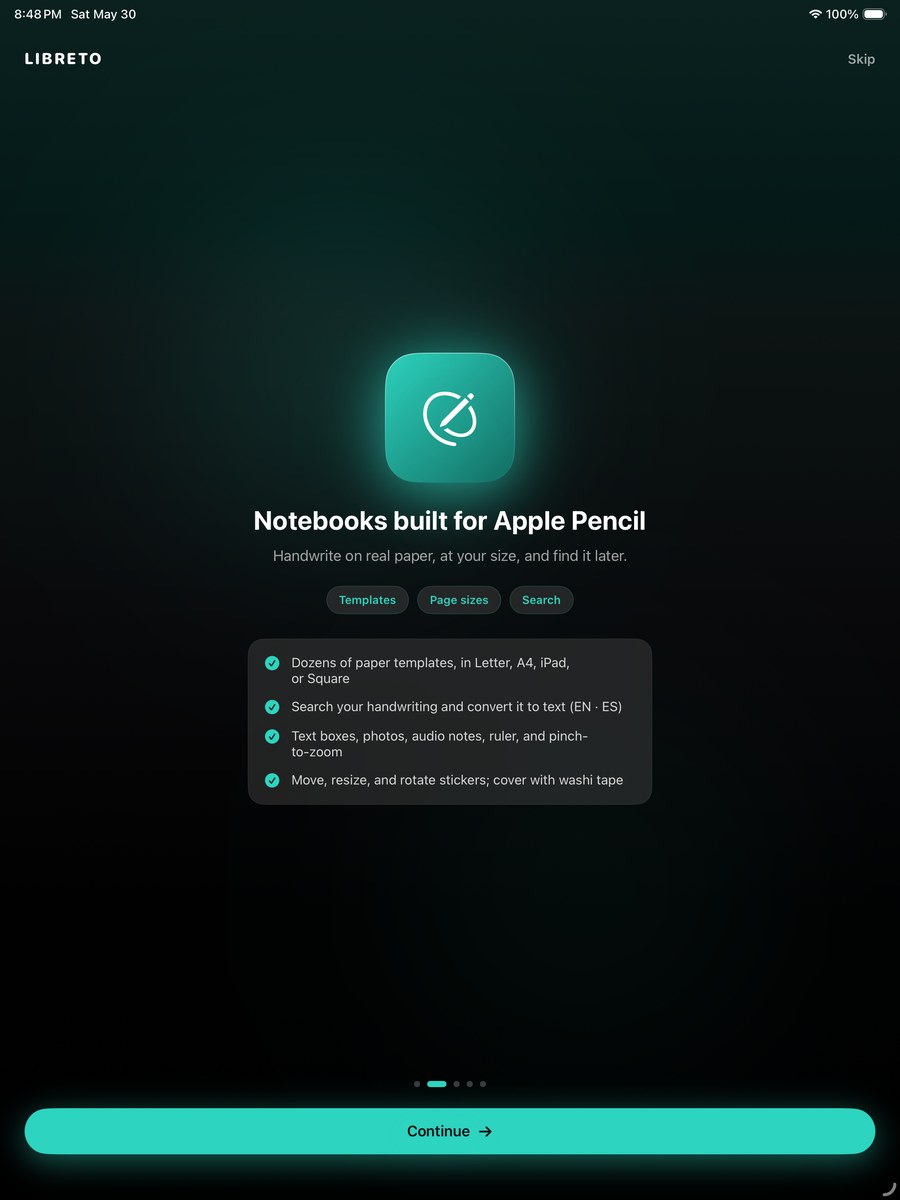
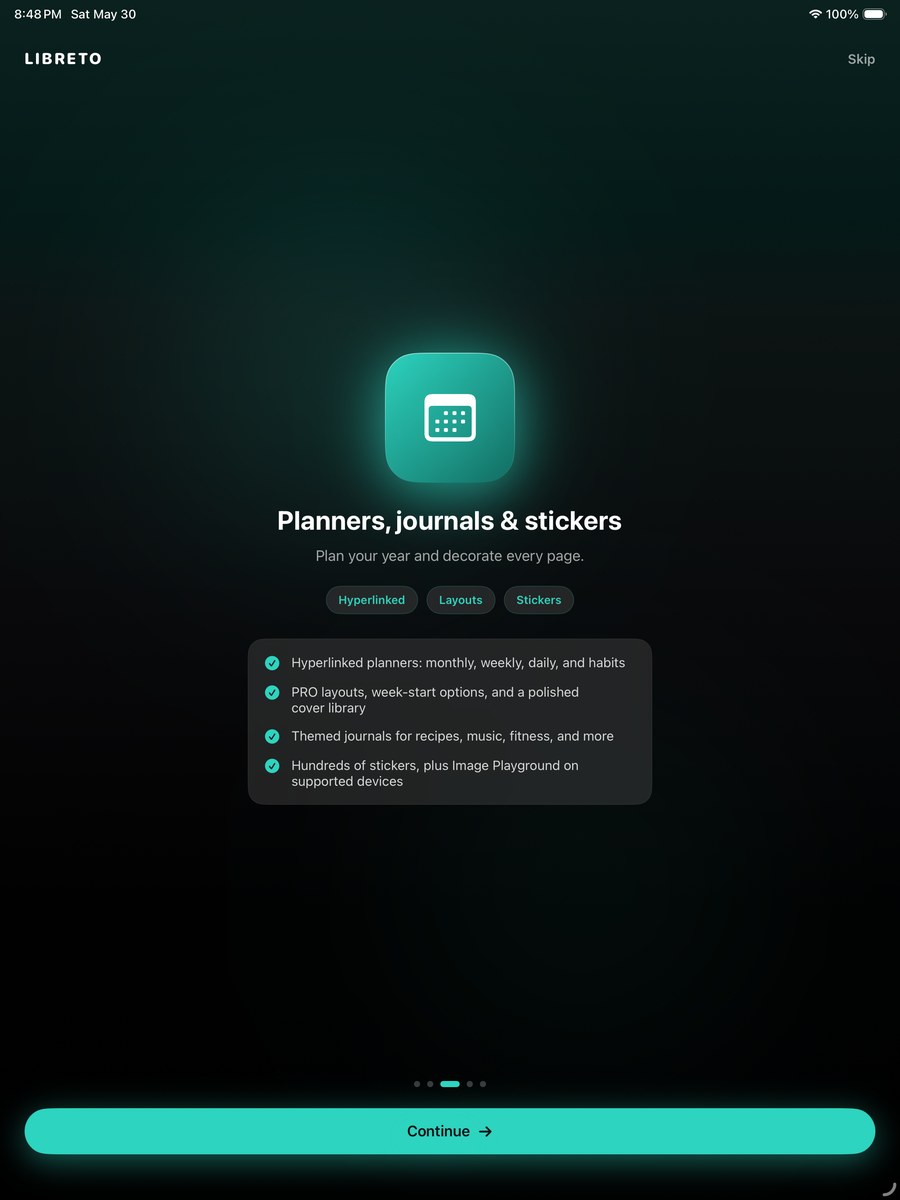
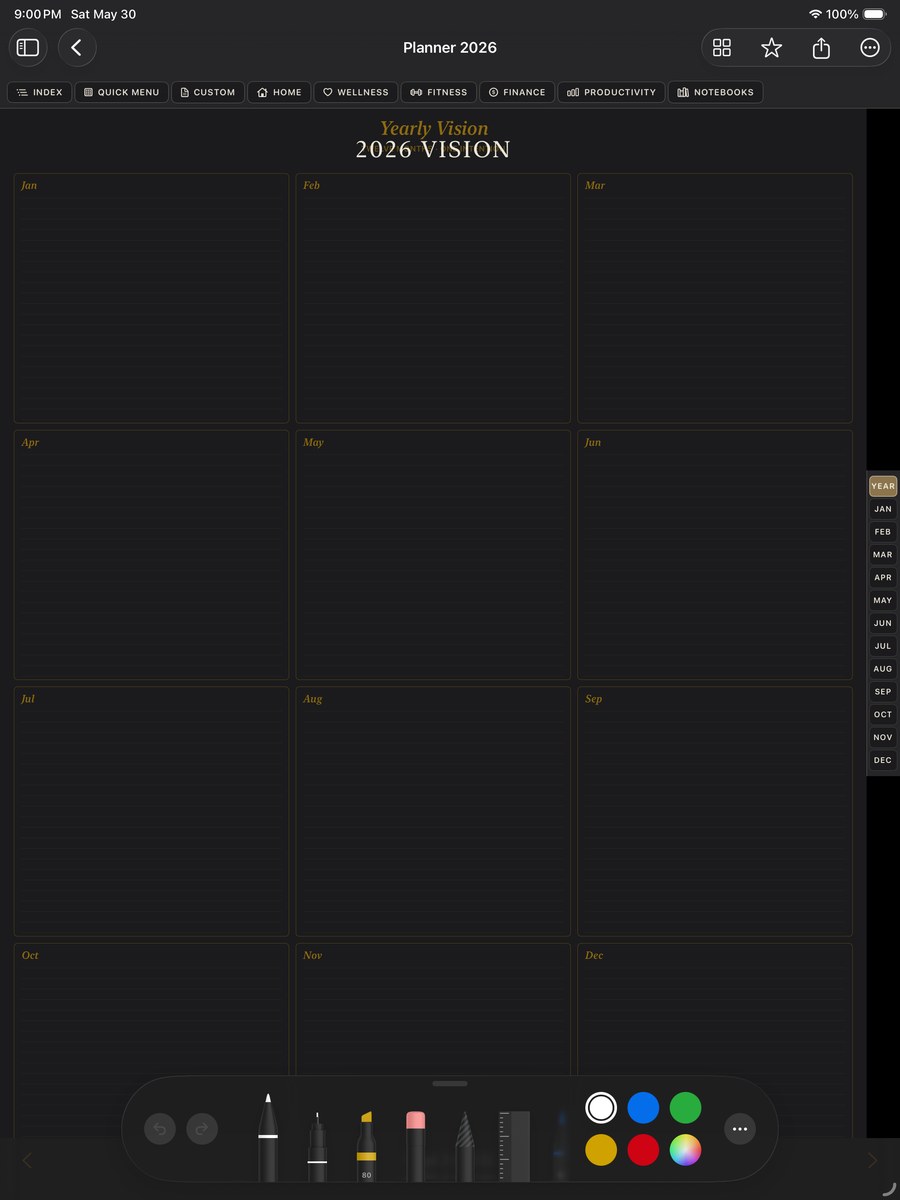
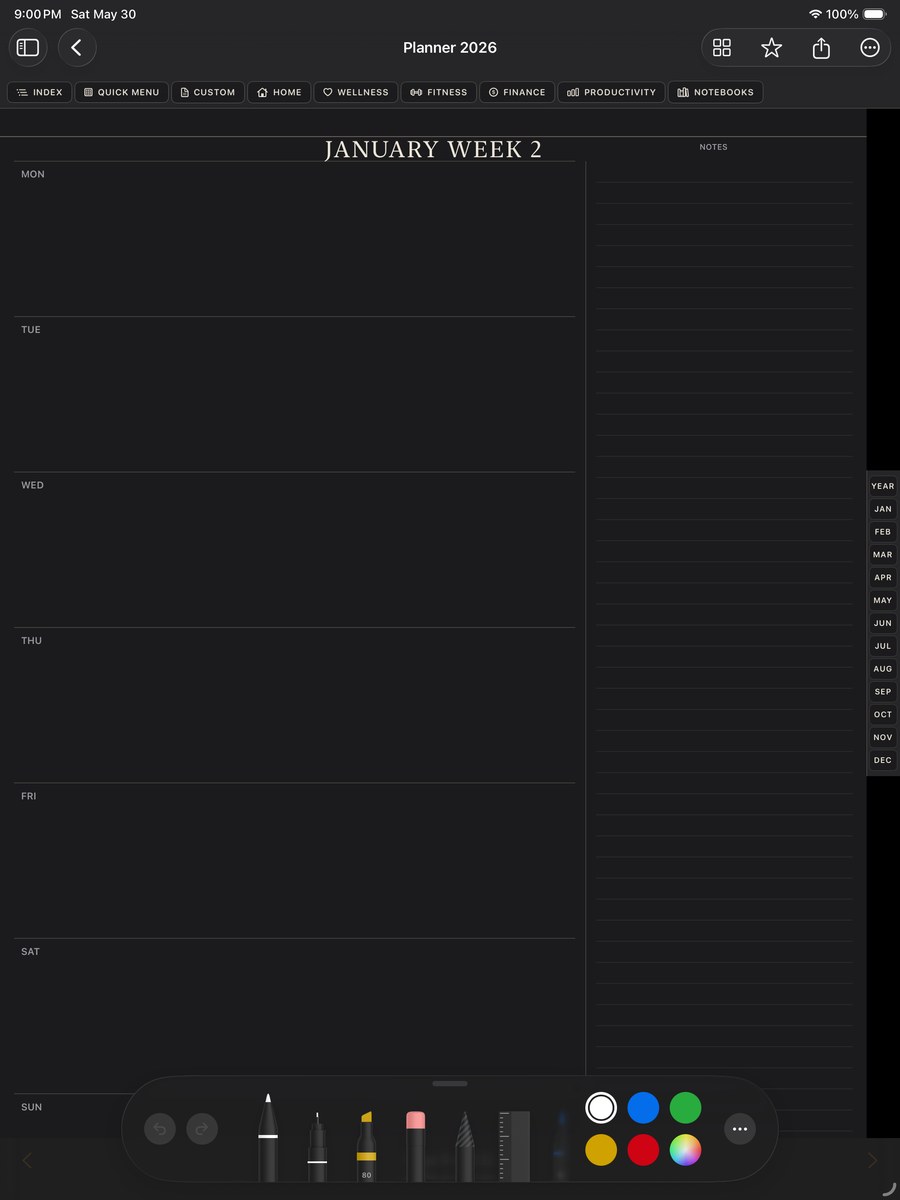
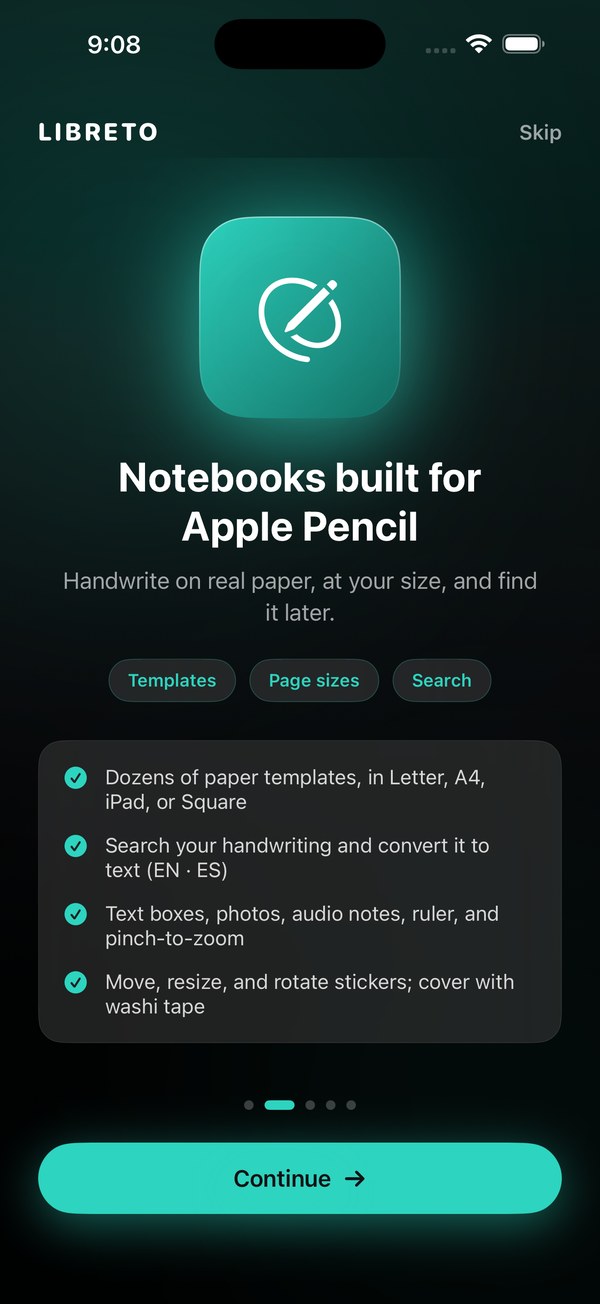
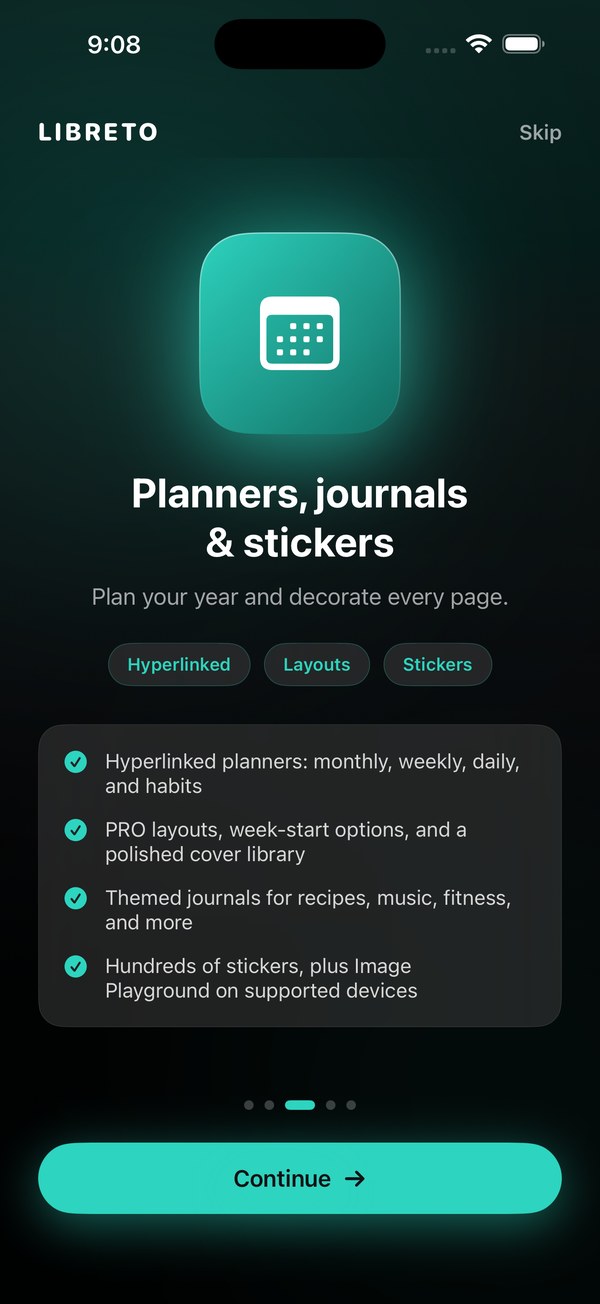
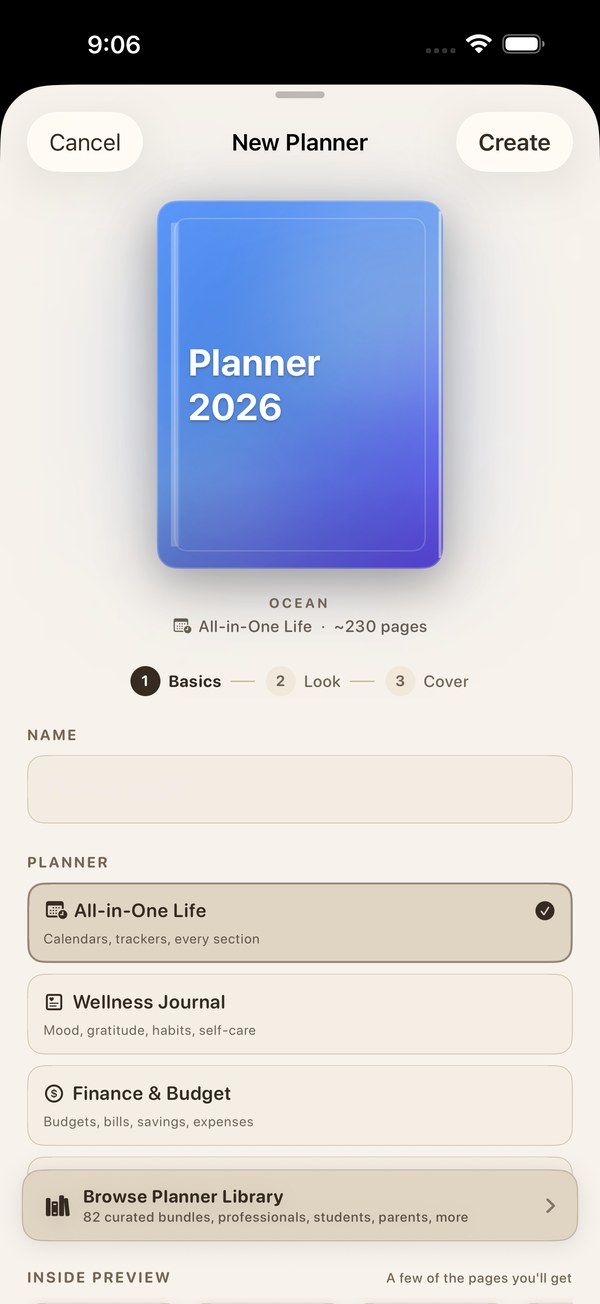
Notebooks, planners, and journals: hyperlinked planners that jump between year, months, weeks, and days, a large library of templates for work, study, finance, and fitness, a sticker library with your own imported packs, custom cover designs, and audio recording right on the page. Apple Pencil is first class, with pressure, tilt, hover, double-tap, and squeeze support, plus a ruler, shape tools, and palette customization.
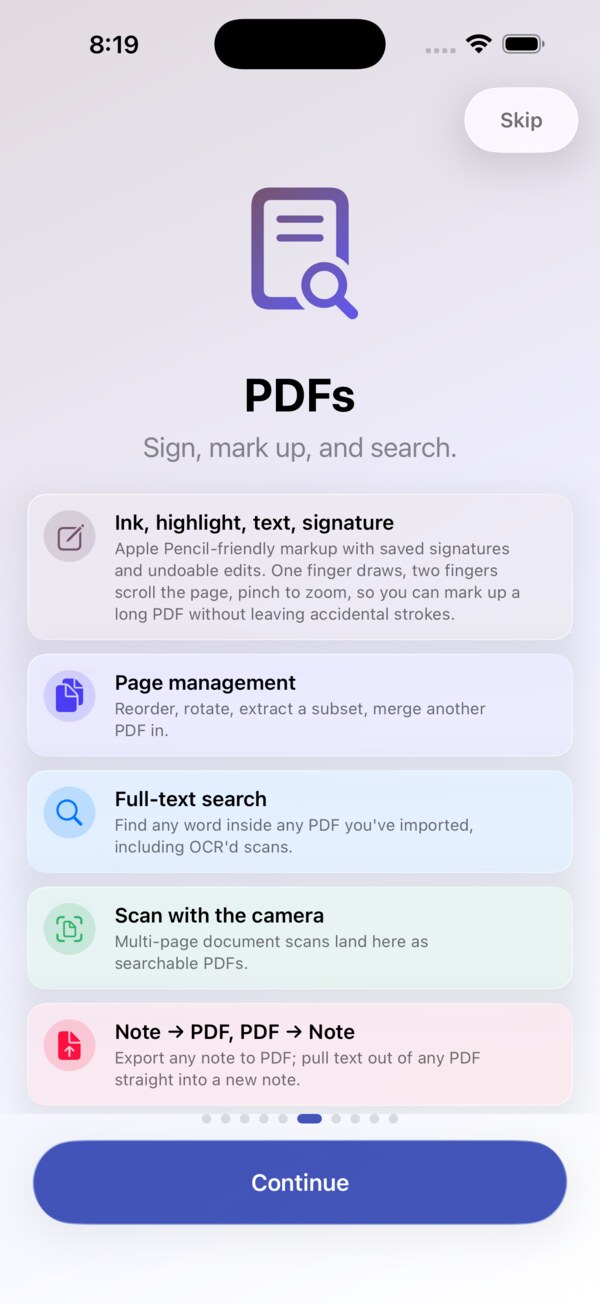
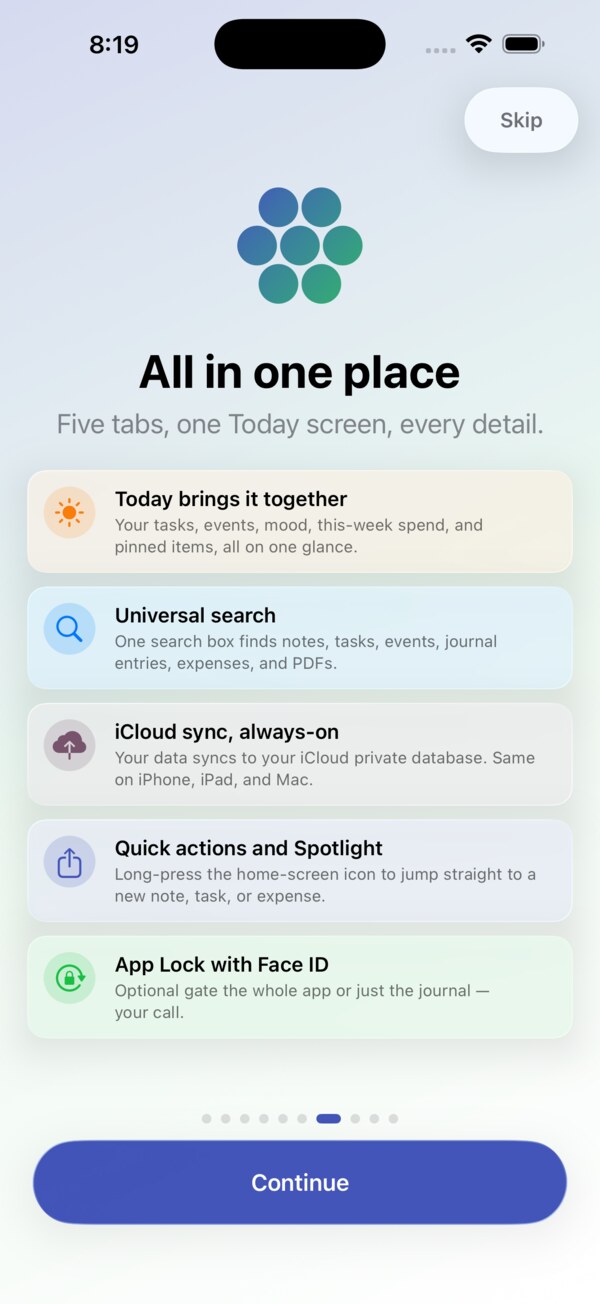
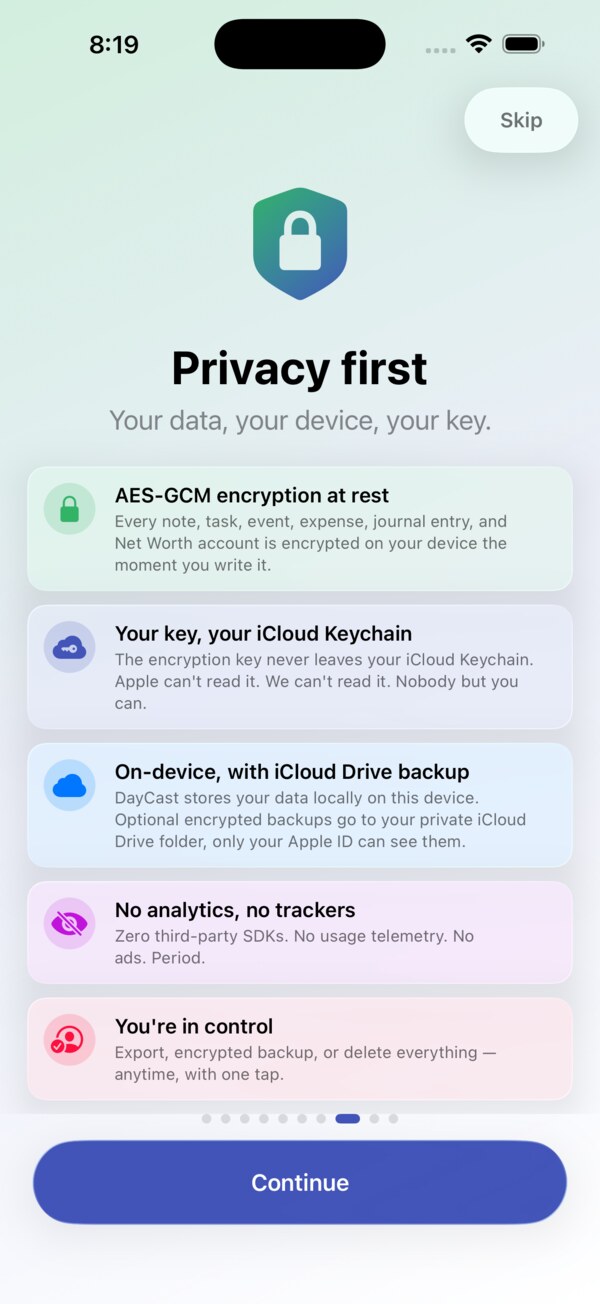
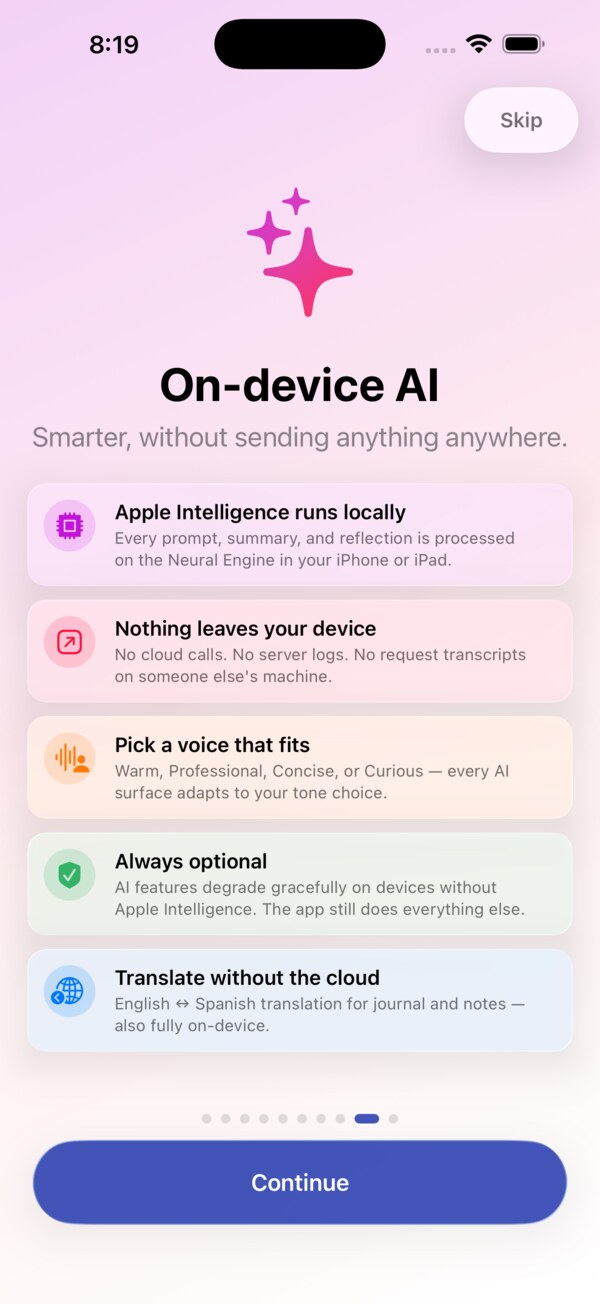
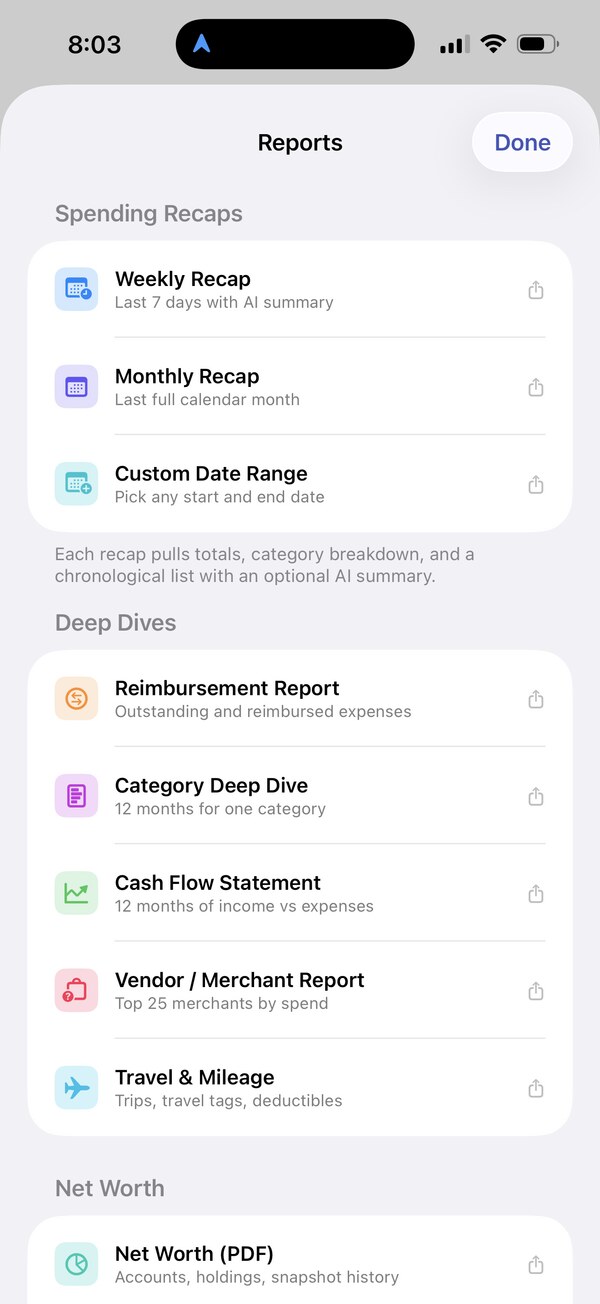
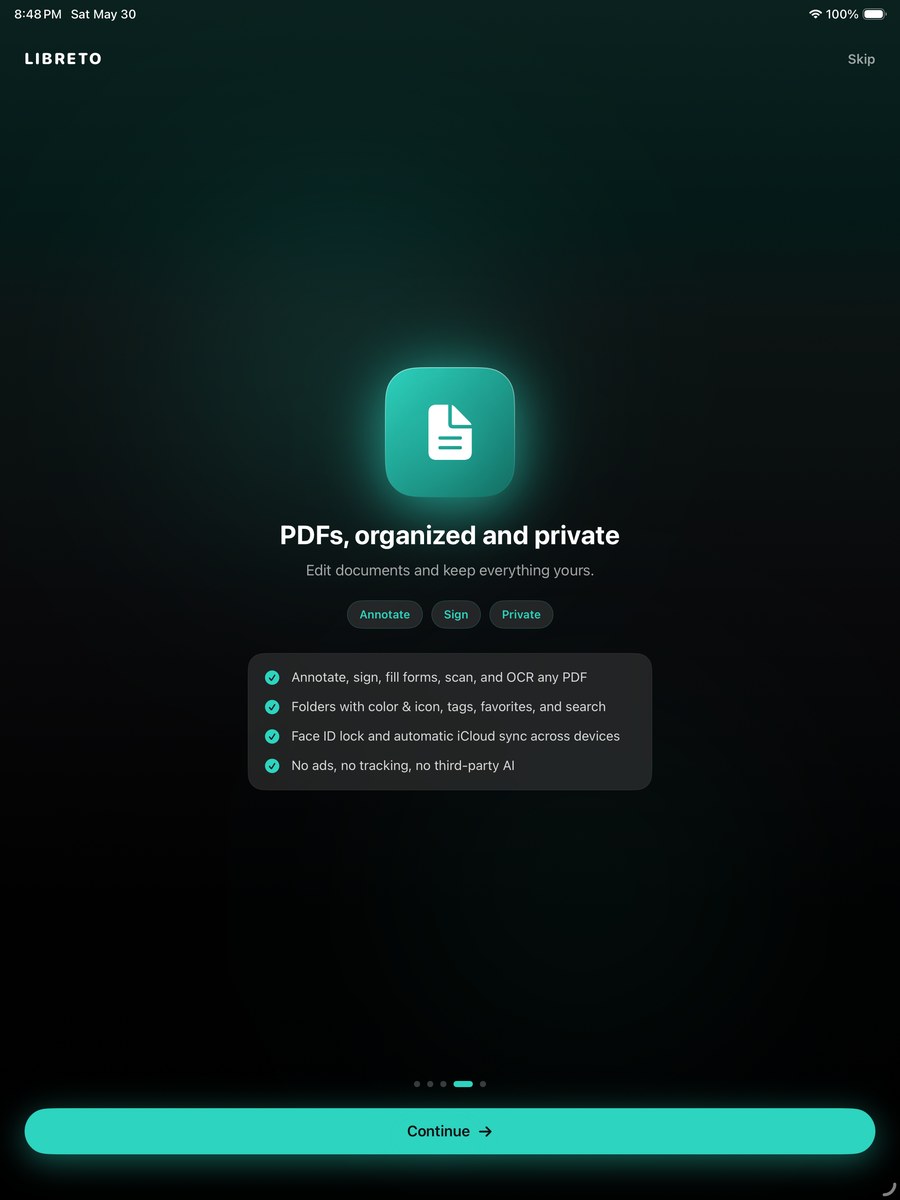
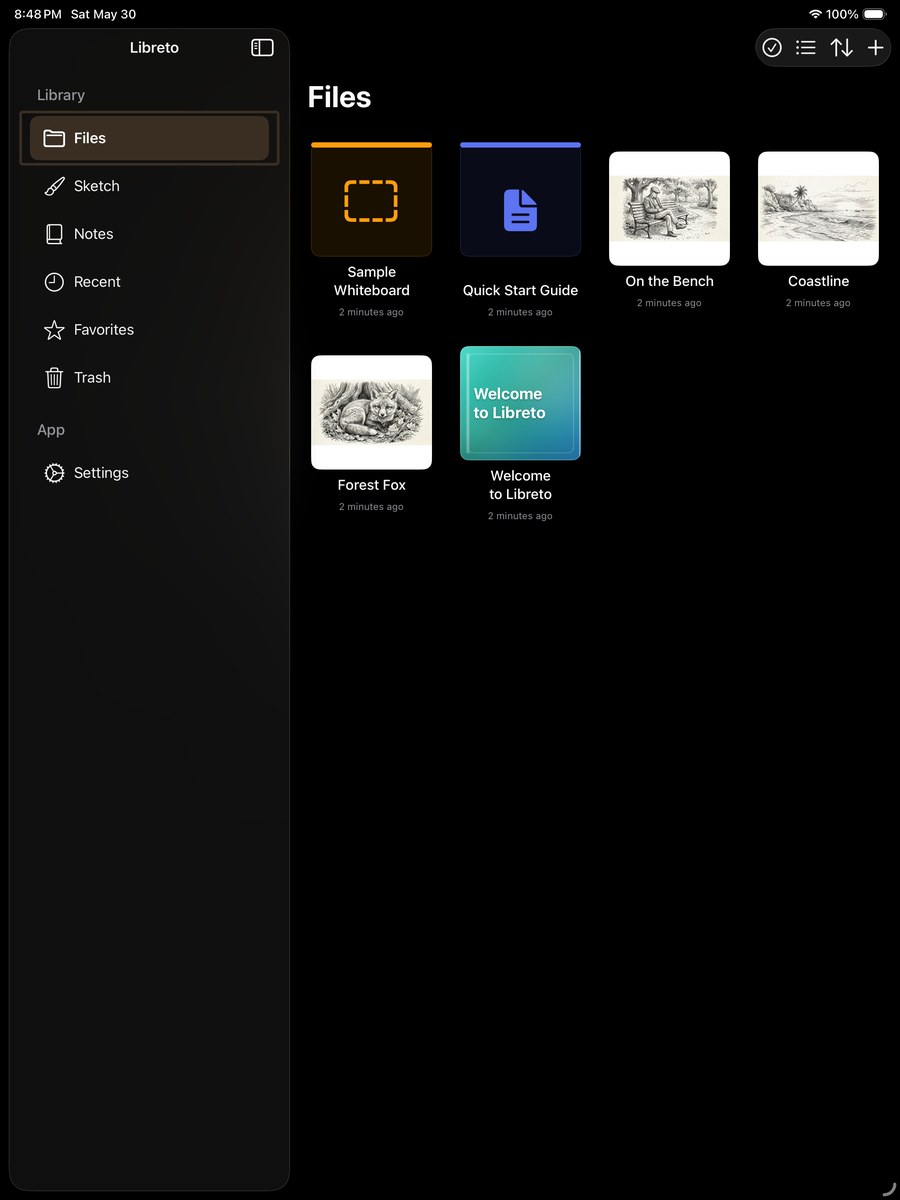
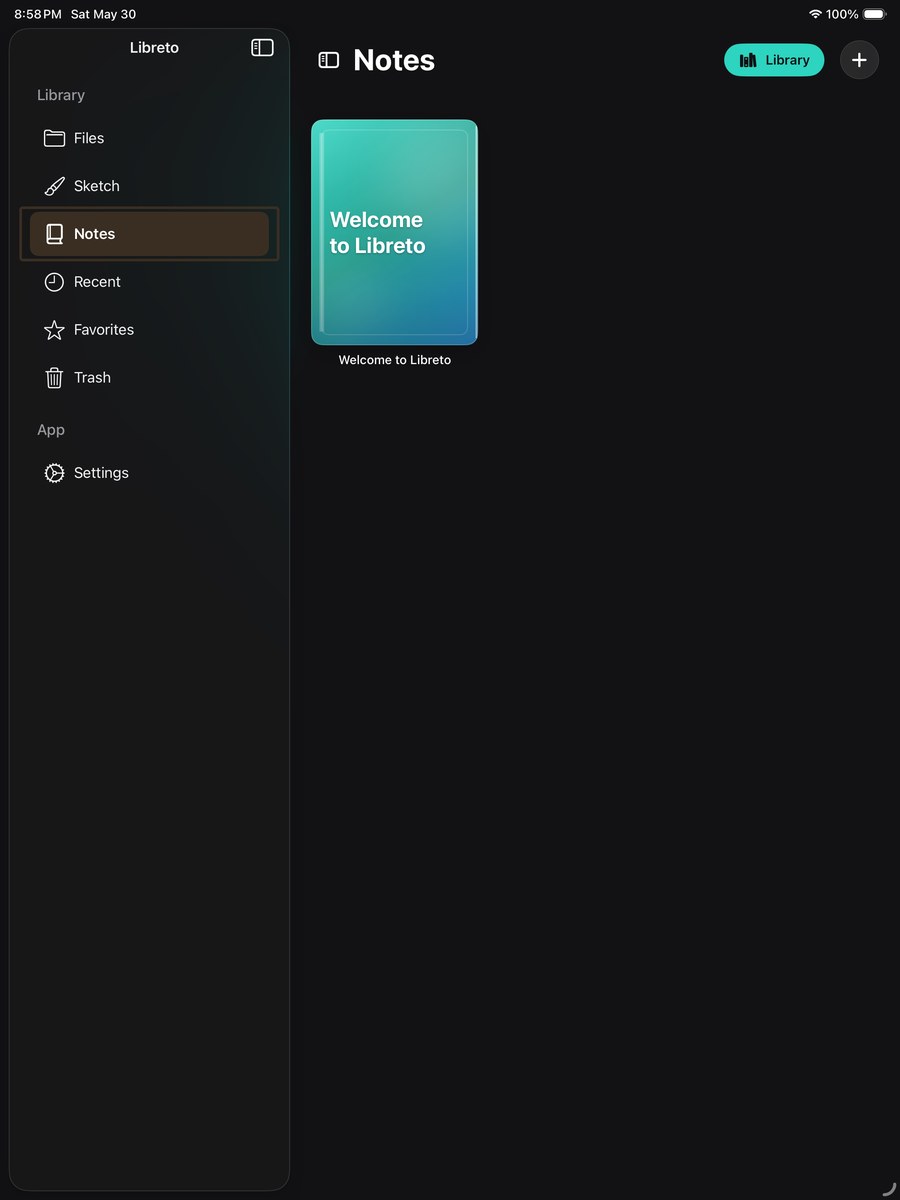
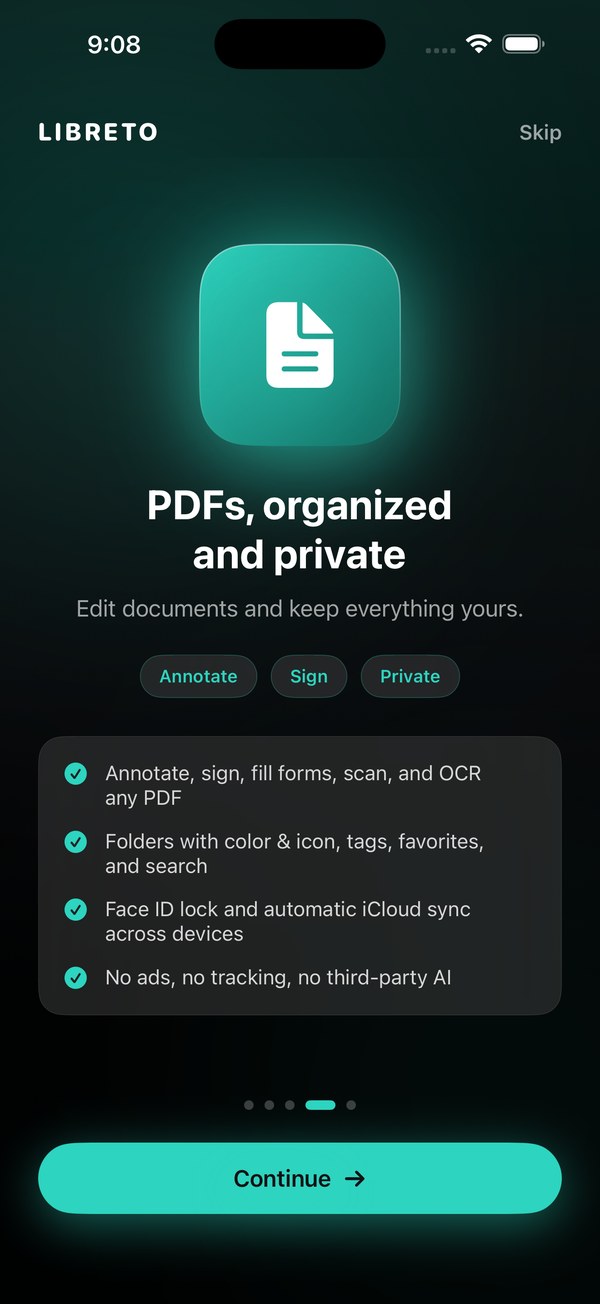
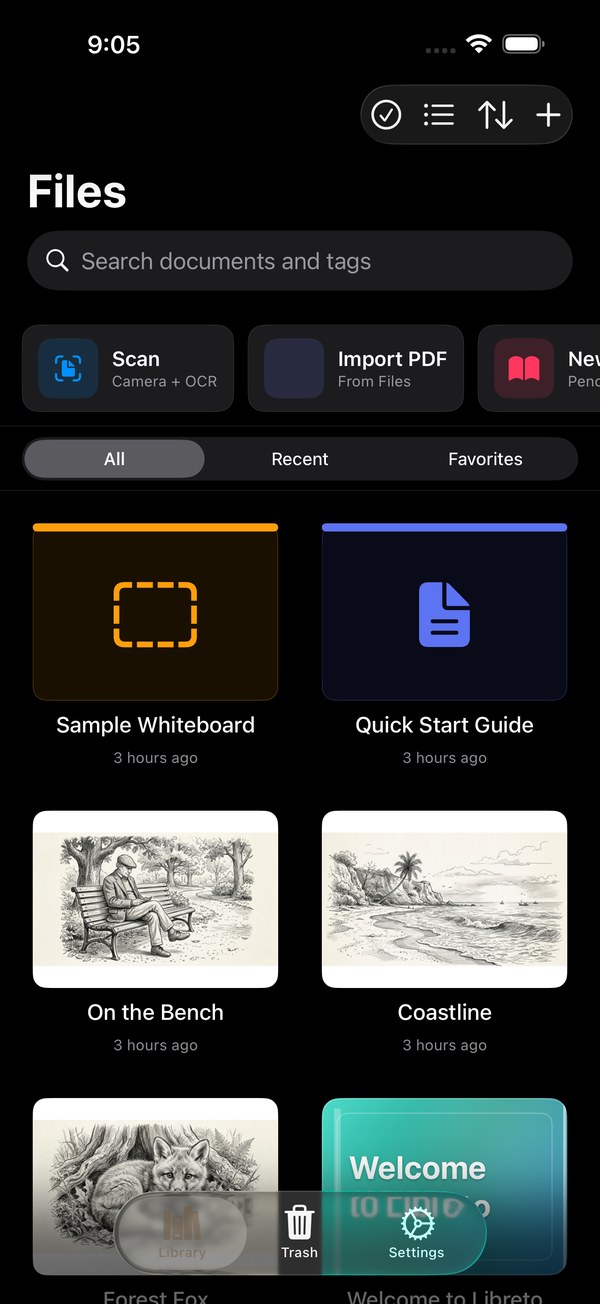
Full PDF editor: highlight, underline, ink, shapes, sticky notes, and text boxes, sign documents with saved signatures, fill forms, and manage pages with rotate, crop, merge, split, extract, compress, watermark, and password tools. Scan paper documents, and search or convert your handwriting to text on device in English and Spanish, with nothing leaving your iPhone or iPad. Organize with folders, tags, favorites, and search, lock sensitive files behind Face ID, and sync everything through iCloud.
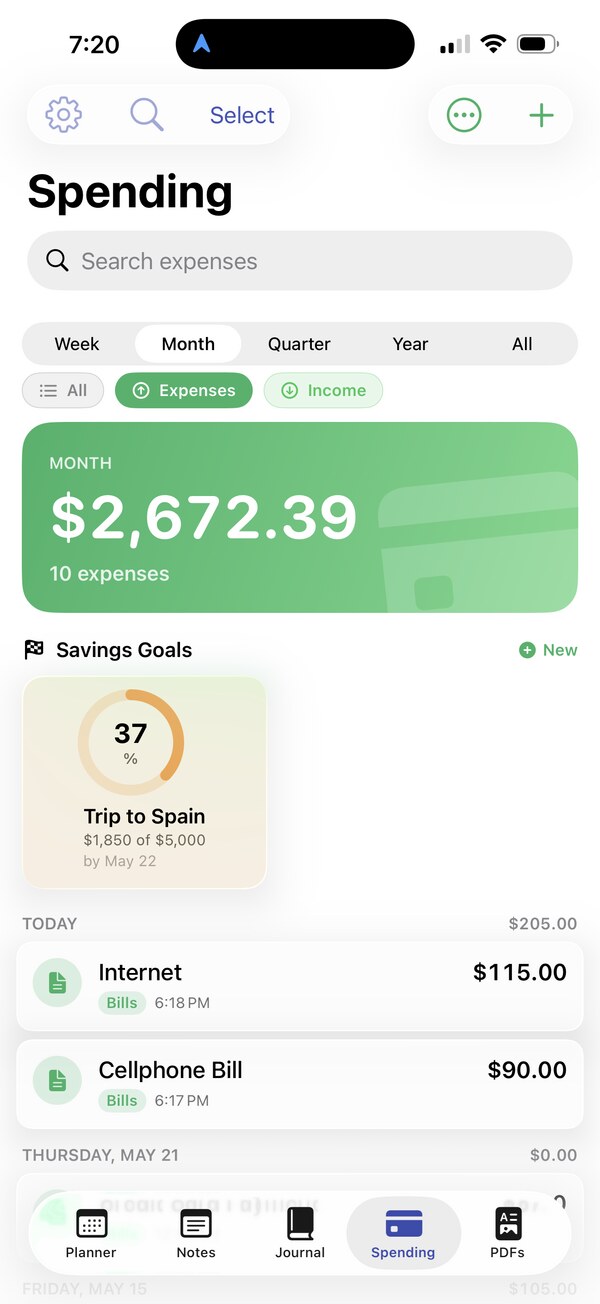
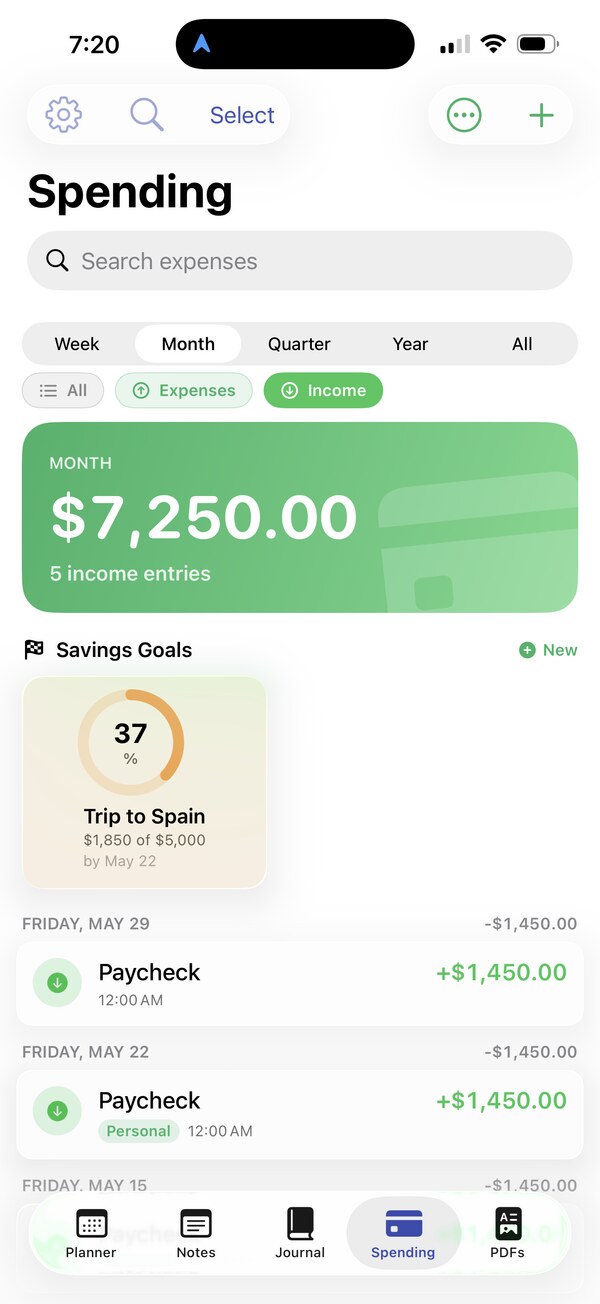
Libreto Premium is $7.99 per year (with a 3-day free trial) or $0.99 per month. The price you see is the price you pay, no tiers, no upsells, no analytics, no advertising, no data sales. Your subscription funds a steady stream of new brushes, tools, and planner and journal designs.